



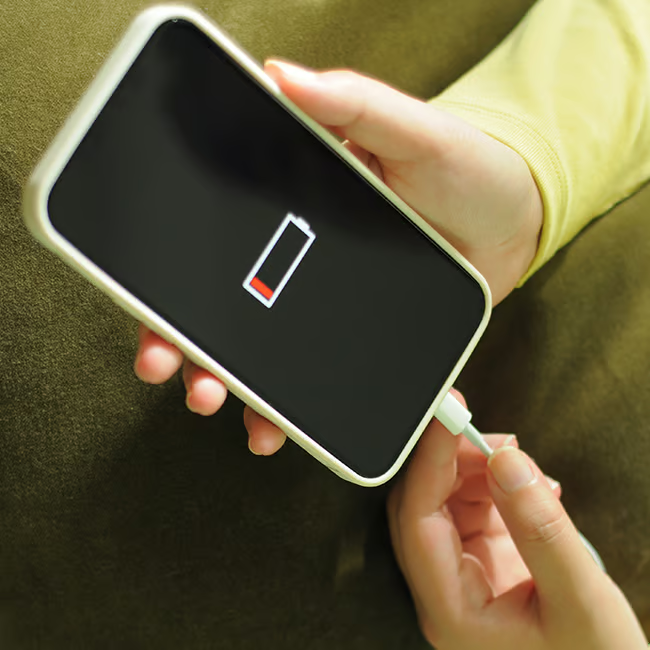
Believe it or not, there are actually some charging habits and techniques that can worsen your iPhone’s battery life instead of improving it.
Charging an iPhone might seem fairly foolproof, but there’s a lot that can impact how effective your charging is. Aside from the type of charger you use, certain things you do while using your iPhone can actually end up being a ‘mistake’ that impacts your battery over time. Read more about three mistakes tech pros encourage you to stop making to prevent your battery from draining too quickly below.

Women Are Swapping Their Boring Water For This Ice Pop Electrolyte Mix!

1. Leaving Background App Refresh On
One setting that is actually super influential on your iPhone's battery life is Background App Refresh, which ensures that all of your social media apps, news apps, etc., are consistently updating and refreshing, even when you're not using them. Though you might believe your app activity stops once you close it out, hoping to save battery, if this setting is on, the opposite can happen.
"iPhones have many features that are designed to make them smarter and more personalized to their owner," says tech pro Luke Ford. "One of these features is Background App Refresh. This feature tracks the apps you use the most, the exact time of day that you use them, and then automatically updates them. This happens, so when you open the app next, it will display the latest information for you. Clearly, this is an awesome feature, but it will drain your battery fast!"

2. Leaving On Push Notifications
Is your iPhone screen constantly getting filled with notifications? They can be from texts, your email, social media apps, and more. Though there are some apps and features you might absolutely need to have notifications on for, there are others that don't necessarily need to notify you. You should ensure you're not getting too many unnecessary notifications, as when they pop up, they take up more device power.
"Every push notification wakes your screen, uses network activity, and may trigger background processes," explains tech expert Keith Harvey. "If dozens of apps are constantly sending notifications, your phone is repeatedly 'waking up,' which adds up over time. Reducing notifications to only essential apps helps cut down on these small but frequent battery drains."
3. Keeping Your Screen Brightness Too High
Of course, everyone wants to be able to see when they're using their iPhone. However, a lot of users tend to forget just how much of an impact their phone's display can have on their battery, and keeping your brightness too high can easily drain it.
"The display is one of the biggest battery consumers on an iPhone," adds Harvey. "If brightness is set too high—especially in situations where it's not needed—it significantly increases power usage. Turning off Auto-Brightness makes it more likely you'll forget to adjust it, meaning your phone may stay brighter than necessary for long periods."