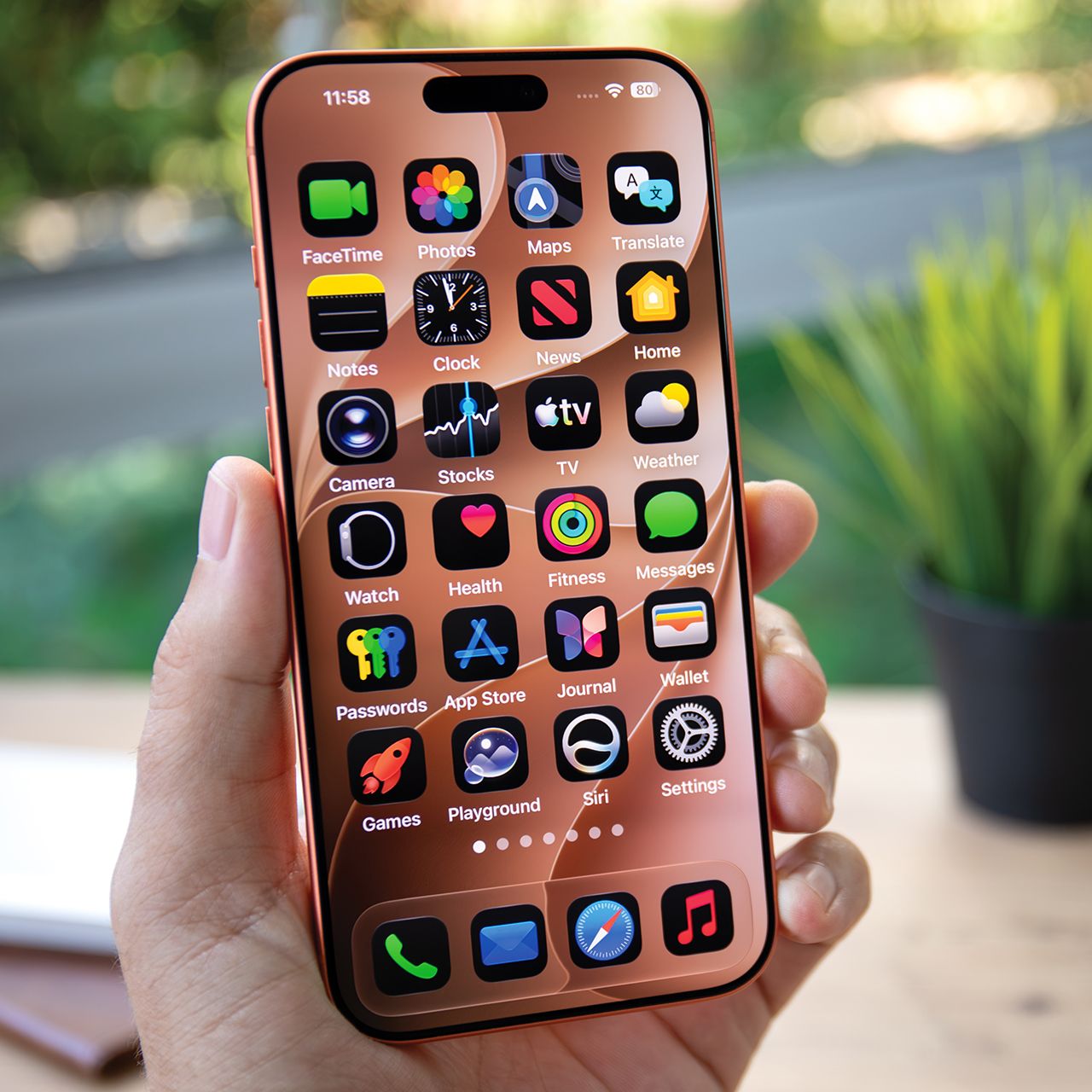



There are many iPhone users who have gone through the same struggle -periods of full storage.
When your phone’s storage is full, it can cause a myriad of issues. Not only is it frustrating because it can prevent you from taking new photos or downloading new things, but it can also easily cause your device to slow down, affecting your day-to-day activities. When people’s storage runs out, sometimes their first instinct is to delete photos and videos they might not be ready to let go of, but there are actually some ‘hidden’ settings tech experts suggest you adjust before doing so. Read more about them below.

Women Are Swapping Their Boring Water For This Ice Pop Electrolyte Mix!

1. Offload Unused Apps
When people first get their iPhones, it can be super common to download a bunch of apps that you might not use after a while. Then, instead of sorting through those apps and deleting them, they sit on your phone, taking up storage. Using the 'offload unused apps' feature can help take care of that issue.
"Use the offload unused apps feature," suggests tech pro Steven Athwal. "Even if you're not using an app, it's storing large files, patches, and cached data, which is just growing and growing. Offloading apps lets you remove the heavy data, but keep your settings. Essentially, cut the dead weight but keep all you need. It's perfect for people who keep apps 'just in case.'"

2. Clear Website Data
Most iPhone users spend a lot of time on Safari, the built-in browsing app. Subsequently, there are a lot of websites browsed and logged into, which can end up causing your device to store a lot of extra data, taking up more storage over time.
"Data is stored in the local drive of websites to load faster, yet this starts accumulating to hundreds of megabytes over time," explains tech expert Paul DeMott. "Deleting it liberates space and can even make Safari faster as the corrupted cache files slow page rendering."