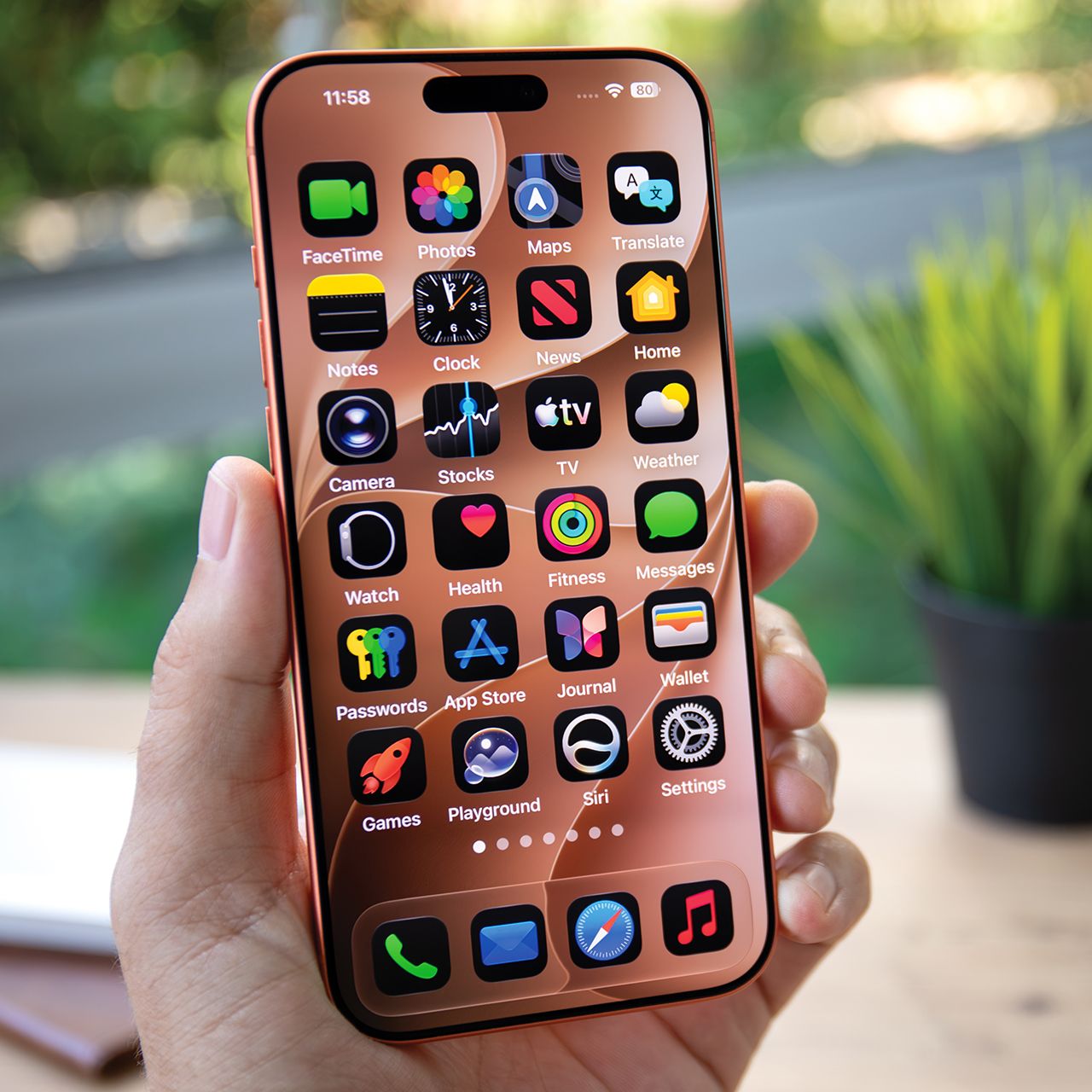



If you’re an iPhone user, then there’s a chance you’ve encountered issues with your storage space, which can be really annoying.
If your iPhone is constantly running low on storage, you might notice slower performance, delayed loading times, and all sorts of other issues. As it turns out, your iMessage habits could be to blame. Many users fail to realize just how much storage their iMessages can contain, and tend to ignore the preinstalled app when it comes to doing a storage cleanout. Read more about two iMessage habits tech users encourage you to avoid in order to clear some storage on your iPhone below.

Women Are Swapping Their Boring Water For This Ice Pop Electrolyte Mix!

1. Not Deleting Excess Photos & Videos From Your Messages
If you're a social person or love keeping in touch with friends and family by sending lots of photos and videos back and forth, then you likely still have a lot built up on your device. Additionally, pictures you send from your camera roll stay on there as well as live in your iMessages app, which only duplicates them and causes them to take up more space. Therefore, instead of ignoring them, you should delete them through the 'Review Large Attachments' portion of your Settings.
"If I were asked to mention one thing that secretly consumes a lot of storage space, then it would definitely be the various photographs and videos that we don't even know we are storing," explains tech pro Harry Morton. "Whenever we take several pictures of a single event or keep any picture we get during chatting, it just keeps on accumulating without our knowledge."

2. Keeping Text Messages 'Forever'
There are a lot of people who treat their iMessage app almost like a little library, whether they realize it or not. Some people like to look back at old conversations from years ago, and others simply don't realize their iPhone is holding onto so many previous conversations. Unless you have a strong reason for needing to read some of your earliest text messages, you should ensure that in your Settings, under Keep Messages, you change it from Forever to 1 Year or 30 Days to prevent old texts from taking up all your storage space.
"Messages holds all your text conversations," adds tech expert Steven Athwal. "Over time, these conversations accumulate many attachments, including photos, videos, GIFs, and audio messages. These media files stay on your device unless you manually delete them."