



There’s a lot of misinformation and confusion about wireless charging. Is it dangerous for your phone? Is it even as effective as wired charging? Is it worth it?
The answers to these questions aren’t completely black or white. If you prefer the convenience and freedom of wireless charging, there’s no reason why you shouldn’t go on ahead and purchase a wireless charger. But with that in mind, there are also some great ground rules to keep in mind that will help keep your phone in tip-top shape — and wireless charging mistakes to avoid. These three mistakes are bad for your battery and can actually damage your smartphone.

Women Are Swapping Their Boring Water For This Ice Pop Electrolyte Mix!
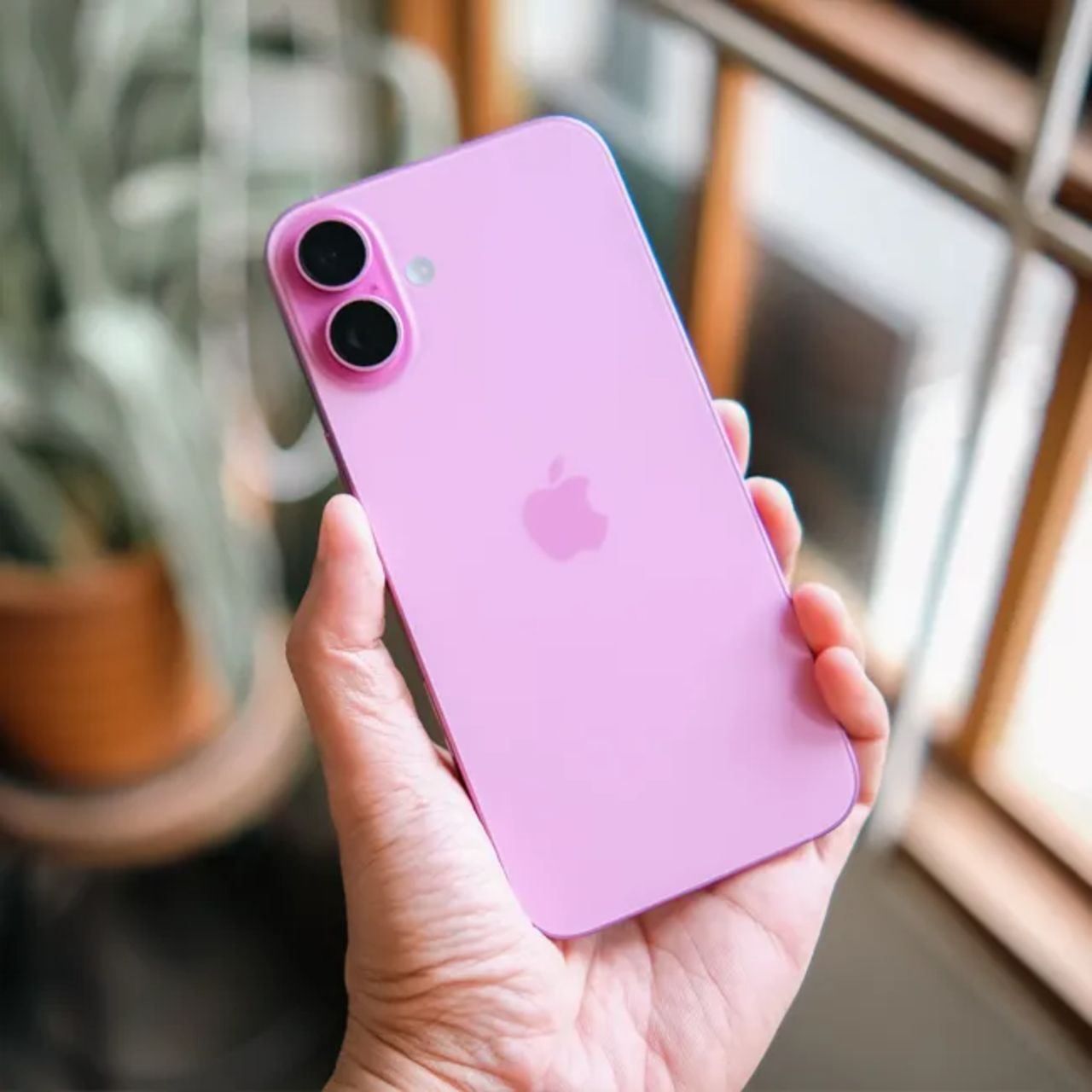
Does Wireless Charging Damage Your Battery?
In one word? No.
Wireless charging relies on electromagnetic induction to transmit electric energy from your wireless charger to your smartphone. The two ingredients you need to ensure your wireless charging doesn’t negatively affect your phone are a phone that can support this type of charging and a compatible wireless charger. Wireless charging is also called Qi charging — Qi uses both resonant and inductive charging and is considered the gold standard.

1. Make Sure Your Phone Supports Your Wireless Charger
If you are using an older iPhone such as an iPhone 7, your device may not actually support a wireless charger. Make sure your model supports wireless charging before proceeding, or you could damage your phone’s battery.
It’s also possible that your wireless charger doesn’t support your actual phone. When in doubt, check with an Apple expert.
2. Remove Your Phone Cover
One of the biggest complaints about wireless chargers is that they create a scenario where your phone heats up more quickly. As you may already know, extreme temperatures are detrimental to a smartphone’s health and can cause intense damage to your battery.
One way to minimize the risk of overheating when charging your phone wirelessly is by removing your phone’s cover before charging it. The cover itself can increase your phone’s internal temperature, and removing it is a fast, easy way to keep its temperature stable.
7. Delete Unused Streaming Apps/Their Downloads
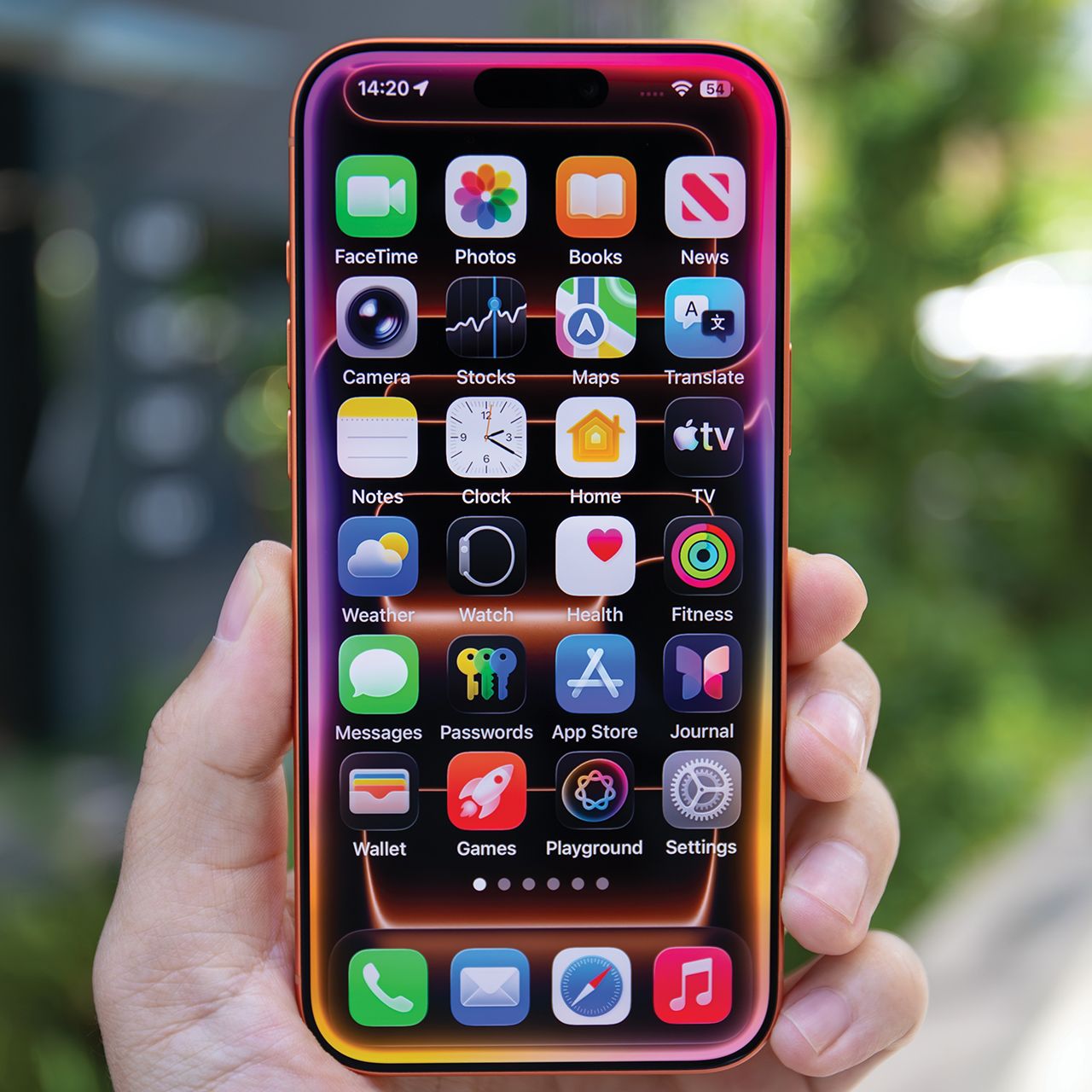
With streaming apps like Netflix, HBO Max, and more being so popular, lots of people have them downloaded to their phones so they can watch their content from anywhere. For instance, many will use a streaming app's 'download' feature to save a few episodes of a show to their phones before a flight. However, these apps and their downloads can take up a lot of storage space as well as slow down your device.
"Apps like Netflix, Spotify, and YouTube may store downloaded shows, music, and cached files," adds tech expert Calvin Brown. "I'd start by removing old downloads, then delete any streaming apps you're no longer using."