


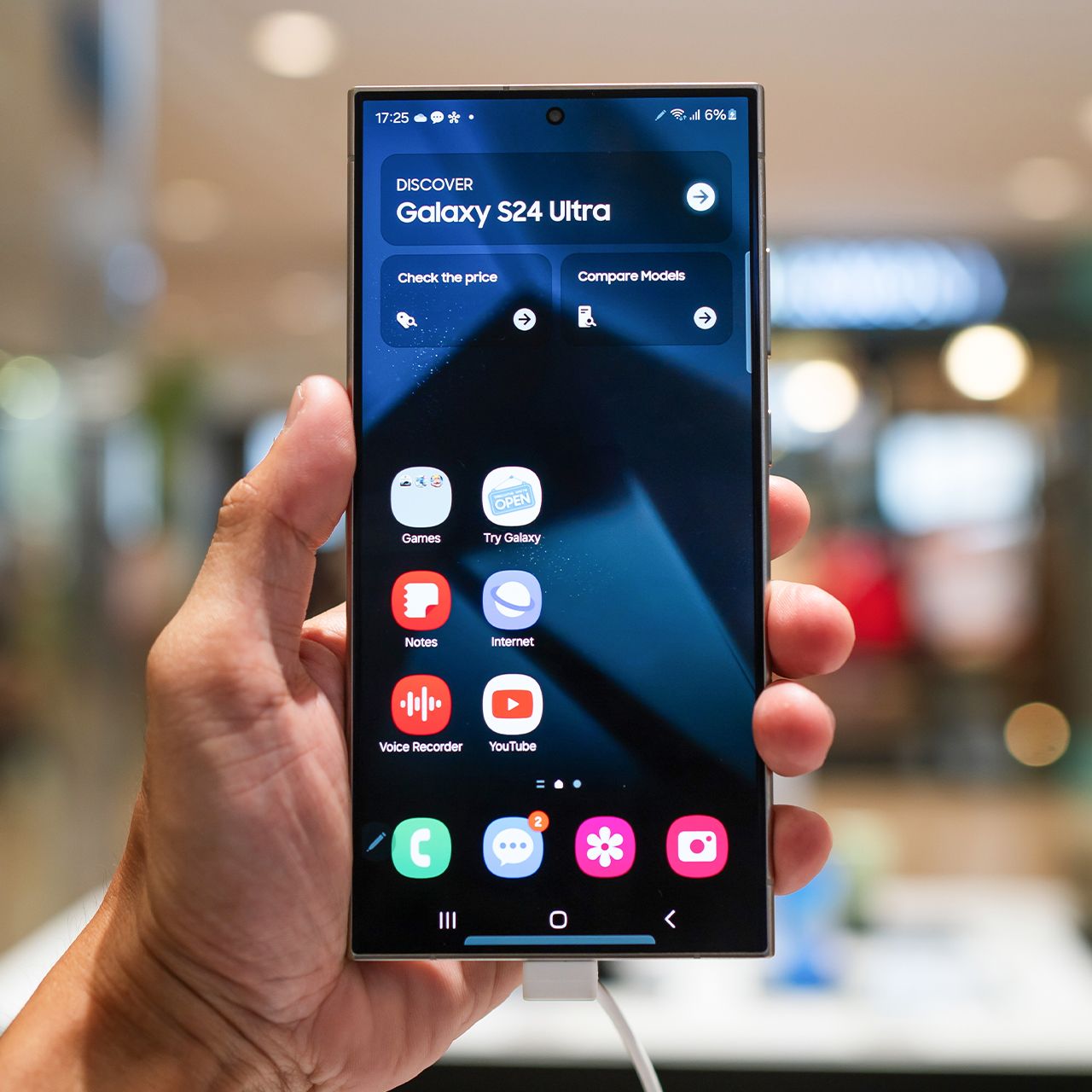
If you’re an Android user who wants to optimize not just your overall phone’s performance, but battery life as well, then it’s key to know what settings to pay attention to.
Androids, like all smartphones, can operate super well, but once they start hitting a certain low point with their battery life, they can start to lag and become really inconvenient. There are a lot of things that can contribute to a low Android battery, but something that can certainly help it last longer are certain settings that tech experts suggest turning on or off to optimize your experience. Read more about one Android setting tech pros say can improve your battery life below.

Women Are Swapping Their Boring Water For This Ice Pop Electrolyte Mix!
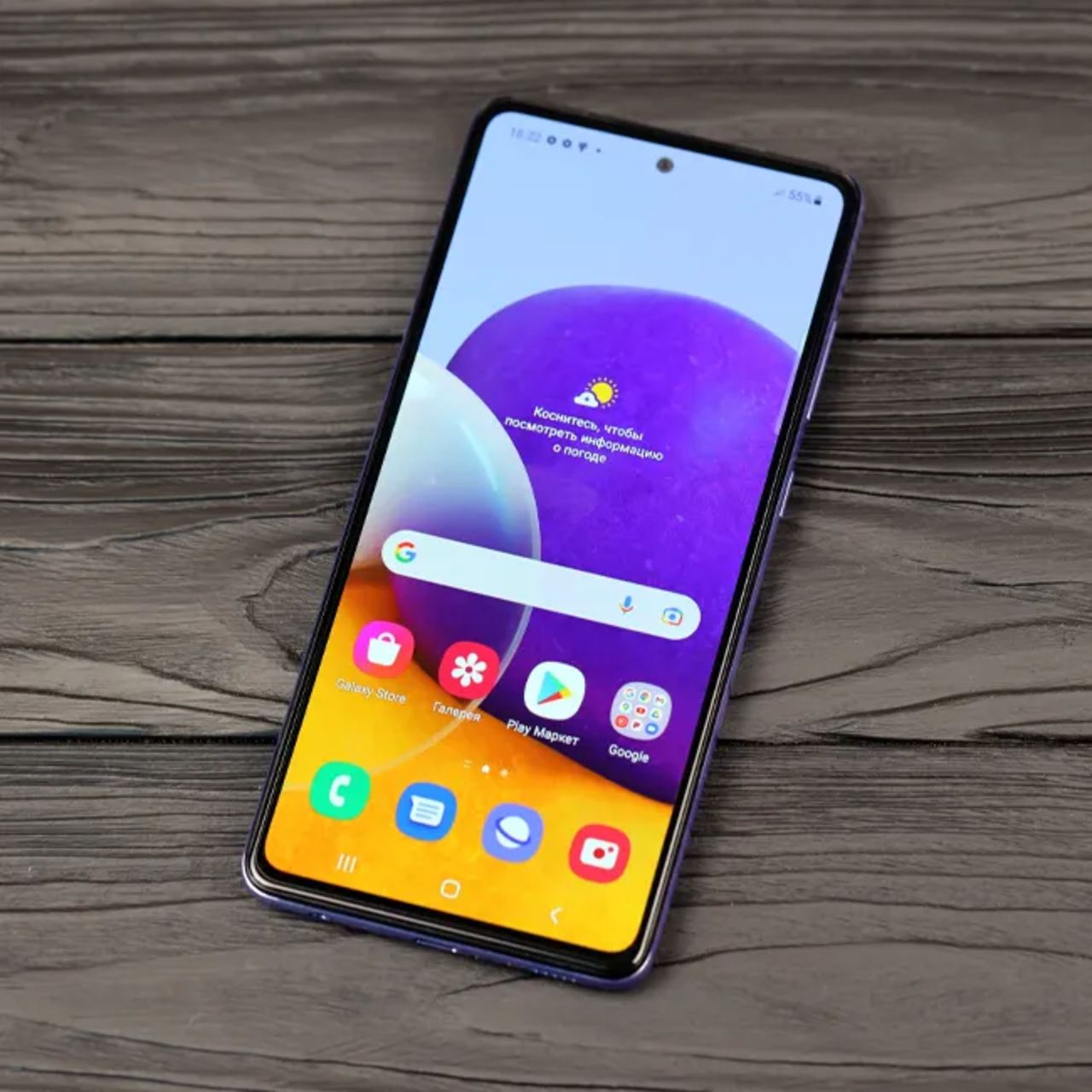
1. Privacy Dashboard
An issue that a lot of smartphone owners face is giving their location information to the wrong people or platforms. There are a lot of apps on the market today that seem safe and unassuming, but will ask for your location, even if it feels as though it doesn't need it. To prevent your location from getting in the wrong hands, you can use your Privacy Dashboard to control which apps use that information and which ones don't.
"It shows you which apps have used your camera, mic, or location in the last day or week," note tech pros with Safety Detectives on YouTube. "So, scroll through and check this list. And if you see something that looks strange, like a shopping or flashlight app using your microphone, then that's not exactly normal. Tap the app and change its access to ask every time, or just don't allow it."