


When you own an iPhone, you know how crucial it is to preserve your battery life throughout the day.
Dealing with a constantly draining battery can not only be stressful for safety reasons, but it can also be inconvenient, especially if you don’t have access to chargers or time to sit down and charge for a while during your routine. Although there are some things involving your device’s battery that are out of your control, there are some things, like how you charge your iPhone, that are. We spoke with tech experts about three charging mistakes you should stop making to save your battery’s life. Read more about what they had to say below.

Women Are Swapping Their Boring Water For This Ice Pop Electrolyte Mix!

1. Using Thick Phone Cases
If you're an experienced iPhone user, then you know how important it is to protect your device and use proper hardware. While you might think using a thicker iPhone case is better, using super-thick cases can actually affect the charging process.
"The case traps the heat generated by your phone while it is being charged and cooks the battery from the inside out," explains tech pro Chris Kirksey. "Removing the case will improve how long your devices will last. Simply keep your phone charged between 20% and 80% in a cooler location using a well-known brand charger, and your iPhone will last for years."
2. Charging In A Rush
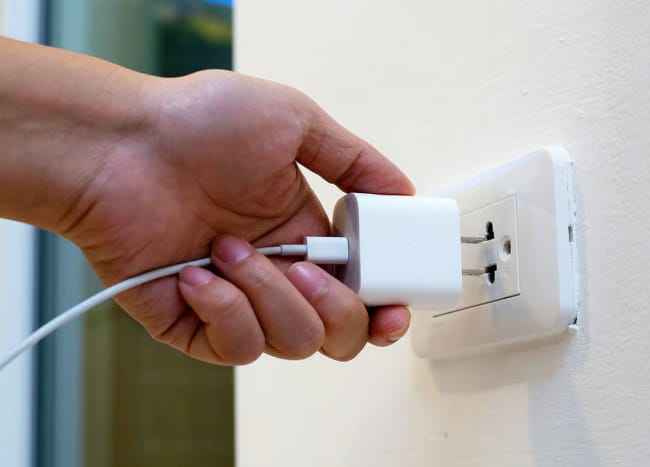
When you're busy throughout the day, it can be tempting to charge in short spurts or buy 'fast charging' products. However, tech experts advise against these short, rushed periods of charging, noting that slow and steady is key to protecting your battery and overall device.
"The heavy loads of apps such as gaming, video recording, and navigation under the fast charging process create an overproduction of heat, which will hasten the battery degradation process, notes tech pro Paul DeMott. "The heat is the main adversary of battery health, and the damage is enhanced due to the heat of fast charging and the heat of heavy processor activity. Wait till charged to do some intensive tasks or use standard charging rates."
3. Leaving Your Phone Plugged In At 100%
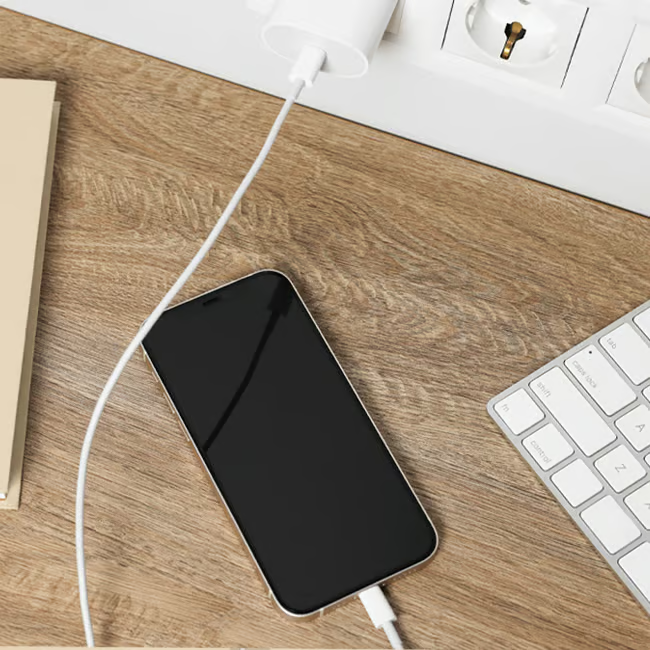
There are so many people who leave their phone plugged in at night while they're asleep, or who leave their phones on the charger while they go off to do other tasks for several hours. Although this might seem like a good way to keep your battery full, keeping your phone plugged in at 100% for a long time can be harmful to your phone.
"Leaving your iPhone plugged in overnight or hours after it has reached 100% keeps the battery at optimum charge when it is under stress of heat, which speeds up battery chemistry," adds DeMott. "Lithium-Ion batteries are durable if kept between 20-80 percent charge as opposed to full capacity at all times. You should unplug your charger when you reach 80-90 percent of a full charge every day instead of keeping it plugged in."
What To Do Instead
To protect your phone and battery, experts suggest charging in an environment that's not too warm, while using an iPhone case that will provide it proper ventilation and protection at the same time.
Additionally, when you are charging your phone, instead of letting it go up to 100% and leaving it at that level for a long time, you should let it go up to around 80%, then unplug it. After that, it's time to plug in at 20%, ideally not below that level.
Don't forget to use high-quality chargers, purchasing from trusted and high-rated tech product brands, and leave your phone alone as it charges.