


If your iPhone is constantly warning you that you’re running out of storage, some of your most-used apps could be the reason.
There are few things more frustrating for an iPhone user than when their device runs out of storage space, given that it deeply affects their user experience. Photos and videos often get the blame for eating up storage, but certain apps can quietly take up just as much space over time. Using information from tech experts and professionals, we’re listing two types of apps that tend to consume the most storage and what you can do to free up space.

Women Are Swapping Their Boring Water For This Ice Pop Electrolyte Mix!
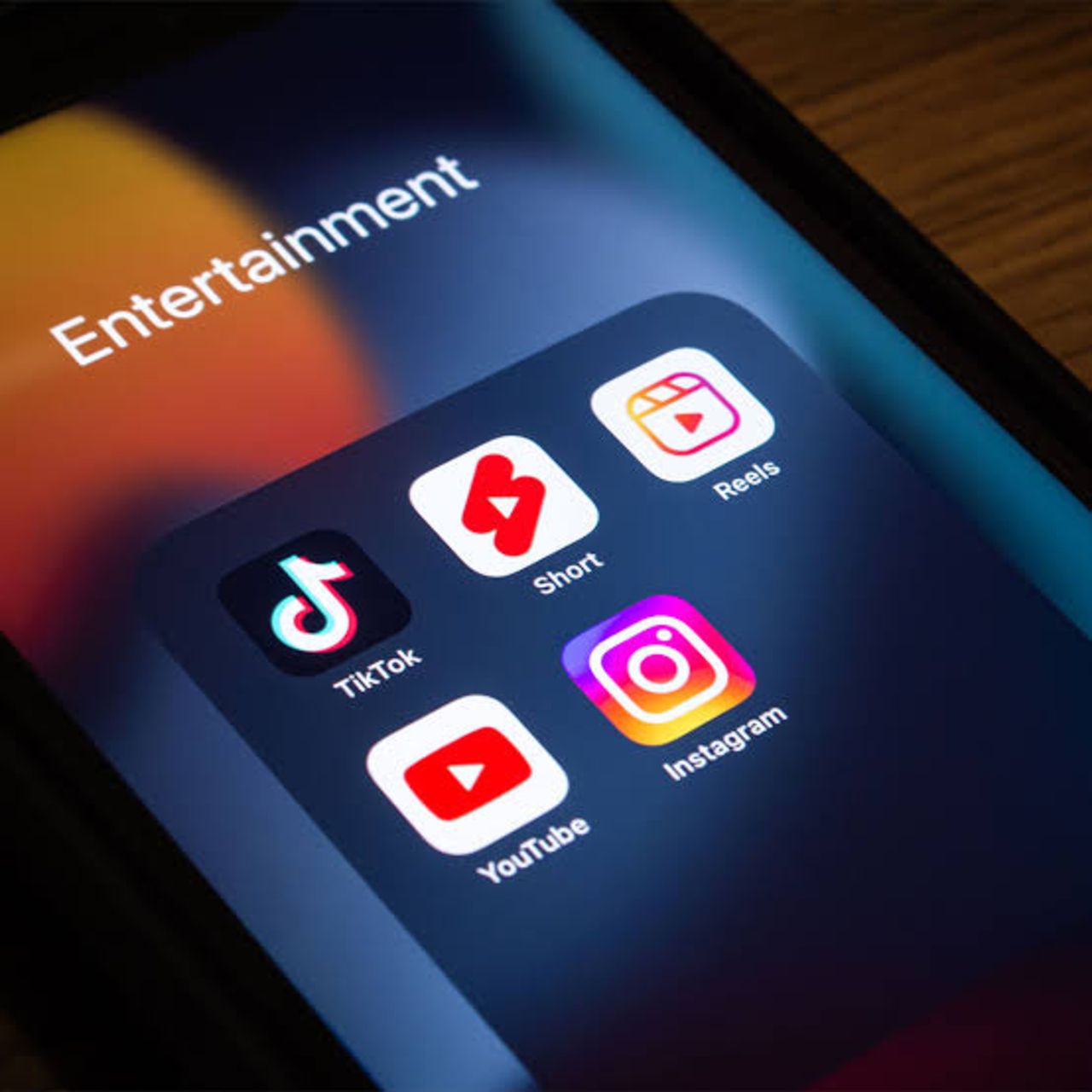
1. Streaming Apps (Netflix, Spotify, More)
Whether you're watching your favorite shows or listening to playlists on repeat, streaming apps can quickly become some of the biggest storage hogs on your iPhone. This is especially true if you have downloads for offline viewing or listening, along with cached data, which can add up over time.
"Downloading streaming media applications, including but not limited to Netflix, Spotify, YouTube, and podcast applications, is also a major cause of wasted space," notes tech pro and analyst Tomas Novosad. "Offline episodes, playlists, and videos stored in these applications are easily missed due to their location within each individual application vs. being located in the primary file management section."
2. Messaging Apps
Messaging apps are another common source of hidden storage use, especially if you're someone who likes to send around photos, videos, voice messages, GIFs, and other attachments. These files, shared in conversations, can accumulate over months or even years, causing these apps to take up a lot more space than you may think.
"Whether it's WhatsApp, Telegram, iMessage, or whatever else, messaging apps keep everything sent and received by a particular account without informing the user or asking for permission," explains tech advisor Rafael Sarim Oezdemir. "It gets even worse in group chats, as the application keeps copies of every single file sent by everyone in a group of 20 or more users, regardless of whether the message was opened. As most users cannot see those files in camera rolls, they underestimate the volume of data stored by their messaging apps."