


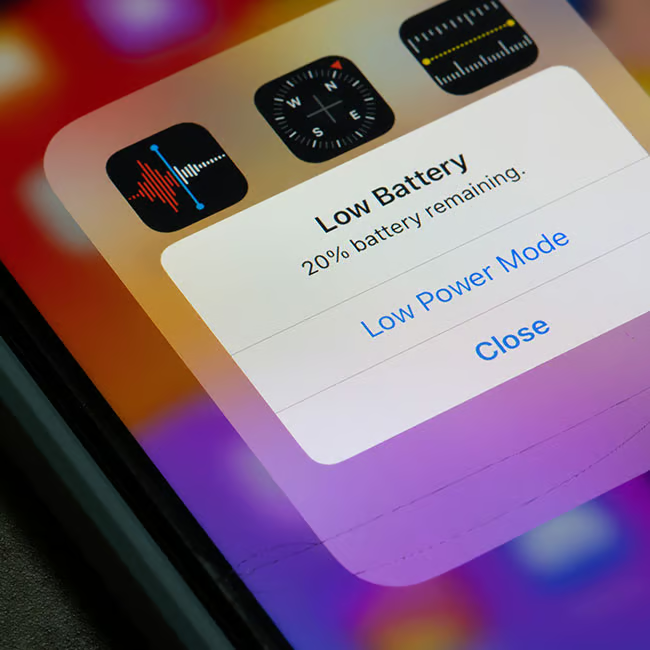
Having an iPhone can be a lot of fun, that is, until it starts to feel like your battery is constantly draining.
When your phone’s battery seems to never stay full, it can feel like there are a lot of things out of your control. However, there are actually a lot of things you can do while using your phone, like certain features you keep in place, that can have a significant effect on your device’s battery life. Read more about two of them below.

Women Are Swapping Their Boring Water For This Ice Pop Electrolyte Mix!

1. Leaving 'Background App Refresh' On
Many users think that when they exit out of an app on their iPhone or lock their phone, the app automatically stops all of its activity. However, that's not always the case, especially for busy apps like social media or news ones.
"The biggest hidden drains are Background App Refresh," says tech expert Steven Athwal. "If it's enabled, it'll update your apps even if you aren't using them. Social media, email, and news apps can repeatedly check for updates throughout the day, which keeps the phone's processor and network active. Turning this off for non-essential apps can really reduce passive battery drain."

2. Not Disabling 'Always On' Display
iPhones have come a long way regarding their display settings and features, and while they might be useful or aesthetically pleasing, they can also drain your battery.
"I always recommend disabling Always-On Display and enabling Auto-Brightness under Settings > Accessibility > Display and Text Size," explains tech and SEO pro Nishant Desai. "The display consumes the most power on any modern iPhone, and the processor is constantly working to maintain screen output even at idle. Letting the ambient light sensor dynamically control brightness reduces GPU load and cuts screen-on power draw significantly across a full day of use."