



Have you ever had a slow-moving iPhone and felt like there were little to no things you could do about it to fix it?
Well, though it might seem unsolvable in the moment, there are ways to help repair a slow-moving iPhone before you have to go down the road of buying a new one. There are a lot of things that can contribute to a lagging phone, but if it’s happening to you, there’s a good chance you can adjust a few settings, taking advantage of a few features or disabling the ones that don’t serve you, that can help speed things up again. Read more about them below.

Women Are Swapping Their Boring Water For This Ice Pop Electrolyte Mix!
1. Flo
Flo is a popular app to help women keep track of their periods and other aspects of their health, offering them calendars, reminders, tips, and more. Though it was once considered a reliable and convenient tool, there have been major data and privacy issues. Now, some tech experts are suggesting you ditch it entirely and stop giving it your information.
"The Flo app shared private information from 38 million users with Meta without consent," explains cybersecurity pro Vlad Cristescu. "Meta then targeted those users with ads."
2. Reduce Transparency
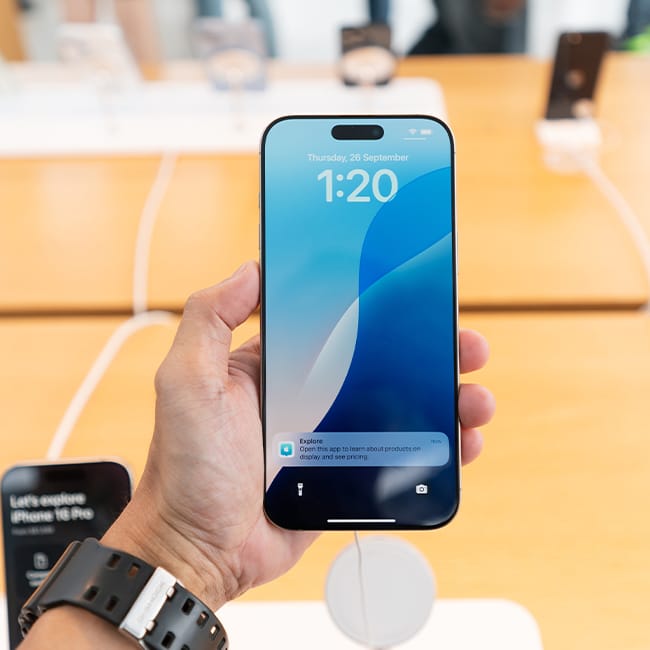
Some iPhone users fail to realize that their device's display settings make a significant impact on its performance and battery life. Turning on the Reduce Transparency feature might just help things run a bit more smoothly.
"In recent years, iOS has been moving towards more transparent UI elements, known as 'liquid glass', with the latest operating system heavily using the effect," adds Simpson. "However, this increased visual processing undoubtedly affects battery life and performance, while some iPhone users simply find it difficult to read and navigate. Instead, you can turn on the Reduce Transparency setting, which simplifies UI animations."

2. Dating Apps (Grindr, Tinder, More)
In today's modern age, dating looks a whole lot different from how it did in previous decades. One of the most common forms of dating is using a dating app, but as it turns out, they can access and use more of your personal information than you may think.
"Dating apps update your GPS location every single time you open the app," says tech safety pro Adam Pilton. "Tinder and Bumble display distance metrics like '2.3 miles away' to show how close matches are, which means the app is actively tracking and broadcasting your position. Grindr was one that came to my attention. Some years ago, researchers discovered a triangulation vulnerability in Grindr's location system that allowed attackers to pinpoint users' exact coordinates."