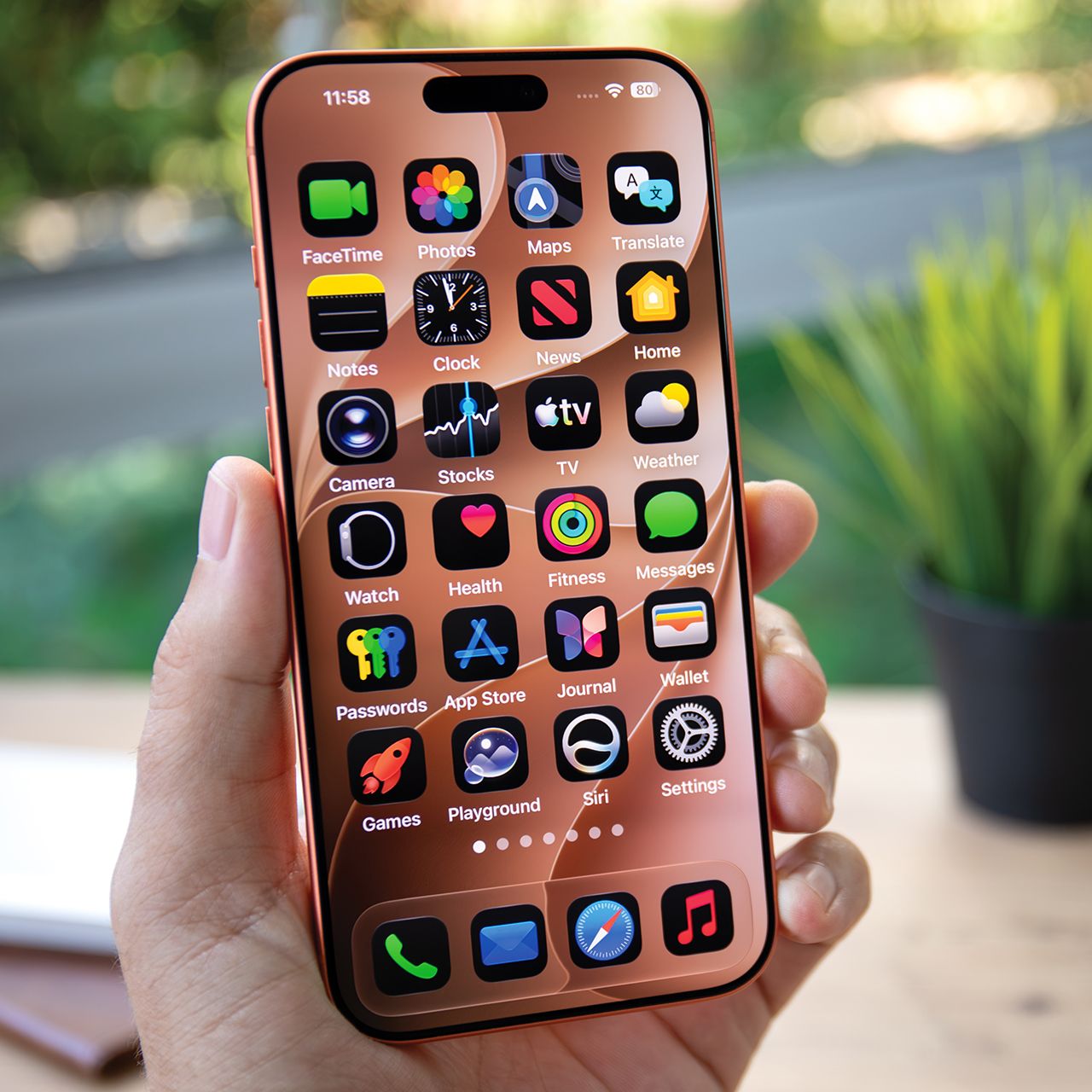



If you consider your iPhone your lifeline, then you know how important it is to keep it charged and the battery as fresh as possible.
However, there are actually good and bad ways to charge an iPhone, even though the process might seem straightforward. Some people end up using charging habits that might seem fine or like a good idea, but over time, can end up doing some serious damage and prevent you from keeping a full battery. Read more about three common charging mistakes you should stop making in order to preserve your battery below.

Women Are Swapping Their Boring Water For This Ice Pop Electrolyte Mix!

1. Leaving Your Phone Plugged In Overnight
If part of your bedtime routine is plugging your iPhone into its charger, then forgetting about it until you wake up, you might want to consider dropping that habit as soon as possible.
"The first mistake people make is that they leave a phone charging past 100%," explains Aimee Simpson. "All of that extra time is additional minutes that the battery is slowly being heated. While it'll never overheat (typically), this means you're constantly degrading your battery."
2. Letting Your Battery Life Dip Below 10%
Most people, when out and about with their iPhones, will let their device's battery drain all the way down past 20% battery life, sometimes even letting it die completely before plugging it in. Though this might seem normal, it can actually hurt your battery.
"Time at zero means your phone will rapidly cool down, which can shock the battery and cause damage to its ability to hold a charge," adds Simpson. "If you've ever been in a really cold environment and tried to use your phone, you'll notice just how quickly the battery drops."
3. Not Using 'Low Power Mode'
Because keeping an iPhone's battery as full throughout the day as possible is so important, Apple has built some features and settings that can help make that happen, like 'Low Power Mode.'
"[It] reduces background activity, limits certain visual effects, and slows down non-essential processes to lower power use when your phone is idle," says Mark Patrick. "It also restricts background data syncing, reduces refresh rates, and can dim the display. These changes allow the phone's hardware to remain in a low-energy standby state for longer, helping conserve battery and extend overall runtime."