


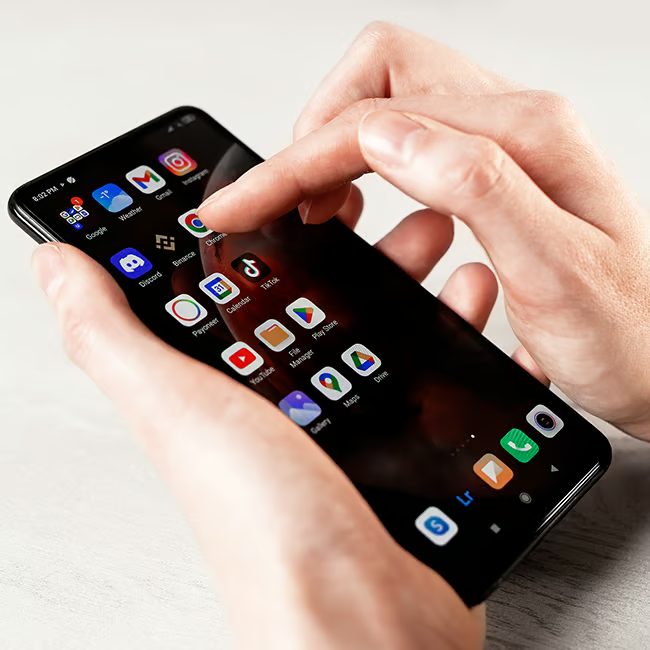
Owning a smartphone like an Android might seem pretty straightforward, but making a few mistakes can negatively impact your experience.
Though Androids are fairly sturdy devices and come with software that helps you get the most out of them, there are a few habits and mistakes that can change things for the worse. For instance, certain things you do might cause your Android to run slower, making it more difficult for you to use. Read more about three Android mistakes tech pros suggest you stop making below.
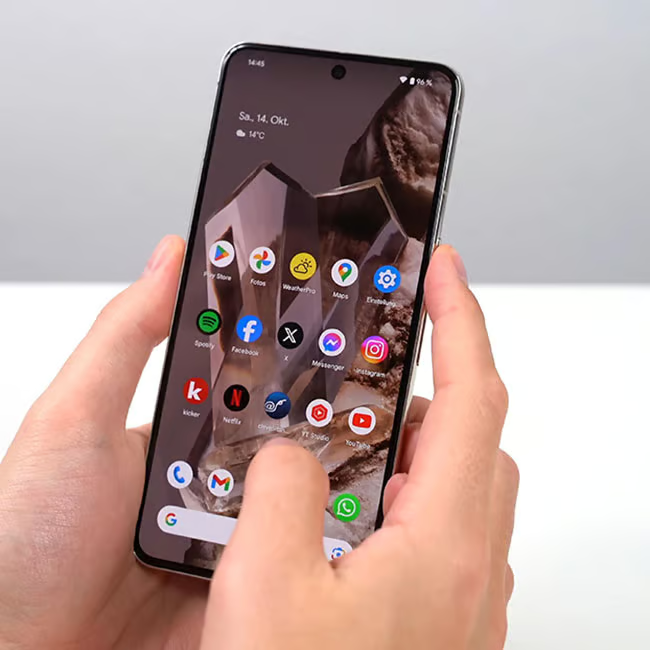
2. Weather Widgets
There are a lot of people who feel the need to constantly check the weather in their area, which is certainly understandable for those who live in certain regions. Still, weather apps can end up taking up a lot of space on an Android, which is why having one too many, or one that's large in size, is something you might want to adjust.
"Weather widgets or services typically update in the background by fetching information in real-time," adds Athwal. "Each update uses data, checks your location, and refreshes your widget on the screen. While these updates seem small, they can collectively impact your battery over the course of a day."

1. Facebook
On many Android phones these days, Facebook is a preinstalled app. Given that it's considered the blueprint for other major social media apps, so many people have it. However, it takes up a lot more storage than people often realize, with frequent updates and lots of data stored on it. These updates can also drain your battery.
"Facebook usually drains the battery significantly in the background," says tech pro Steven Athwal. "It constantly refreshes notifications, syncs messages, and preloads content, even when you're not using it. Additionally, it monitors your location and network activities, which keeps your phone's processor and network busy. This ongoing usage can eventually drain your battery life."
3. Not Updating Your Software
There's a big myth in the tech community that updating your phone to the latest edition of software, whether it's an iPhone or Android, will damage your device or slow it down to the point where you feel like you have no choice but to buy a new one. However, many tech pros would disagree.
"It's simple - updates fix bugs and improve performance, not to mention security," says Wallace. "So, skipping them can make your phone run slower. However, some older devices might slow down due to newer OS systems, so don't forget to update your device as well."