



Most smartphone users, and Android users in particular, know how irritating it is when your phone runs out of storage and battery.
Dealing with a storage-lacking device often means that it’ll start to run slower, its battery can die quicker, etc. When your storage availability starts to deplete, you might think you immediately have to sacrifice more fun or meaningful things, like pictures and videos. When your battery is draining consistently, you might automatically think something’s wrong with your phone or charger. However, you should really be looking at your preinstalled apps, as there’s likely a good chunk you could delete. Read more about a few of them below.
1. Facebook
On many Android phones these days, Facebook is a preinstalled app. Given that it's considered the blueprint for other major social media apps, so many people have it. However, it takes up a lot more storage than people often realize, with frequent updates and lots of data stored on it. These updates can also drain your battery.
"Facebook usually drains the battery significantly in the background," says tech pro Steven Athwal. "It constantly refreshes notifications, syncs messages, and preloads content, even when you're not using it. Additionally, it monitors your location and network activities, which keeps your phone's processor and network busy. This ongoing usage can eventually drain your battery life."
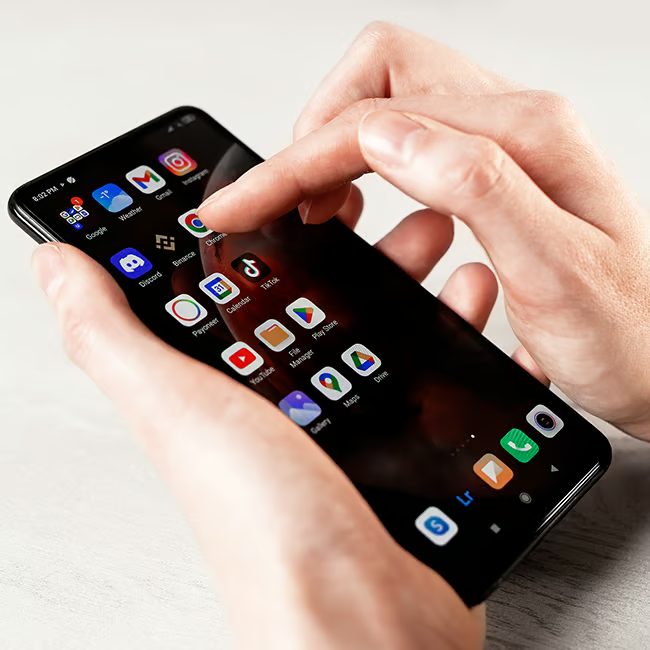
2. Weather Widgets
There are a lot of people who feel the need to constantly check the weather in their area, which is certainly understandable for those who live in certain regions. Still, weather apps can end up taking up a lot of space on an Android, which is why having one too many, or one that's large in size, is something you might want to adjust.
"Weather widgets or services typically update in the background by fetching information in real-time," adds Athwal. "Each update uses data, checks your location, and refreshes your widget on the screen. While these updates seem small, they can collectively impact your battery over the course of a day."

3. 'Bloatware' Apps
Bloatware is a term used for preinstalled apps that come with your phone but hardly ever get used, impacting the performance of your device in some way. These can include Samsung Kids, video player apps, Google Play, book-reading apps, etc. If many of those apps are going unused, it's a wise idea to get rid of them.
"Uninstall unused bloatware from the manufacturer that loads on the device since these programs often perform diagnostics checks that hog bandwidth," says tech expert Gor Gasparyan. "Disabling these stops this transmission of data in the background that clogs up the network connection and slows down legitimate web browsing speeds."