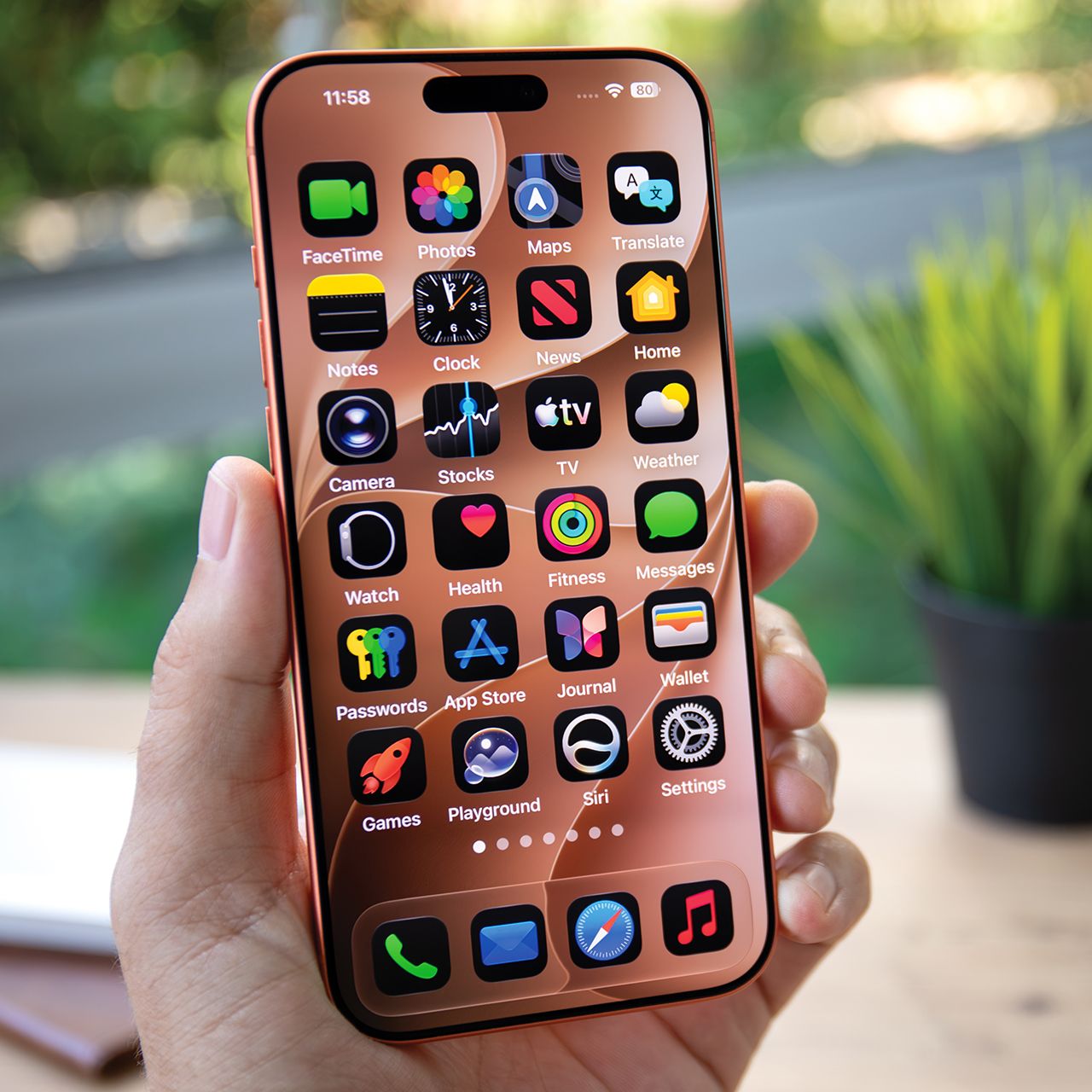



Although most of today’s smartphones are safe, many users’ biggest fears are having a phone infected with some kind of malware or virus.
Due to all the modern technology and software upgrades we deal with these days, it’s quite rare to have your smartphone hacked or infected with some kind of malware. However, that doesn’t mean it’s not possible. If your device has been infiltrated with malware, it might not be obvious, which is why there are certain signs you should look out for. Read more about four of them before.

Women Are Swapping Their Boring Water For This Ice Pop Electrolyte Mix!

1. Seeing Excess Pop-Ups On Your Web Browser
One of the biggest red flags that there is something going wrong with your smartphone is when you see constant pop-ups or banners whenever you enter your phone's browser, like Safari. We're talking about the kind of pop-ups that advertise things, and once you close one, another one comes up.
"If you're experiencing a surge of unexpected pop-ups and redirects on Safari, you've probably given permission to a rogue website or profile," explains tech pro Steven Athwal. "This doesn't necessarily indicate device infection alone."

2. Delete Large Attachments
If you're someone who loves to exchange a lot of photos, videos, and other files via text, you're not alone. Swapping these things with friends and loved ones can be fun, but over time, it can hog a lot of storage on your device. Therefore, it's best to get rid of as many of these files as possible.
"Clear your iMessage photos and videos," explains tech pro Steven Athwal. "Every photo, video, and voice note is stored locally on your iMessage, which can fill up storage fast, especially for those with older models. When your storage is tight, performance drops. Delete the large attachments and instantly free up several GB."

3. Your Apple Information Is 'Off'
For iPhone users, you should consistently be checking in on your Apple ID information and make sure everything seems secure and isn't changing. If you're starting to get notifications about changing your password or any unexpected messages about adjusting your Apple ID information, don't take it lightly.
"Any Apple ID security alerts, repeated password reset emails, login alerts from unfamiliar locations, or if you've been locked out of iCloud, you've probably had your credentials phished, not hacked," notes Athwal.

2. Clicking On Ads & Links
It sometimes can seem nearly impossible to get through a day on your smartphone without interacting with or facing some kind of advertisement, whether it be for an app, clothing, or some other kind of product. Although they'll work really hard to get your attention, it's important to avoid clicking on most ads you see, as some of them could be affiliated with hackers or scammers.
"Another common mistake is treating every ad or link as if it leads to a trustworthy store," notes tech safety pro Scott Edwards. "Some are legitimate, but many ads and links send shoppers to fake or very questionable websites. Those are often built around deals that seem too good to be true, which is a classic red flag. You might place an order and either never receive the product at all or receive something counterfeit. Scammers also work to manipulate search engines so their fake sites show up at the top of search results, knowing many people will click there without looking closely at the web address."