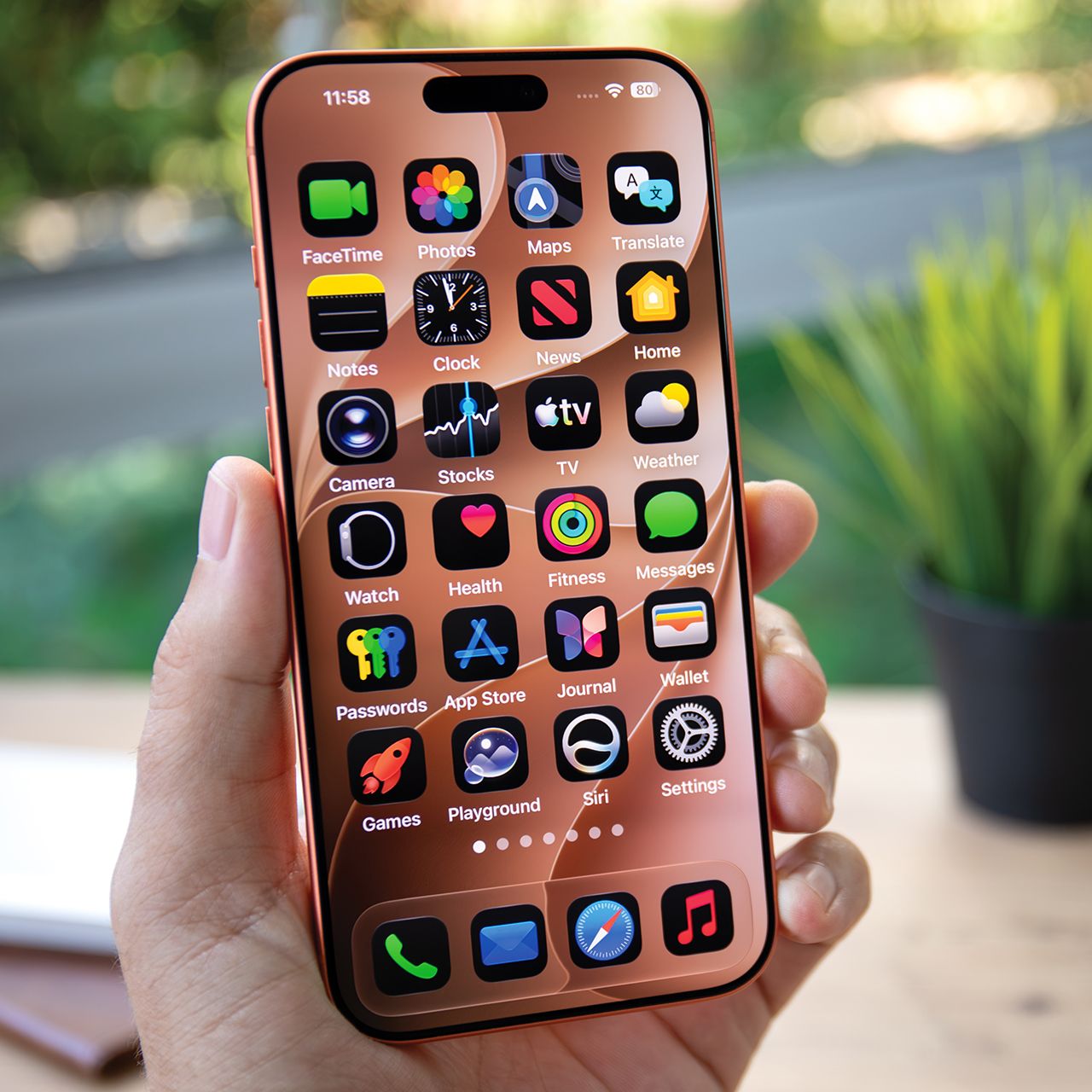


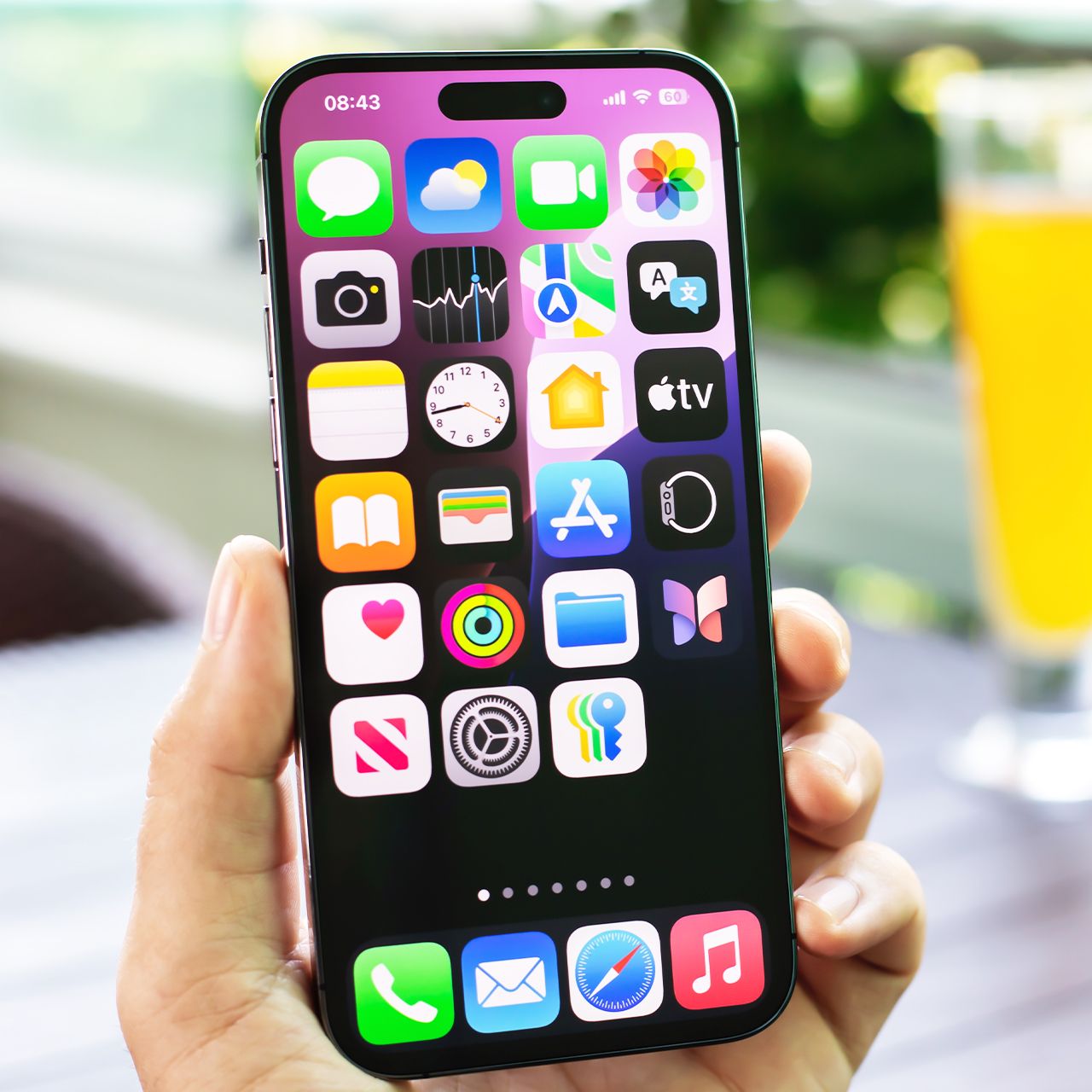
If you’re an iPhone user, you know that there are a lot of preinstalled apps that can sometimes get a little inconvenient.
There are many preinstalled apps, often referred to as ‘bloatware,’ which can oftentimes serve good purposes, but if you don’t use them, they can end up taking up space and subsequently slow down your device. If you’re looking to speed up your phone, keep it fresh, and save on storage space, read more about two built-in smartphone apps you could likely delete below.

Women Are Swapping Their Boring Water For This Ice Pop Electrolyte Mix!

1. The Weather App
This might sound strange, and like an app you absolutely would not want to delete, the built-in Weather app on your iPhone can have more of an impact on your device than you think.
"Weather apps are an unsuspecting one," explains tech expert Steven Athwal. "They are also running many background processes to update forecasts for you. They're pinging your location every few minutes, and some even collect more data than needed, like detailed GPS history. Not to be a parrot, but again, I'd recommend accessing through a browser."
2. Apple Maps
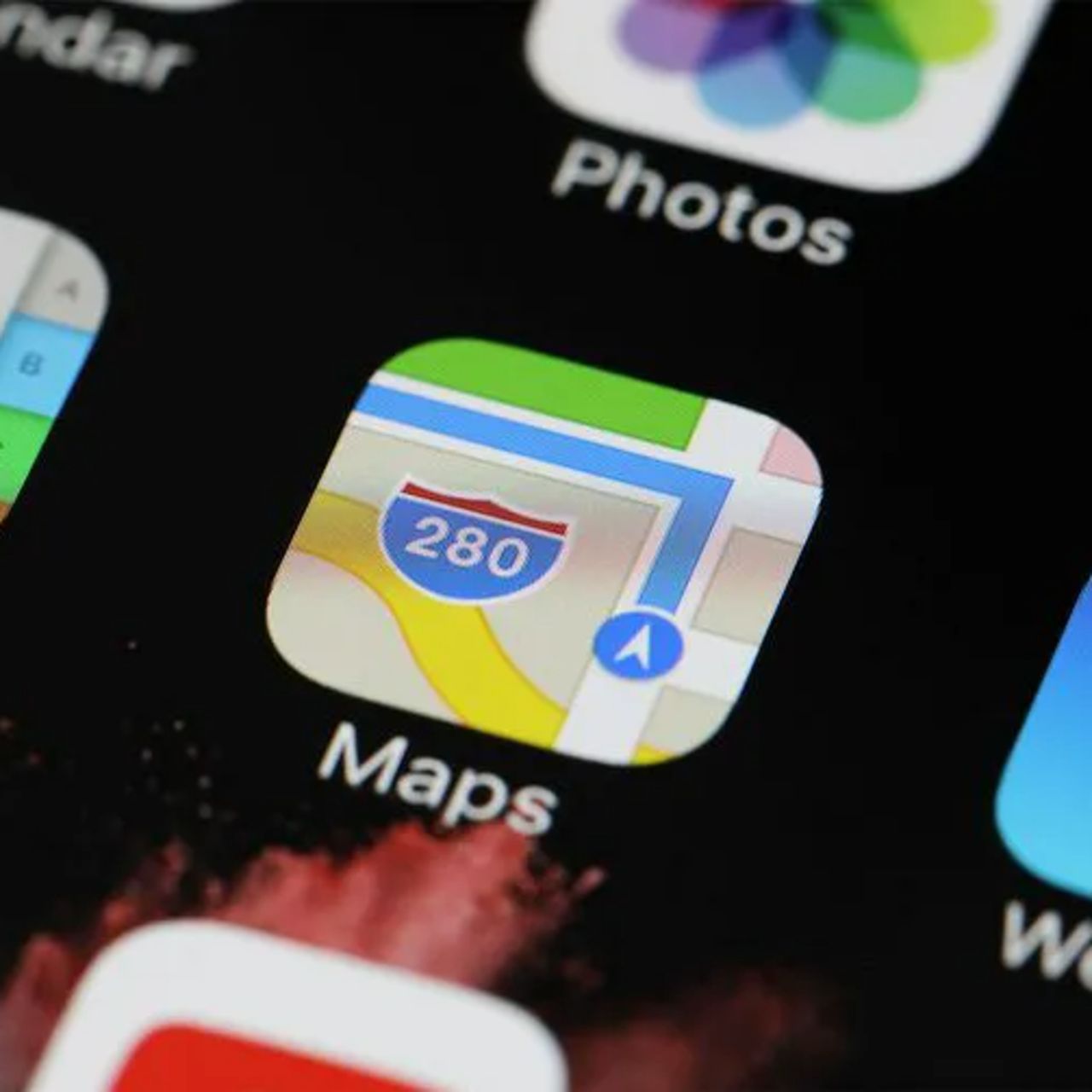
Most iPhone users use some kind of navigation app several times a week, whether it's to commute in a big city, drive to and from work, travel abroad, etc. Apple Maps is a preinstalled app for iPhones, but if you already have another third-party navigation app downloaded, then you might want to consider deleting it.
"[Navigation apps] are constantly running processes in the background, such as checking GPS, Bluetooth, data, and your device's motion sensors," adds Athwal. "Navigation apps also store large offline map files, which consume your phone's storage. These background processes and large storage consumption are causing high CPU usage and battery degradation. To combat, I'd try disabling background access for these apps."