


When you first get an iPhone, it comes with a certain number of pre-installed apps that might seem useful at first, but can actually end up slowing down your device.
Pre-installed apps serve so many purposes on an iPhone, from note-taking to creating short films. However, those apps can end up wasting storage space because they’re not being used after a while. Subsequently, this can lead to a slower device over time. We spoke with tech experts about three pre-installed apps you should take off your iPhone or consistently clear up for a better user experience. Read more about them below.

Women Are Swapping Their Boring Water For This Ice Pop Electrolyte Mix!

1. Safari
Safari is actually one of the most commonly used pre-installed apps found on an iPhone or any Apple device. However, it also happens to be one of the most storage-consuming. You may want to consider swapping it for a different browser app instead of Safari, which can end up holding a lot more data than some realize.
"Apple's web browser, Safari, caches website data, cookies, and browsing history," reveals tech expert Steven Athwal. "It also stores items you add to your Reading List for offline access. These cached files and saved pages can add up, especially with heavy internet use."

2. Messages
It's no secret that you cannot delete your Messages app on your iPhone, as it's the way you're able to text people, which is one of the most common forms of communication these days. Still, it's a massive storage-hogging app, as it will hold onto the texts, photos, videos, files, and more that people send you for as long as possible, which can also slow down your phone drastically. Therefore, you should consistently remove large files from the app and clear old messages when you can.
"Messages holds all your text conversations," notes Athwal."Over time, these conversations accumulate many attachments, including photos, videos, GIFs, and audio messages. These media files stay on your device unless you manually delete them."
3. iMovie
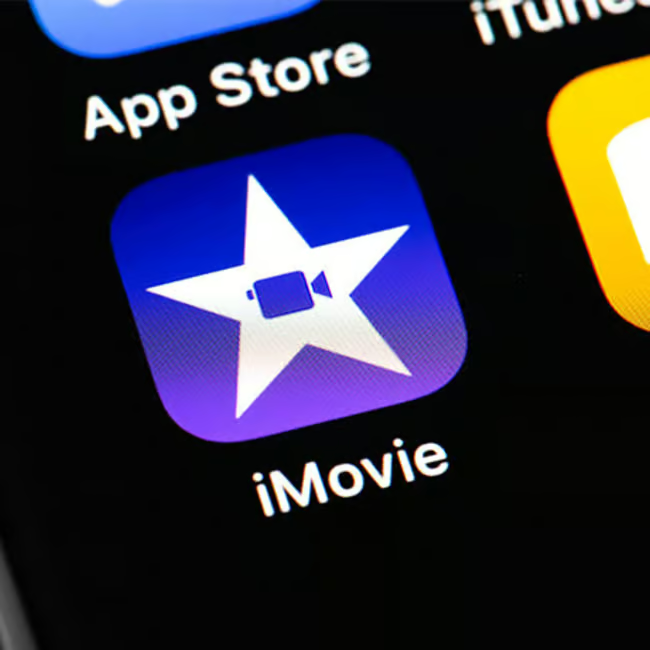
Unless you're a student working on a short film project or love making movies on the go, iMovie is an app that ultimately ends up being useless for a lot of people. If you've been scrolling past that little film icon for months or years, you should delete it instead of ignoring it, for it houses a lot of data.
The app, especially if it has been used for previous projects, holds more gigabytes and files than users may think, which is why tech experts have noted it's an easy way to not only lose some of your valuable storage, but also an easy way to slow down your phone over time.