


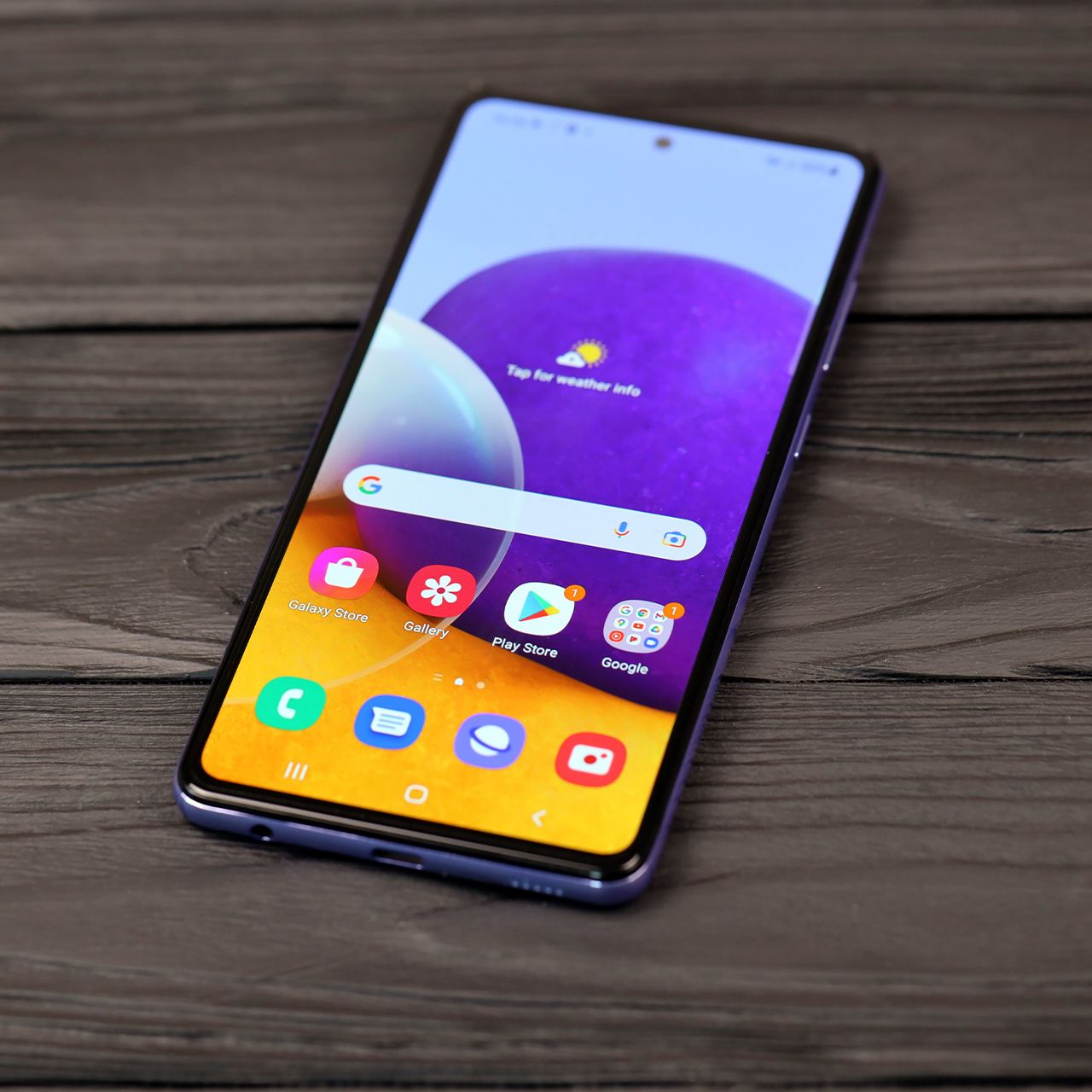
Android users are often passionate about the way their phones function, but sometimes, that user experience can go downhill.
Every once in a while, smartphone users can experience a dip in performance, which can happen for a variety of reasons, whether it’s related to storage, battery, or more. This is why it’s extra crucial to utilize and take full advantage of settings that can help make your user experience even better, maintaining your device’s speed and efficiency, and more. Read more about two settings tech pros suggest adjusting in order to make the most out of your Android below.

Women Are Swapping Their Boring Water For This Ice Pop Electrolyte Mix!
1. Battery Background Usage Limits
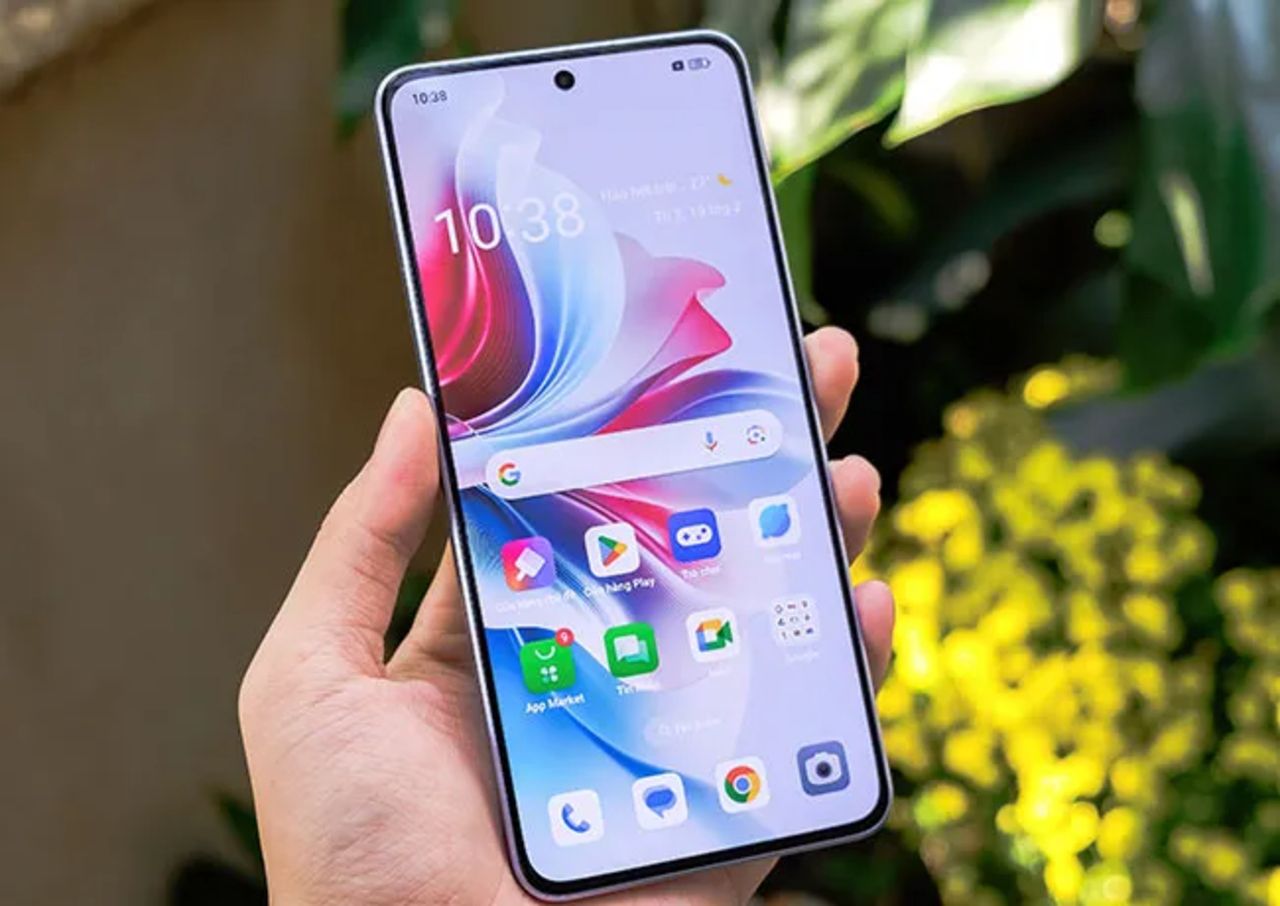
One of the most common things that makes most smartphones slow down is apps that use up a lot of energy and run in the background. This can not only cause your device to run slower, but it can also use up excess battery life.
"The biggest battery drainer on Android is background app activity, so apps like Facebook, Maps, and TikTok constantly refresh, track your location, and preload data," explains tech pro Steven Athwal. "You can stop this by going into Settings, Battery, Background usage limits, and setting unused apps to 'sleep'. Which'll prevent them from running when you're not using them, and can extend your battery life by roughly 30%."
2. Location History and Google Activity Tracking
This settings tip is especially effective, as not only can it help save some battery life, but it can also keep you safe. Protecting personal data is a big deal in today's tech-driven world, which is why it should be a priority in your user experience.
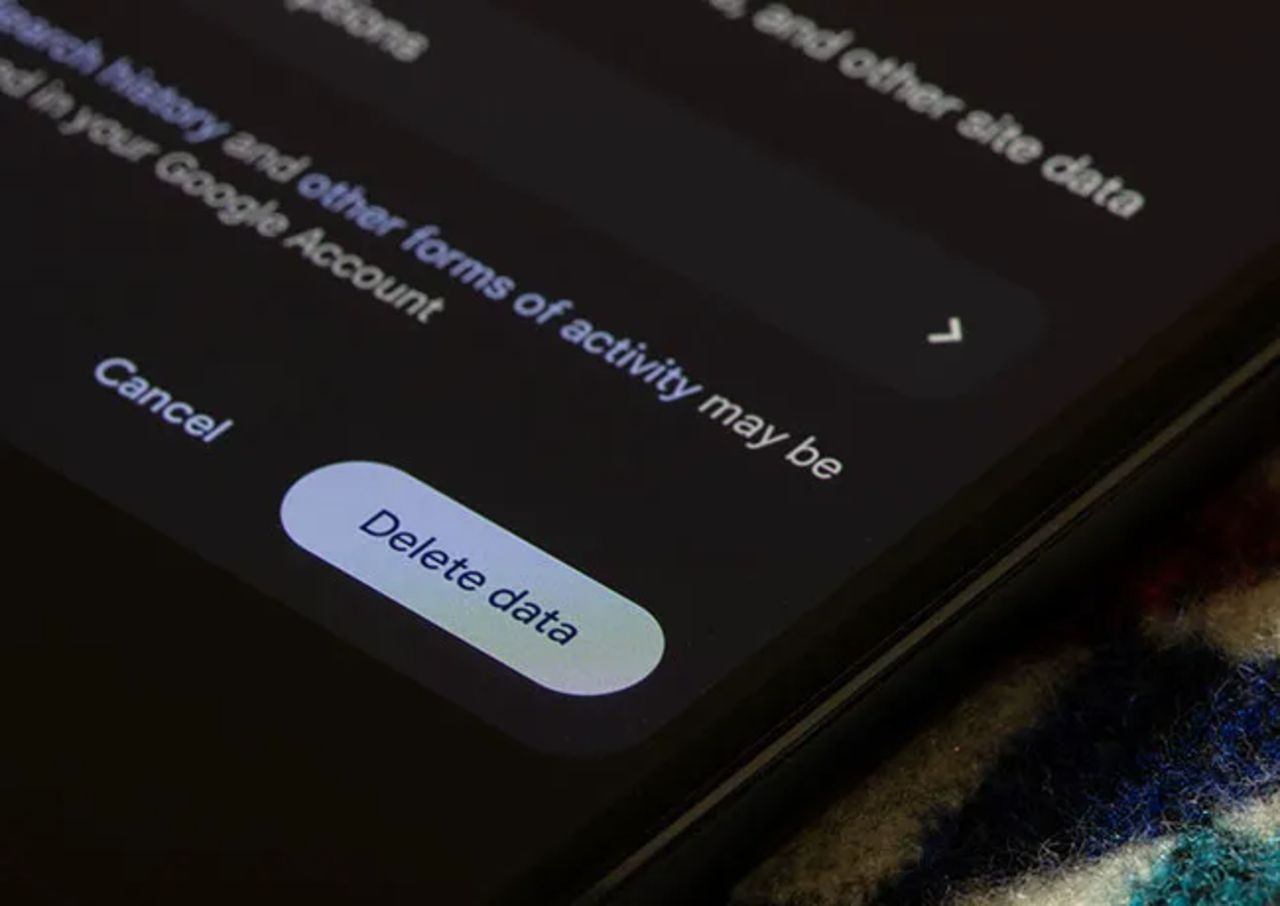
"Location History and Web & App Activity are powerful features that allow Google to personalize services; however, they also collect large amounts of personal data," explains tech expert Professor Jeremy Rambarran. "Turning these settings off prevents long-term tracking of where a user goes, what apps they use, what they search for, and which services they engage with. This reduces the digital footprint associated with the user's device and strengthens overall privacy."
"Additionally, keeping location tracking on can lead to increased background processing," he adds. "Many apps poll GPS, Wi-Fi, or cell signal data even when not in active use, which not only impacts privacy but also drains battery life. Disabling these features stops unnecessary background updates and limits data synchronization across Google servers."