


For most iPhone users, they keep almost their entire life’s worth of information on their device, which is why you must keep your phone safe.
One of the biggest fears and concerns for many tech users these days is the risk of someone infiltrating their device, hacking it, and accessing their personal information. Though iPhones have a lot of built-in security features, making it extremely hard for hackers to get onto them, through certain scams, they can get access to certain parts of your device. Read more about two signs someone might be spying on your iPhone or accessing your information below.

Women Are Swapping Their Boring Water For This Ice Pop Electrolyte Mix!

1. Background App Refresh
One of the things that many iPhone users don't realize regarding their phone's battery and power is that there's often something going on in the background that easily impacts them. For instance, when this setting is turned on, apps are allowed to run and refresh in the background without you even using them, causing your battery to drain.
"iPhones have many features that are designed to make them smarter and more personalized to their owner," explains tech pro Luke Ford. "One of these features is Background App Refresh. This feature tracks the apps you use the most, the exact time of day that you use them, and then automatically updates them. This happens, so when you open the app next, it will display the latest information for you. For example, if you always look at Instagram at 9:30 am, the iOS becomes aware of that and automatically updates your Instagram before 9:30 am. Clearly, this is an awesome feature, but it will drain your battery fast!"
2. Texts Claiming To Be From Your Bank Or Impersonating Another Source
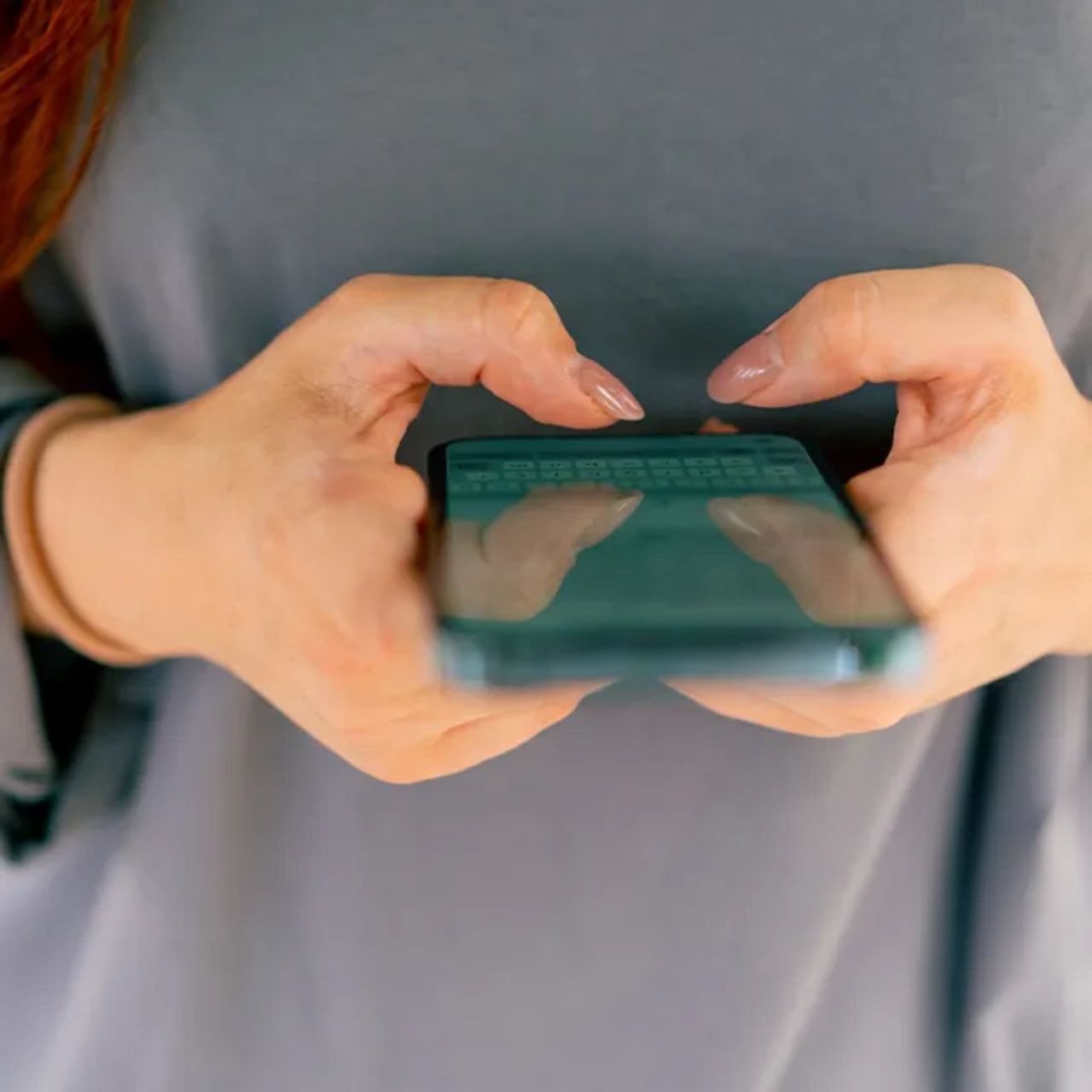
This night sounds obvious, but scammers today are getting better and better at sending out texts that impersonate important sources, including your bank, a go-to delivery service, and more. In these texts, scammers will often include links they want you to click on to further give them your information.
"Attackers send texts pretending to be from delivery companies, banks, HMRC, Apple, or Google, urging users to click a link or 'verify' their account," adds tech pro Darren Kimuli. "These messages often look authentic and use urgency to push quick action. Clicking the link can lead to credential theft or malware installation."
"Never tap links in unsolicited texts, even if they look official. Instead, log in through the organization's real website or app to check for alerts," he continues. "Enable two‑factor authentication so even if credentials are stolen, attackers can't easily access your accounts. Blocking unknown senders and reporting spam also reduces exposure."