



One of the worst feelings is when your iPhone, which you likely spent a lot of money on, starts to lag and slow down.
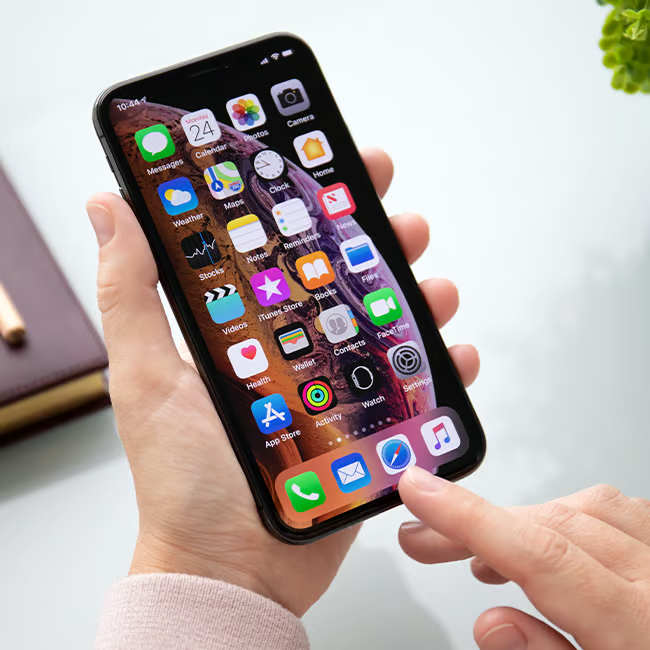
When this happens, a lot of people panic, and many automatically think it’s an indicator that they need a new smartphone, subsequently spending a lot more money. However, there are a lot of changes you can make to speed your device back up before having to make the drastic choice to get a new one. From adjusting certain settings to deleting things and more, we’re sharing three different moves you can make to speed up your lagging iPhone. Read more about them below.

Women Are Swapping Their Boring Water For This Ice Pop Electrolyte Mix!

1. Turn Off 'Always-On' Display & 'Raise To Wake'
A lot of people tend to forget just how much of an impact their iPhone's display and brightness can have on their battery life, and if your 'Always On' feature is turned on, those brief moments of screen activity can drain it even further.
"That makes this a smart battery fix because the screen is one of the easiest ways to lose power without noticing it," explains tech pro Kajol Shah. "A shorter lock time helps right away, especially for people who check their phone often and leave the screen awake longer than they realize. Turning off 'Raise to Wake' helps because the screen is one of the biggest battery users, and these features make the phone wake or stay visible more often than many people realize.">
1. Flo
Flo is a popular app to help women keep track of their periods and other aspects of their health, offering them calendars, reminders, tips, and more. Though it was once considered a reliable and convenient tool, there have been major data and privacy issues. Now, some tech experts are suggesting you ditch it entirely and stop giving it your information.
"The Flo app shared private information from 38 million users with Meta without consent," explains cybersecurity pro Vlad Cristescu. "Meta then targeted those users with ads."

3. Clear Out Your Storage
One of the most common reasons why a user's iPhone starts lagging, slowing down, or acting up in general is that its storage is full. Not having enough storage space left can mess up a lot of features, which is why whenever you get a chance, you should go into your storage settings to see which areas of your device need the most cleaning up.
"Your iPhone needs breathing room, not a digital junk drawer full of screenshots of receipts and memes you forgot about," adds tech repair expert Sam Devia. "When storage drops too low, phones become slow, crash, restart randomly, and fail updates. To clean it up, go to Settings, then General, then iPhone Storage, and keep at least 5 to 10 GB free by deleting unused apps, videos, and old photos."