


Your location is one of the most personal pieces of information your smartphone can collect, making it important to pay attention to which apps have access to it.
Many smartphone users may not realize just how many apps can use location data, especially if they give the apps permission without thinking twice or really comprehending what they’re doing when first downloading an app out of excitement or anticipation. Depending on the app and your settings, location information can be used to personalize the content you see, connect you with nearby people, or potentially lead to something more dangerous. Read more about two commonly used apps tech experts say you might not realize are tracking your data below.

Women Are Swapping Their Boring Water For This Ice Pop Electrolyte Mix!
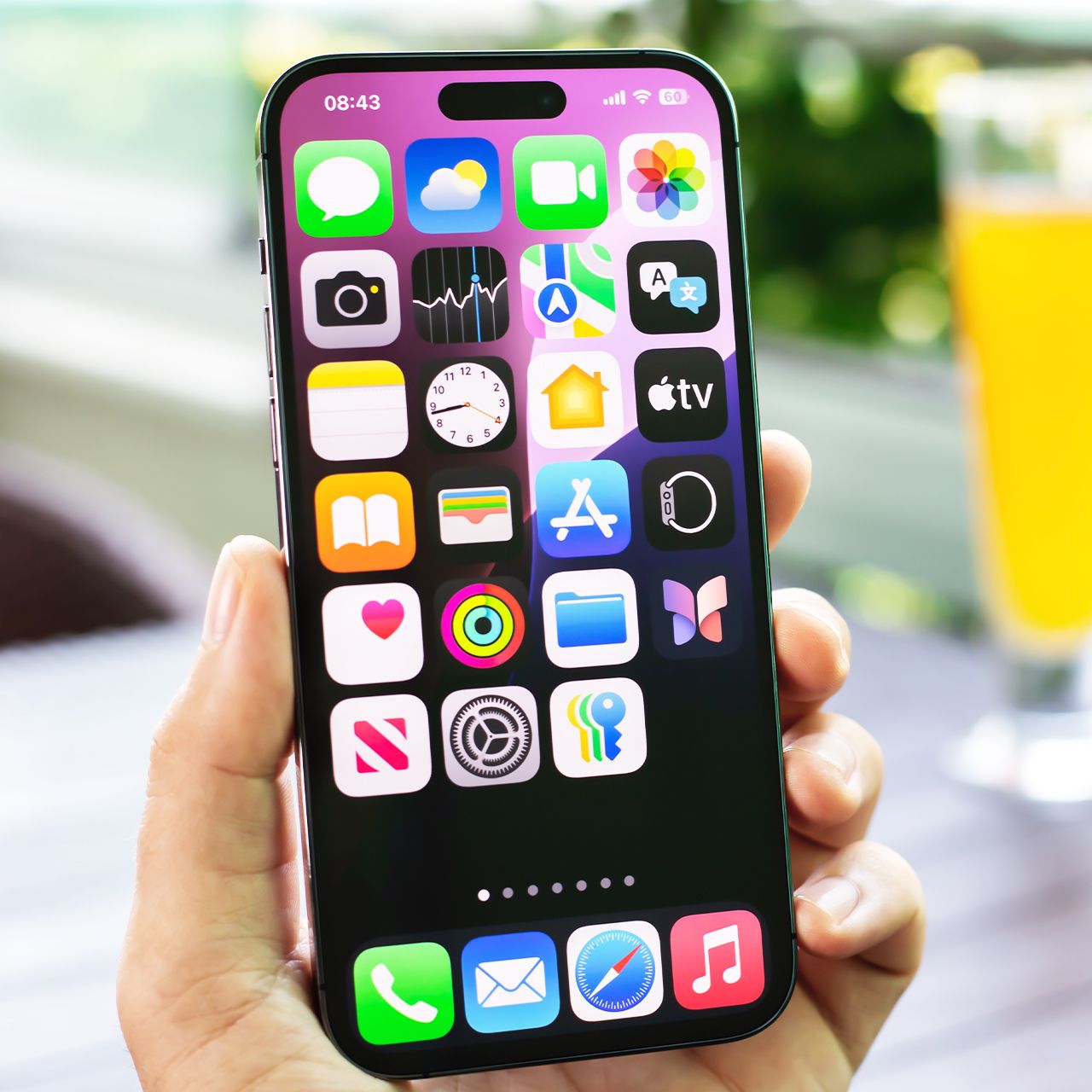
3. App Suggestions
iPhone's App Suggestions feature can recommend apps based on factors like your routines, location, and the time of day, helping you quickly access apps you’re likely to use. While convenient, features that continually use background activity and location data can contribute to battery drain over time.
"Suggested Apps, introduced in iOS 8, help your phone figure out where you are and what you are nearby using your location information," explains tech pro Luke Ford. "It also suggests which apps, either installed on your phone or new on the App Store, might be worth your while based on that location information. This does, however, use extra battery life because it must constantly be communicating with the App Store, checking your location, etc. This used to be controlled in the Settings app in iOS 10; it moved into Notification Center."
Here’s how to disable it in iOS 10: Swipe down from the top of the screen to open Notification Center > Today view > Edit > Siri App Suggestions > Remove.