




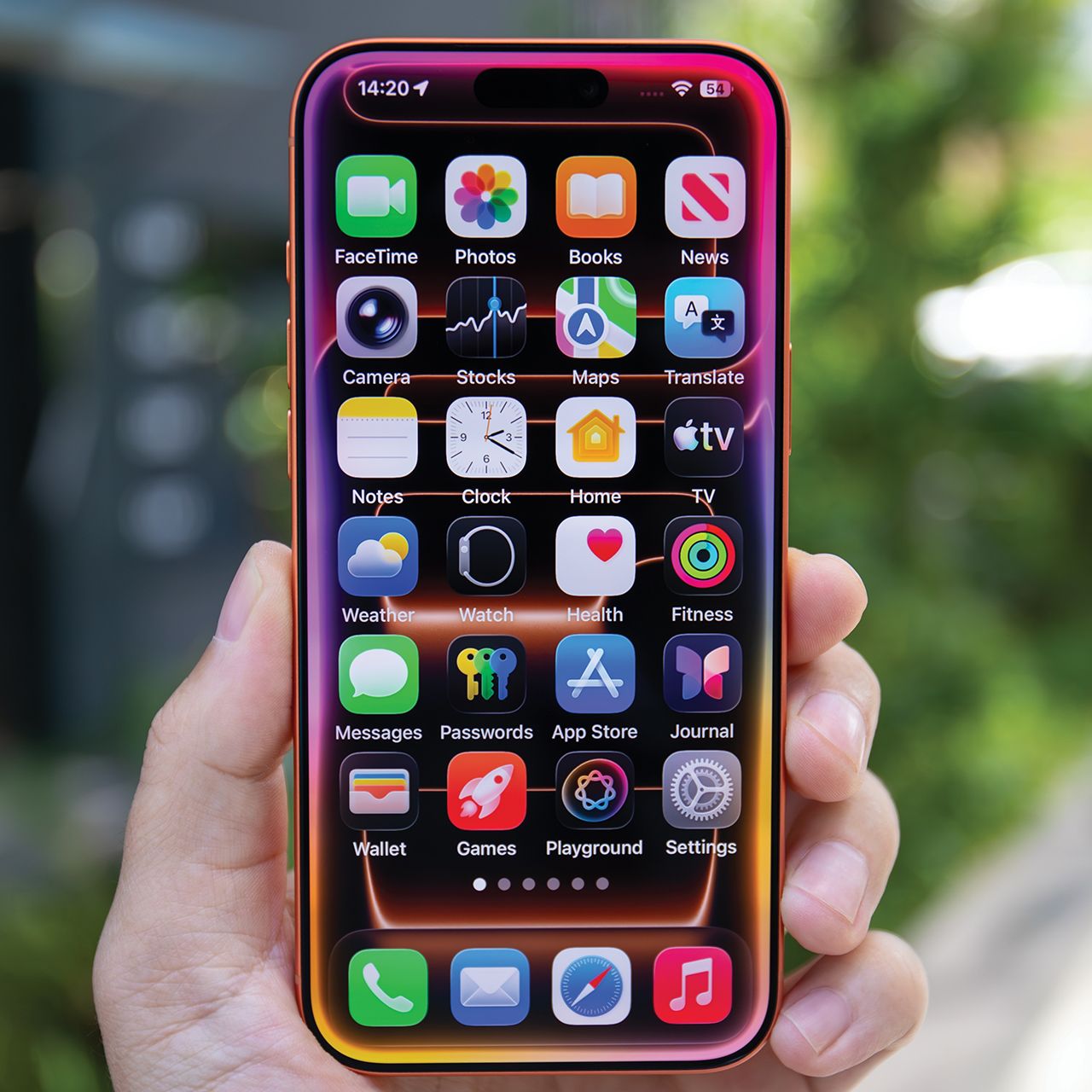
If your smartphone is running out of storage, you might feel pressured to delete things that are very important to you in order to make room.
Running out of storage on your phone can be frustrating, especially when you’re trying to take a photo, download an app, or install an important update. Before paying for extra cloud storage or upgrading your device, take a look at what’s already taking up space. A few common files and apps can quietly eat away at your available storage, and deleting them could make a noticeable difference. Read more about three things you could likely get rid of below.

Women Are Swapping Their Boring Water For This Ice Pop Electrolyte Mix!

1. Duplicate Photos And Videos
Photos and videos can take up a surprising amount of space, especially when you have multiple copies of the same images. Accidental duplicates, old screenshots, and nearly identical videos can quickly add up. Go through your camera roll and delete anything you no longer need. Both iPhone and Android devices also offer tools to help identify duplicate photos.
"Videos, especially older ones you've forgotten about, can quietly consume tens of gigabytes before you notice," explains tech product manager Yelizaveta Kasian. "Duplicate and similar photos pile up faster than most people realize; every burst shot, accidental double-tap, or slightly blurry version of a keeper adds up."
2. Excess Downloads From Streaming Apps
If you regularly download movies, TV episodes, or music to enjoy offline, your streaming apps could be using more storage than you realize. Services like Netflix and Spotify let users save content directly to their phones, but those downloads can accumulate over time. Delete episodes you've already watched, movies you don't plan to revisit, and playlists you no longer need offline.

3. Unused Gaming Apps
Mobile games can take up significant storage, particularly larger games with detailed graphics, additional content, and frequent updates. If you have games sitting on your phone that you haven't opened in months, they could be taking up valuable space for no reason. Deleting games you no longer play is an easy way to free up storage, but make sure your progress is backed up before uninstalling anything you might want to revisit.
"Old games are one of the biggest storage culprits I'd look for," explains smartphone repair specialist James Waterston. "A single game can take up several gigabytes once all its additional files are downloaded, so deleting one game you haven't touched for months can make a much bigger difference than removing ten small apps. If you don't play it, don't let it sit there consuming a huge chunk of your storage."