




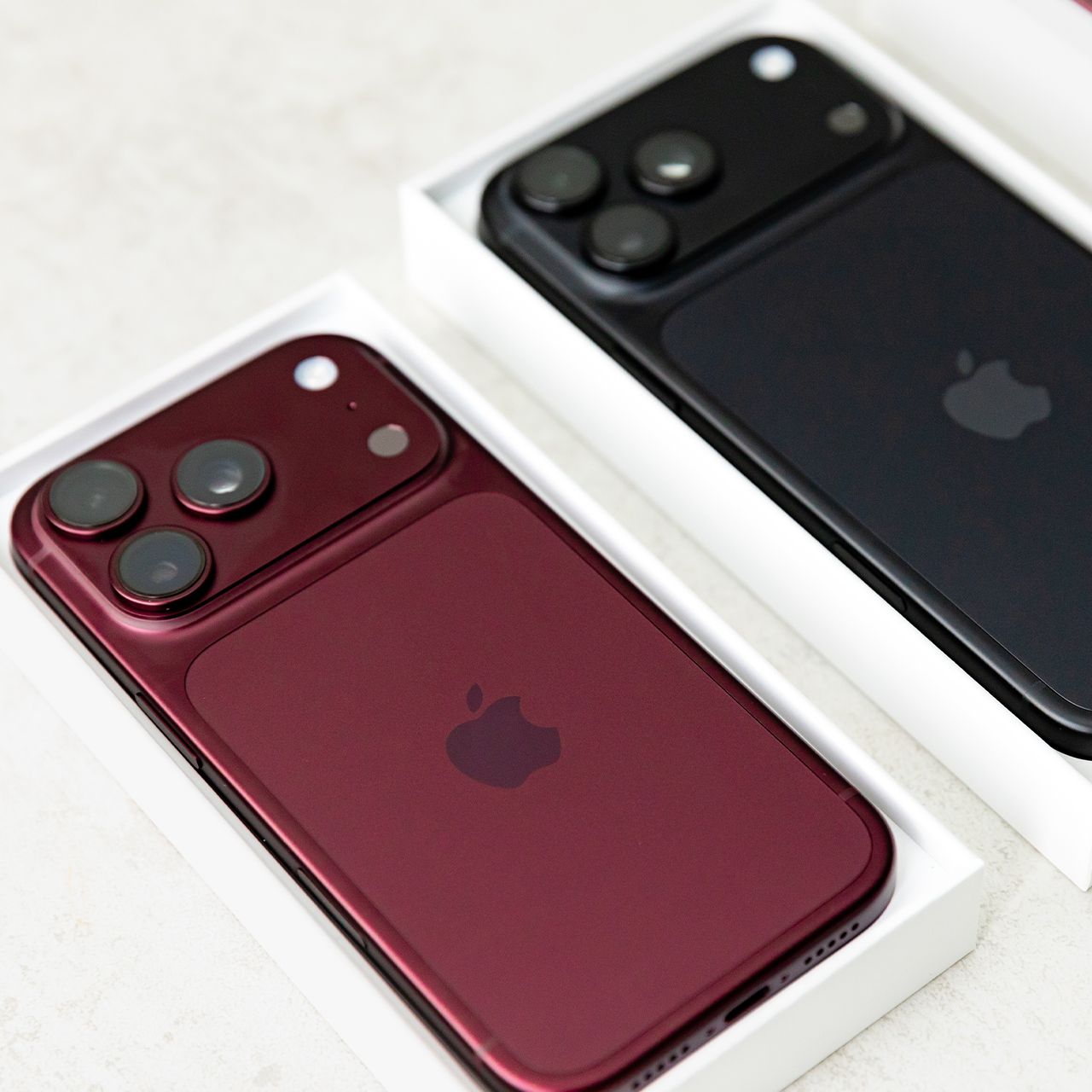
Getting a new iPhone is always exciting, especially when you get to explore its latest features and upgrades. However, there are also a lot of storage-consuming apps to explore.
However, before you start downloading all your favorite apps, tech experts recommend taking a closer look at the ones that come pre-installed on your device. While some are useful for everyday tasks, others can take up valuable storage space even if you rarely use them. Read more about three pre-installed apps tech pros suggest deleting when you get a new iPhone below.

Women Are Swapping Their Boring Water For This Ice Pop Electrolyte Mix!
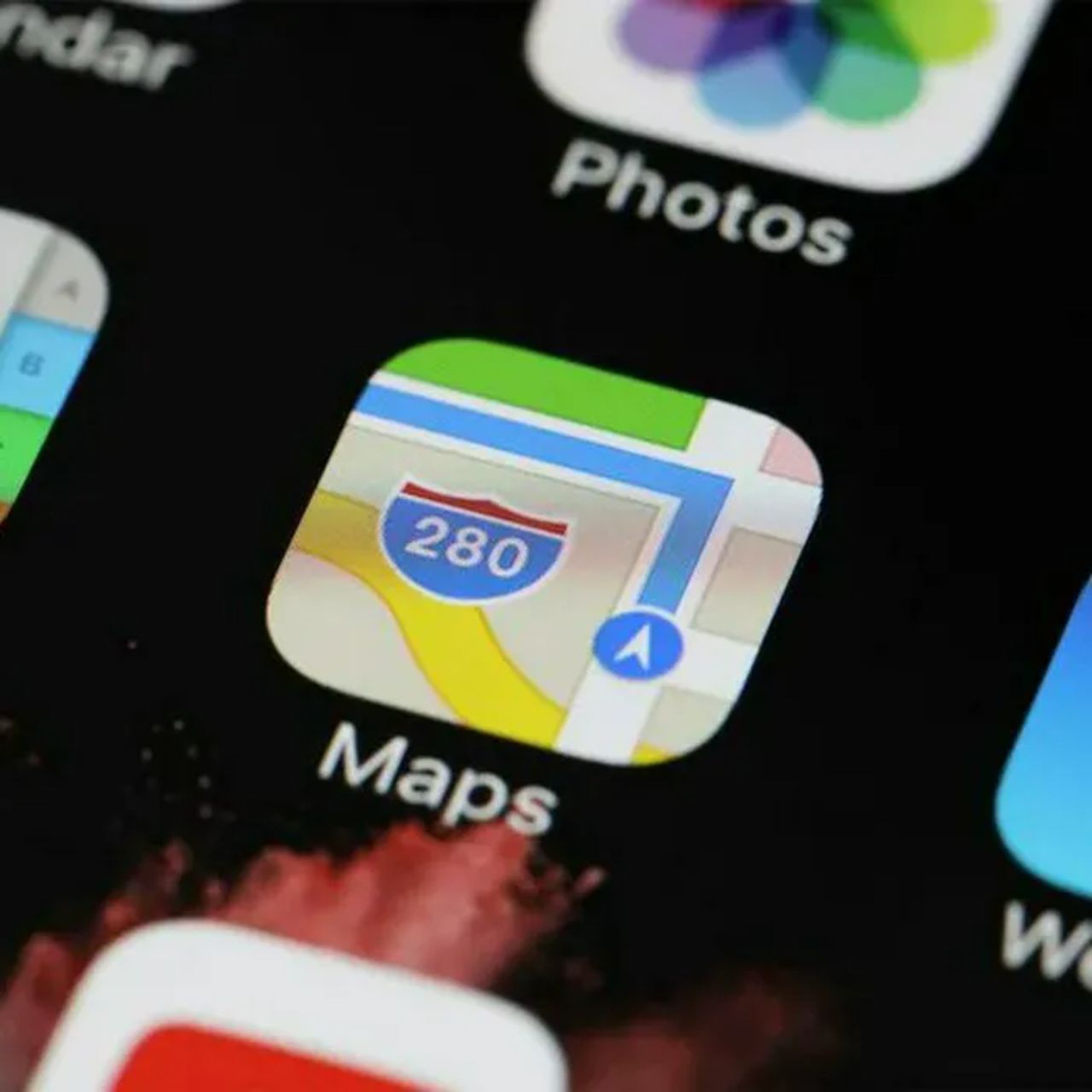
1. Apple Maps
Apple Maps can be a helpful tool for getting around, but not everyone relies on it for navigation. If you prefer using Google Maps or another navigation app, deleting Apple Maps could be an easy way to free up space on your device. Removing the app can help keep your home screen clutter-free and give you more room for the apps you actually use.
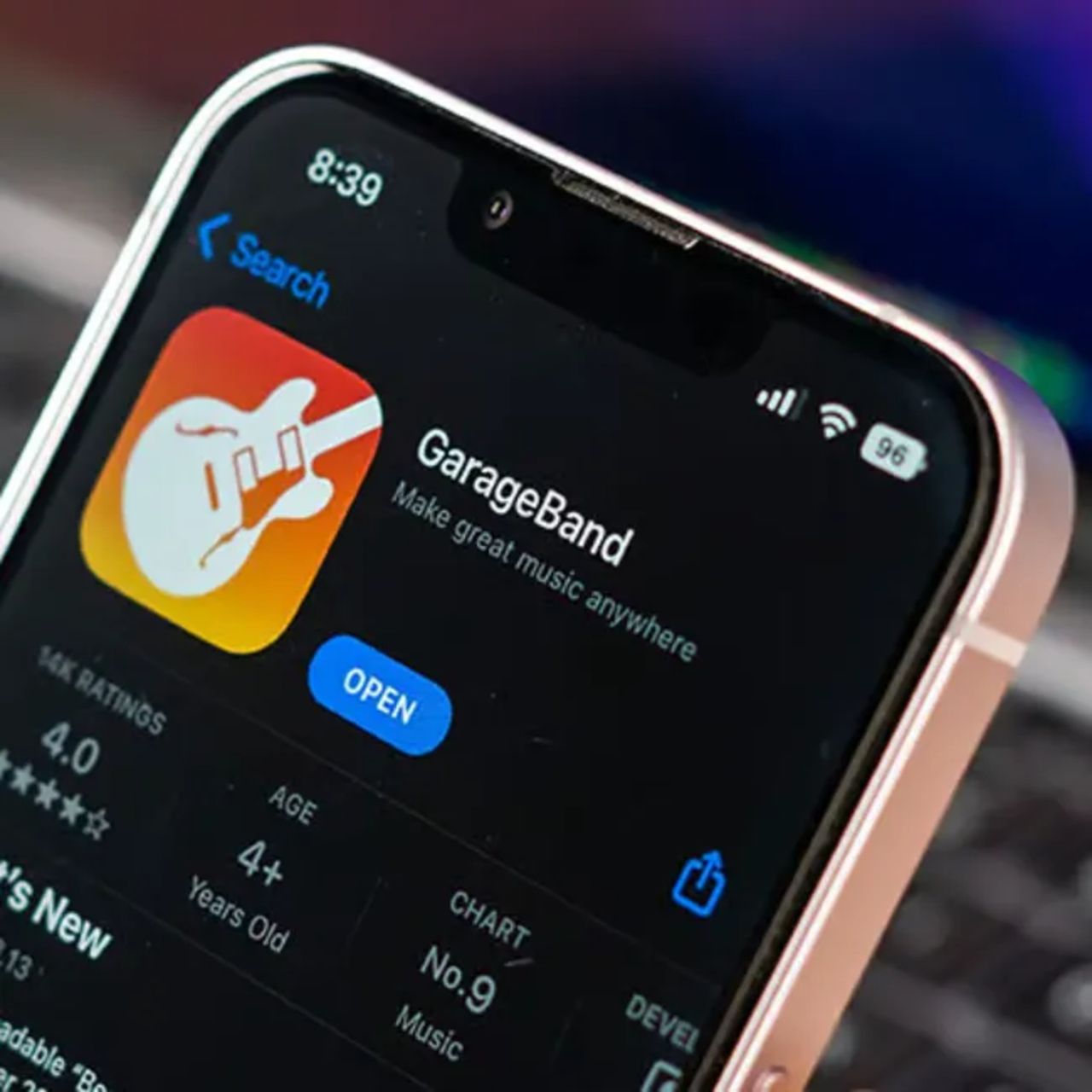
2. GarageBand
GarageBand is a great app for anyone who enjoys making music, but it may not be necessary for the average iPhone user. The app comes with a variety of instruments, loops, and sound libraries that can take up a significant amount of storage. If you're not planning on recording music or experimenting with audio, deleting GarageBand can help free up space for photos, videos, and other apps.
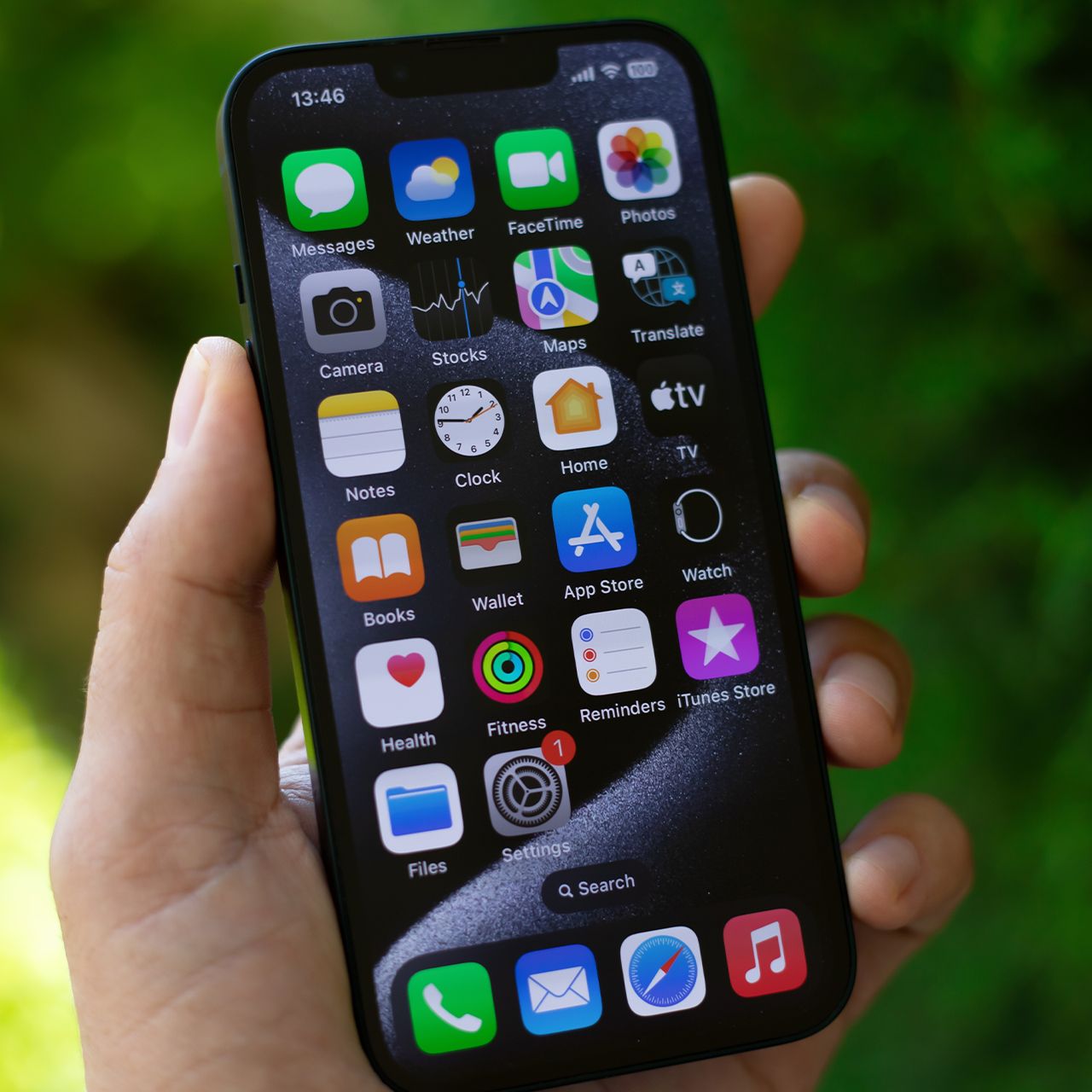
3. Apple TV
Apple TV is another pre-installed app that may not be worth keeping if you don't regularly stream shows or movies through Apple's service. While it can be useful for accessing Apple TV+, the app may also store data that takes up space on your device. If you already use other streaming services or don't plan on watching Apple TV+ on your phone, removing the app could help you reclaim some storage.
"We found that Apple TV pre-stores promotional information, app preview videos, and video cache, even if the user never accesses the application," explains tech research pro Hanna Parkhots.