



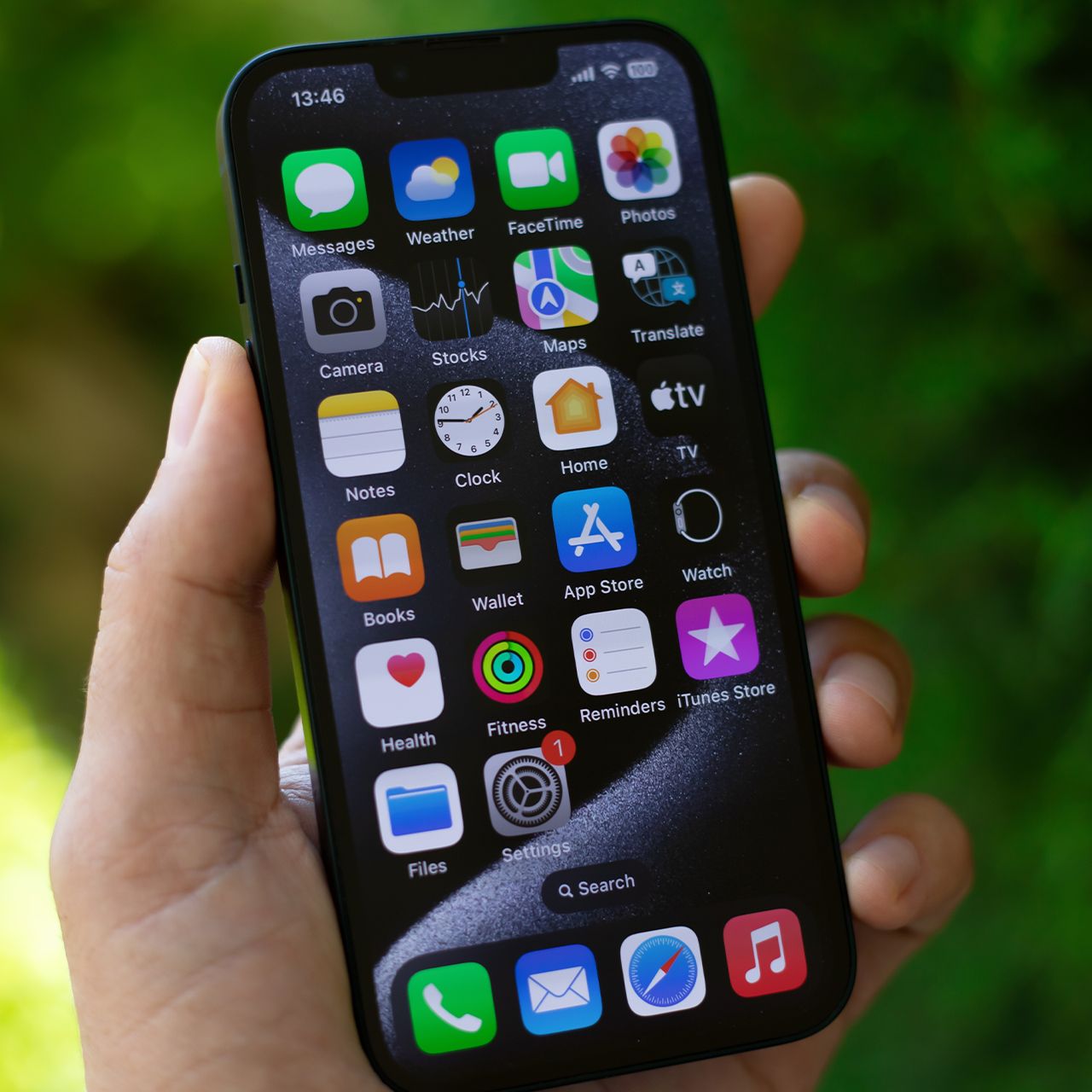
If your iPhone has been feeling slower than usual, the apps taking up space on your device could be part of the problem.
While you don’t necessarily need to delete every app you use, experts recommend taking a closer look at which ones are consuming storage and running in the background. Removing apps you rarely use could help free up space and make your phone easier to manage. Read more about two apps tech pros say deleting could speed up your iPhone below.

Women Are Swapping Their Boring Water For This Ice Pop Electrolyte Mix!
1. Excess Streaming Apps
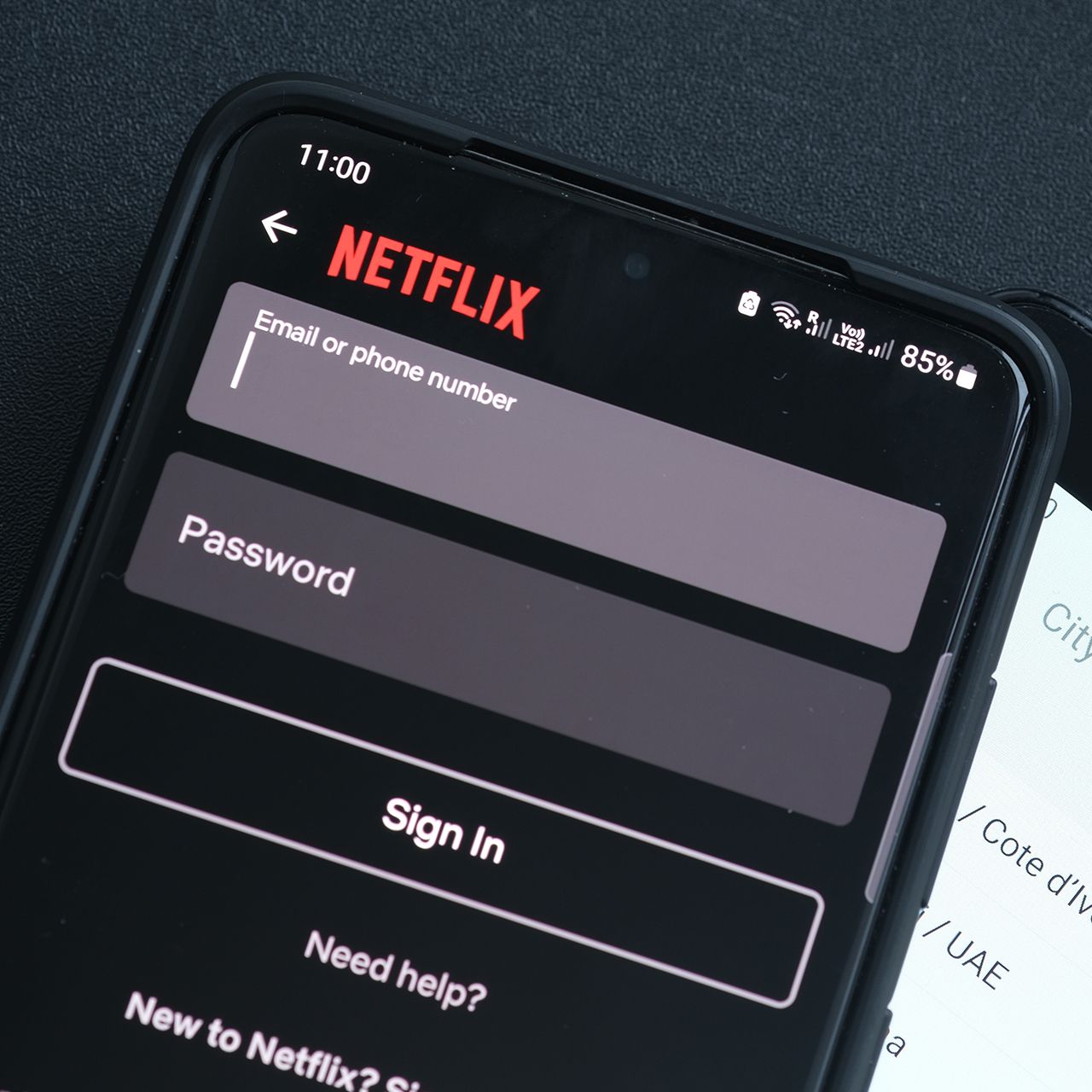
Streaming apps can quickly eat up your iPhone's storage, especially if you regularly download movies and TV shows to watch offline. Apps like Netflix, Hulu, and Disney+ can take up a surprising amount of space when you have multiple downloads saved across different platforms. If you have several streaming services installed but only use one or two regularly, consider deleting the ones you rarely open.
"Netflix, Spotify and YouTube can quietly take up gigabytes if you've downloaded shows, playlists or videos and forgotten about them," explains tech repair expert James Waterston. "I've seen people hunting for tiny files to delete while an old streaming download is taking up vastly more space. Check your downloads first — you could reclaim gigabytes in minutes."

2. Facebook
Facebook is another app worth reviewing if your iPhone has been running slowly. The social media platform can use a significant amount of storage over time as it collects cached images, videos, and other temporary data. It may also continue refreshing content in the background, which can contribute to battery drain and unnecessary activity. If you don't use Facebook often, deleting the app could be an easy way to free up space and reduce background activity.
"Facebook stores a lot of photos, videos, and browsing data on your phone," notes tech pro Calvin Brown. "If you don't use it often, delete the app and access Facebook through Safari instead—you may notice your phone runs more smoothly."