

iPhone and Android users alike know how frustrating it can be to get a ‘full storage’ notification.
Few things are more irritating than seeing that dreaded ‘Storage Almost Full’ notification pop up on your phone. When space is running low, it can be tempting to panic and start deleting photos, videos, or other important files you actually want to keep. Before you start clearing out your camera roll, though, take a look at your apps. You may be able to free up a surprising amount of space simply by getting rid of apps you no longer use. Read more about three of them below.

Women Are Swapping Their Boring Water For This Ice Pop Electrolyte Mix!
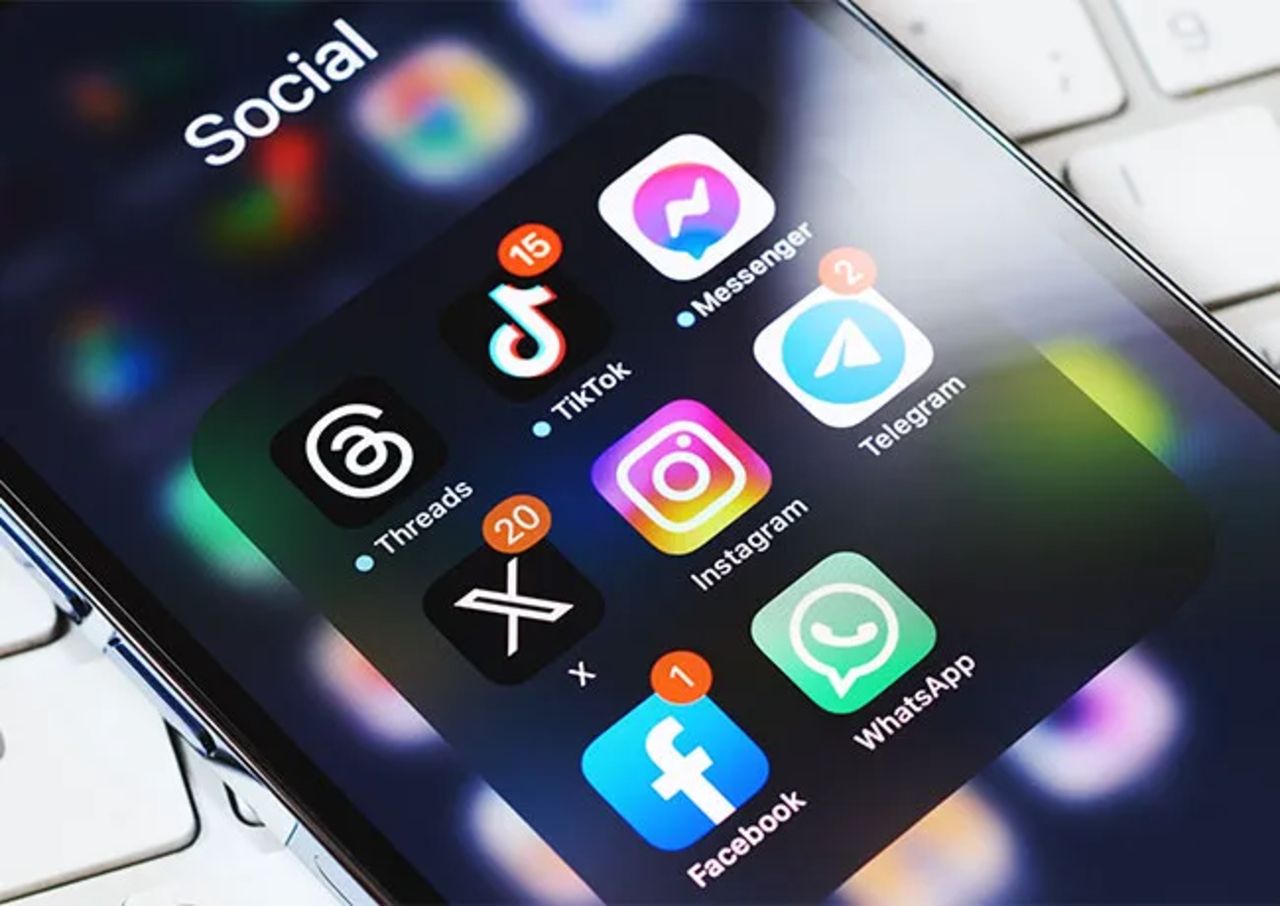
1. Meta Apps (Facebook, Instagram, Etc.)
Apps owned by Meta, including Facebook and Instagram, can collect information about your location depending on the permissions you have enabled. Location-related data can be used to personalize features and content, but cybersecurity experts recommend checking which Meta apps have access to your location and whether they actually need it.
"Users come here to connect with others and be entertained," says cybersecurity pro and author Patrick Coughlin. "They didn't come here to line the pockets of fraudsters. Meta's apps collect somewhere north of 150 distinct data points per user and stitch them together across the entire family of products, creating a boon for legitimate and fraudulent advertisers alike. Meta's platforms have become the single largest reported source of consumer fraud in the United States."
2. Excess Streaming Apps
Streaming apps can also be worth clearing out if you're trying to make room on your phone. While the apps themselves may not always be huge, downloaded movies, TV episodes, podcasts, and other 'offline' content can quickly eat into your available storage. If you only use a streaming service occasionally, deleting the app and reinstalling it when you need it can be a simple way to free up space.
"Apps like Netflix, Spotify, and YouTube may store downloaded shows, music, and cached files," adds tech expert Calvin Brown. "I'd start by removing old downloads, then delete any streaming apps you're no longer using."
3. Account Verification Texts
Account verification messages can look surprisingly legitimate, particularly when they appear to be connected to a service you actually use. Scammers may claim that you need to verify your identity, confirm a login, or take another immediate action, using the message to lure you into clicking a suspicious link or handing over sensitive information.
"Attackers send texts pretending to be from delivery companies, banks, HMRC, Apple, or Google, urging users to click a link or 'verify' their account," notes tech pro Darren Kimuli. "These messages often look authentic and use urgency, for example, 'Your account will be locked in 2 hours,' to push quick action. Clicking the link can lead to credential theft or malware installation."