

If you’re an Android user whose phone is running out of storage space, there are more default or preinstalled apps that you could probably part with than you think.
Most smartphone owners know the pain of using their phone regularly and then suddenly having it run out of storage. Over time, less storage space can lead to less functionality, and if your device is filled up storage-wise, it can begin to lag, die faster, etc. Most people panic upon seeing a low or full storage notification, rushing to delete more personal things like photos and videos. However, tech pros note that there are a handful of apps downloaded to your Android as a default that take up space and could be removed to give yourself more room. Read more about three of them below.

Women Are Swapping Their Boring Water For This Ice Pop Electrolyte Mix!
1. Preinstalled Social/Entertainment Apps
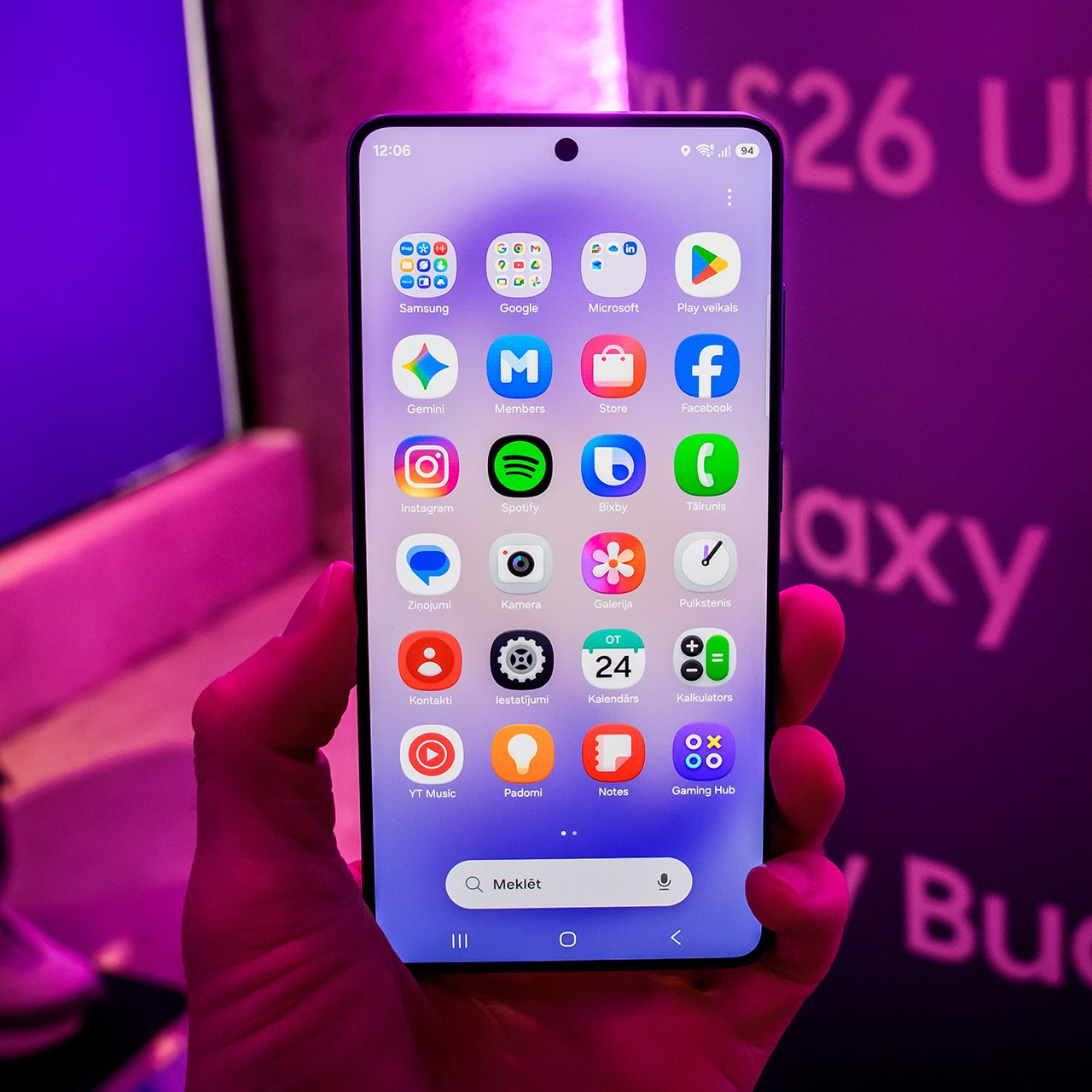
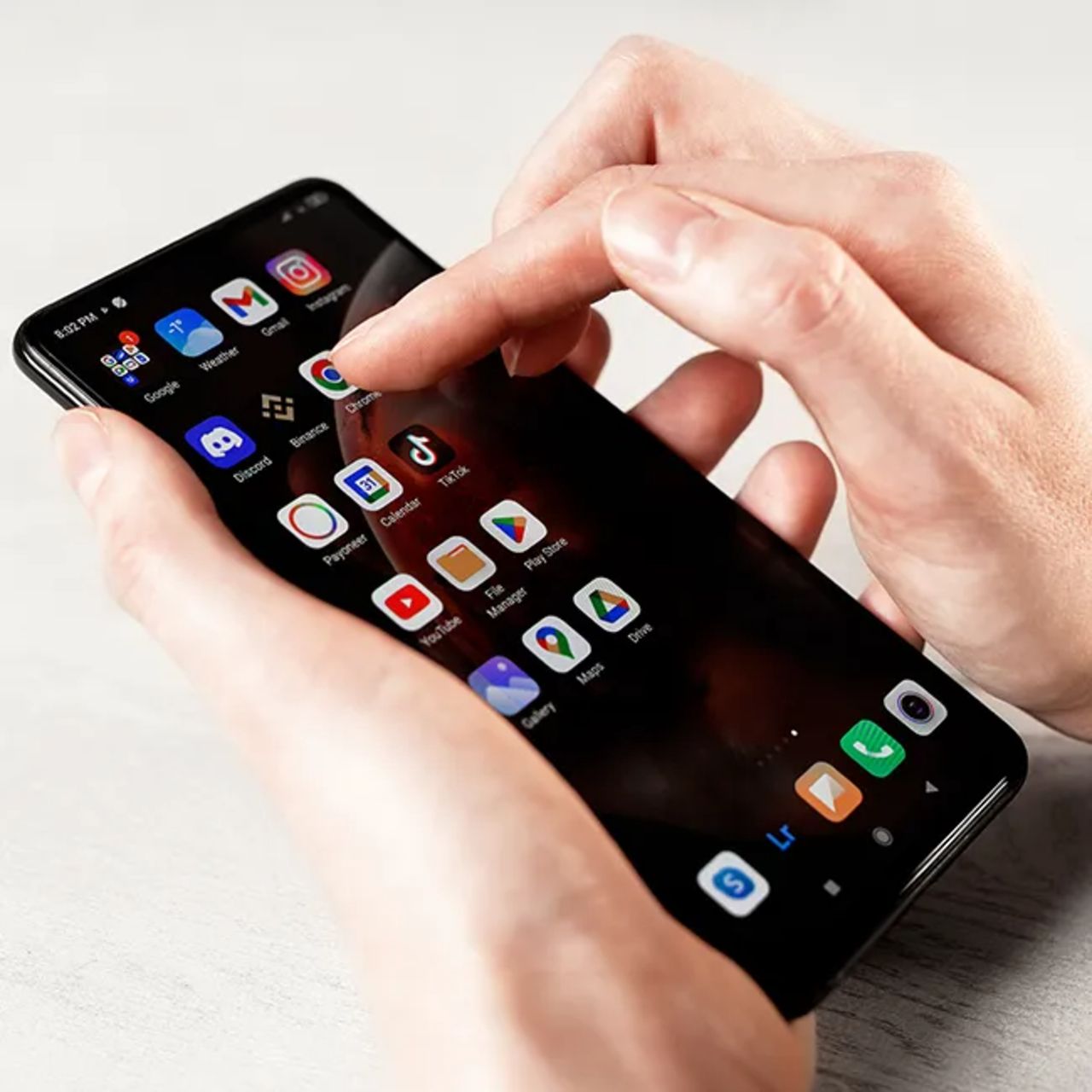
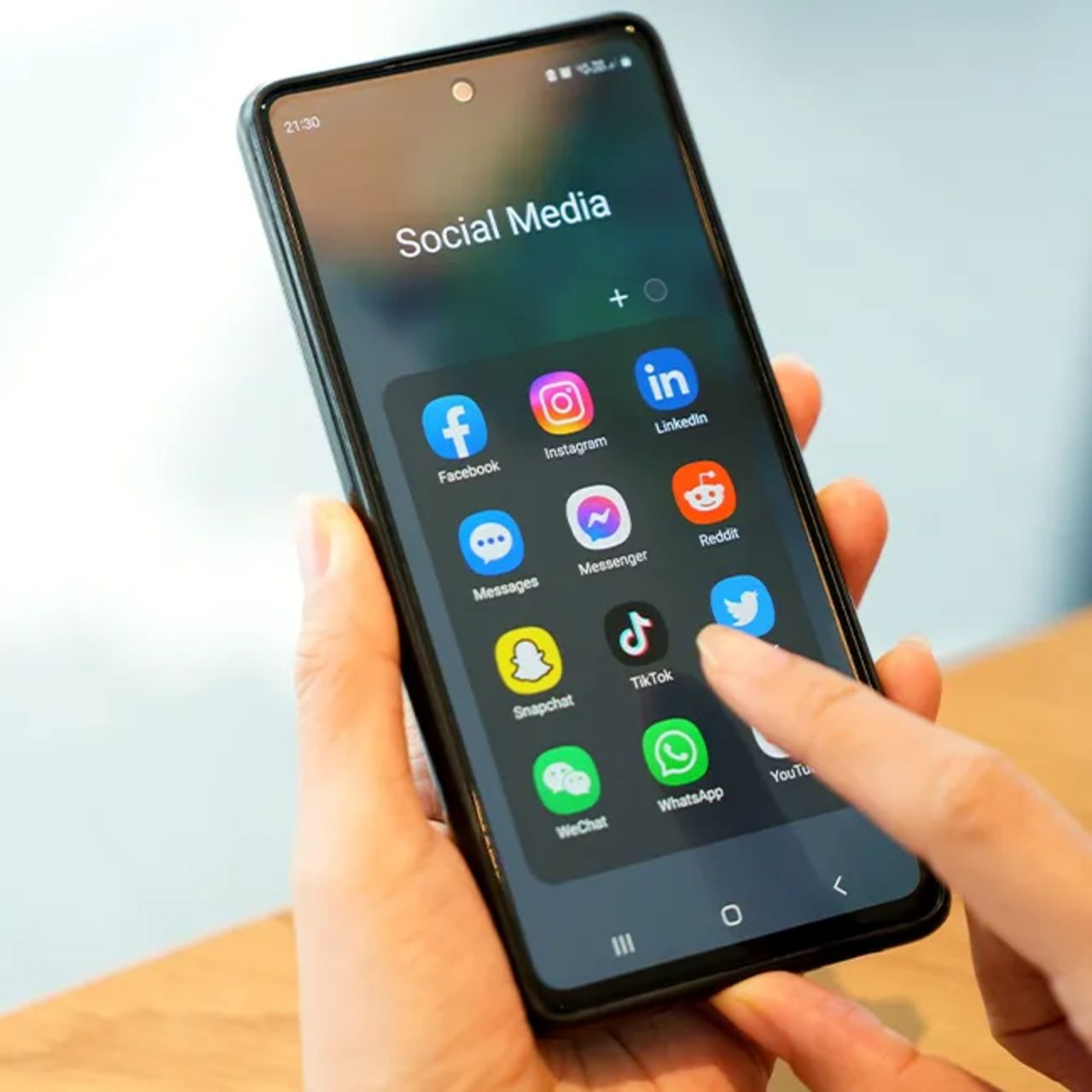
Androids are a bit different than iPhones when it comes to their preinstalled apps or 'bloatware,' as some tech enthusiasts may say. These days, many modern Android phones come with some kind of social media app already on them, like Facebook. However, if you're not consistently using them, it might be a good idea to uninstall them for storage space.
"Many Android phones come with Facebook, LinkedIn, Spotify, or booking services already installed," explains tech store owner and expert Steven Athwal. "Even if you never use them, they still occupy storage and may continue updating in the background. People often forget they're there because they didn't choose to install them in the first place."
2. Carrier Account Apps/Manufacturer App Stores
Many Android users don't realize that some of the apps taking up space on their phones may have come preinstalled by their phone's carrier or manufacturer. While these apps can be useful for keeping up-to-date on your Android's features and updating it, they can also collect data and store extra files. If you're trying to free up storage, it may be worth looking at these apps and removing or disabling the ones you don't actually use.
"Apps from carriers and manufacturers' app stores are good examples of apps that most users never intentionally install," adds software architect and technical author Jens Bojie. "However, like all other installed apps, carrier/account apps and manufacturer app stores require updates, store marketing materials, and can continue running in the background while you infrequently open the apps themselves."
3. News Feed Apps
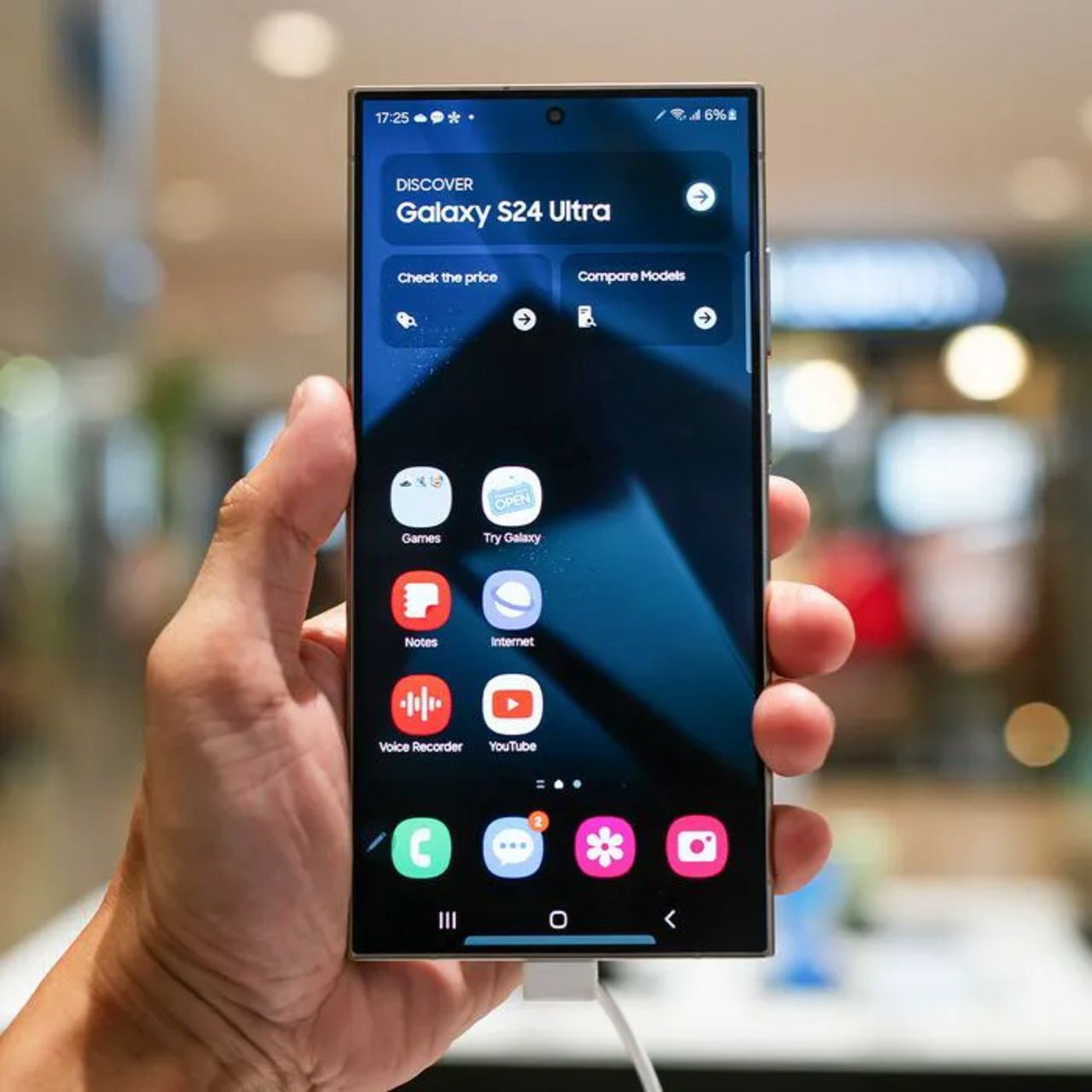
These days, lots of people like to keep up with the news, frequently reading news articles on their iPhones or Androids in their spare time. However, many of these users also tend to subscribe to various magazines and sites, often ignoring the news apps that come already downloaded on their phone. Therefore, if storage has been an issue, you may want to consider deleting your Android's default news feed app.
"Preinstalled news feeds like Samsung Free or Google Discover are one of the first things I'd disable if you never use them, or have a preferred news outlet," notes Athwal. "They're constantly refreshing articles in the background, using storage for cached content and consuming battery and mobile data even when you've never intentionally opened them."