

In today’s digital world, it’s crucial to keep yourself and your private information safe, which includes not falling into the traps scammers might set up for you.
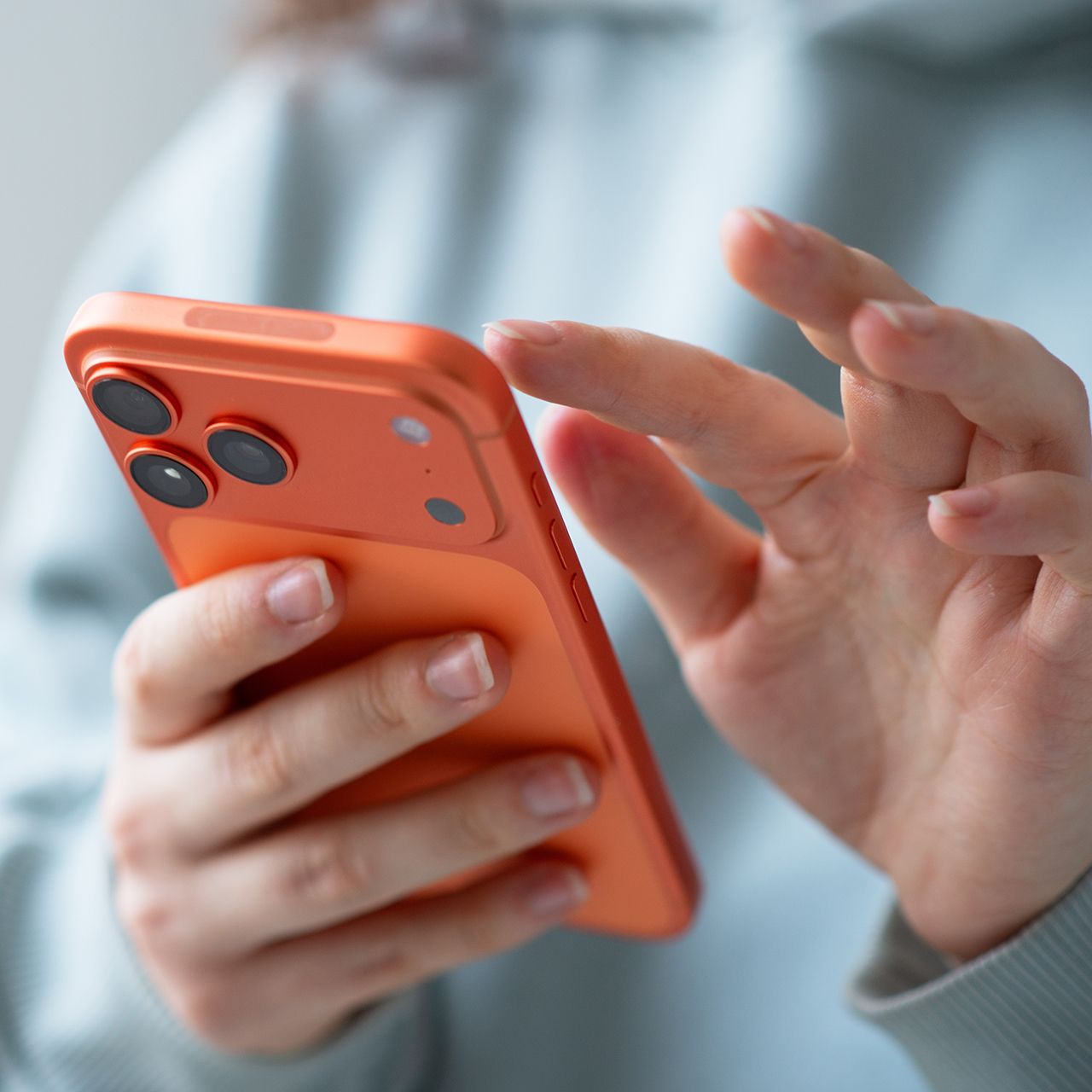
It’s easy to assume a text message is legitimate these days when it appears to come from a company you know and trust. Whether it’s an alert about your Apple account, a delivery you’re waiting for, or a bank transaction, these messages can look convincing, which is why they’re some of the most commonly used techniques scammers use to get you to give up sensitive data fast. But tech experts warn that certain red flags can reveal when a seemingly harmless text is actually an attempt to steal your personal information. Read more about two of them below.

Women Are Swapping Their Boring Water For This Ice Pop Electrolyte Mix!
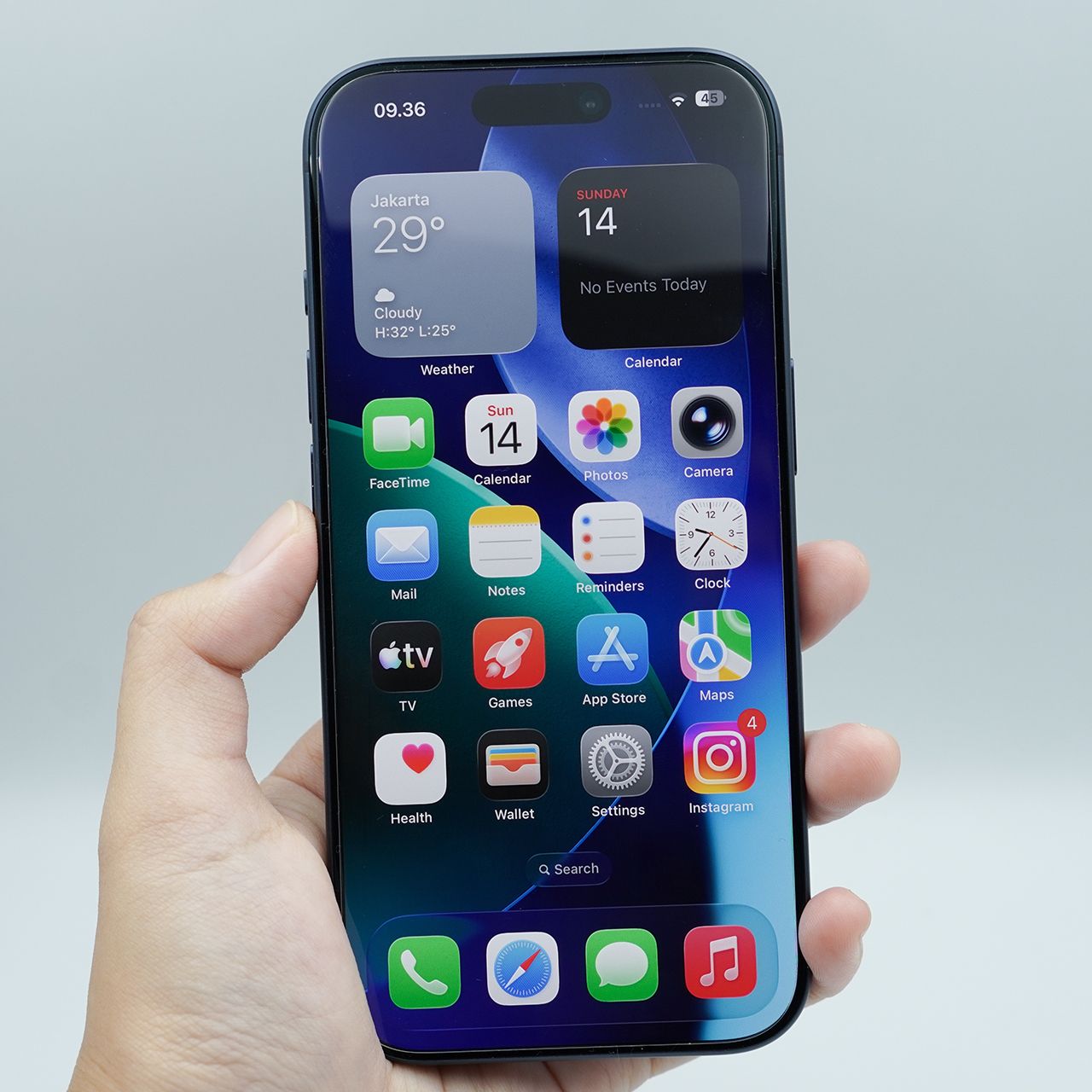
5. GarageBand
GarageBand is one app worth considering deleting, especially if you don't make music or use its recording and editing tools. Removing it can clear up storage that could be better used for photos, videos, and other apps you actually rely on. Therefore, if you're not looking to be an amateur songwriter, it might be the right app to ditch.
"GarageBand pre-loads sound libraries and instrument samples, totaling 1.6 GB, regardless of whether the user composes," notes tech pro Hanna Parkhots.

2. The Text Uses Urgency To Make You Click
Another major warning sign is a message that pressures you to act immediately out of fear. Attackers often impersonate delivery companies, banks, and leading tech companies such as Apple or Google, telling you to click a link or verify your account before something goes wrong. Ironically, they'll even sometimes fake inform you that a hacker has gained access to your accounts, only opening the door for whoever's behind it to actually do so.
"Attackers send texts pretending to be from delivery companies, banks, HMRC, Apple, or Google, urging users to click a link or "verify" their account," explains tech security expert Darren Kimuli. "These messages often look authentic and use urgency ('Your account will be locked in 2 hours') to push quick action. Clicking the link can lead to credential theft or malware installation. Never tap links in unsolicited texts, even if they look official. Instead, log in through the organization’s real website or app to check for alerts."