

If your smartphone storage is filling up right now, it’s extremely valid to feel frustrated and helpless.
Smartphones can hold a whole lot of exciting things, but when they start to fill up and lose storage space, suddenly you’re left panicking about what to get rid of. Running out of storage on your phone can happen faster than you expect, especially when old apps and their accumulated data are taking up valuable space. If you’re trying to make room for photos, videos, or new apps, getting rid of programs you no longer need can be a quick and easy place to start. Read more about three apps you could delete below.

Women Are Swapping Their Boring Water For This Ice Pop Electrolyte Mix!
1. Forgotten Utility And Editing Apps
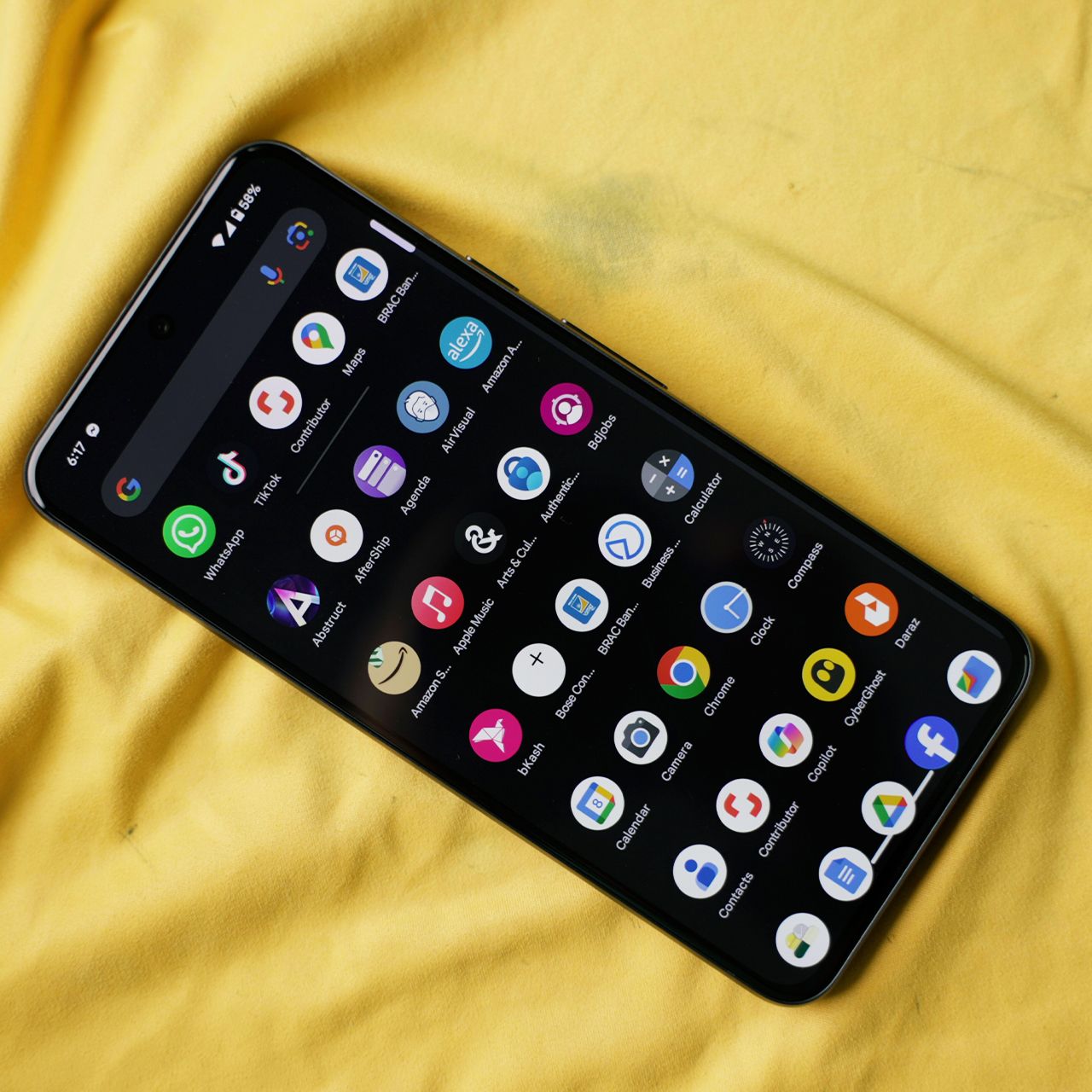
Utility and editing apps can be useful when you need them, but they can easily get forgotten once you've finished the task you downloaded them for. Whether it's a photo editor, PDF scanner, file converter, or another one-time-use app, deleting ones you no longer need can help free up storage.
"Photo editors, video editors, VPNs, keyboards, and other utility apps have a habit of staying on an iPhone long after you've stopped using them," explains tech repair pro James Waterston. "One forgotten app might not matter, but ten of them certainly add up. Go to Settings > General > iPhone Storage — you'll probably find apps in there you'd completely forgotten you installed."
2. Unused Social Media Apps
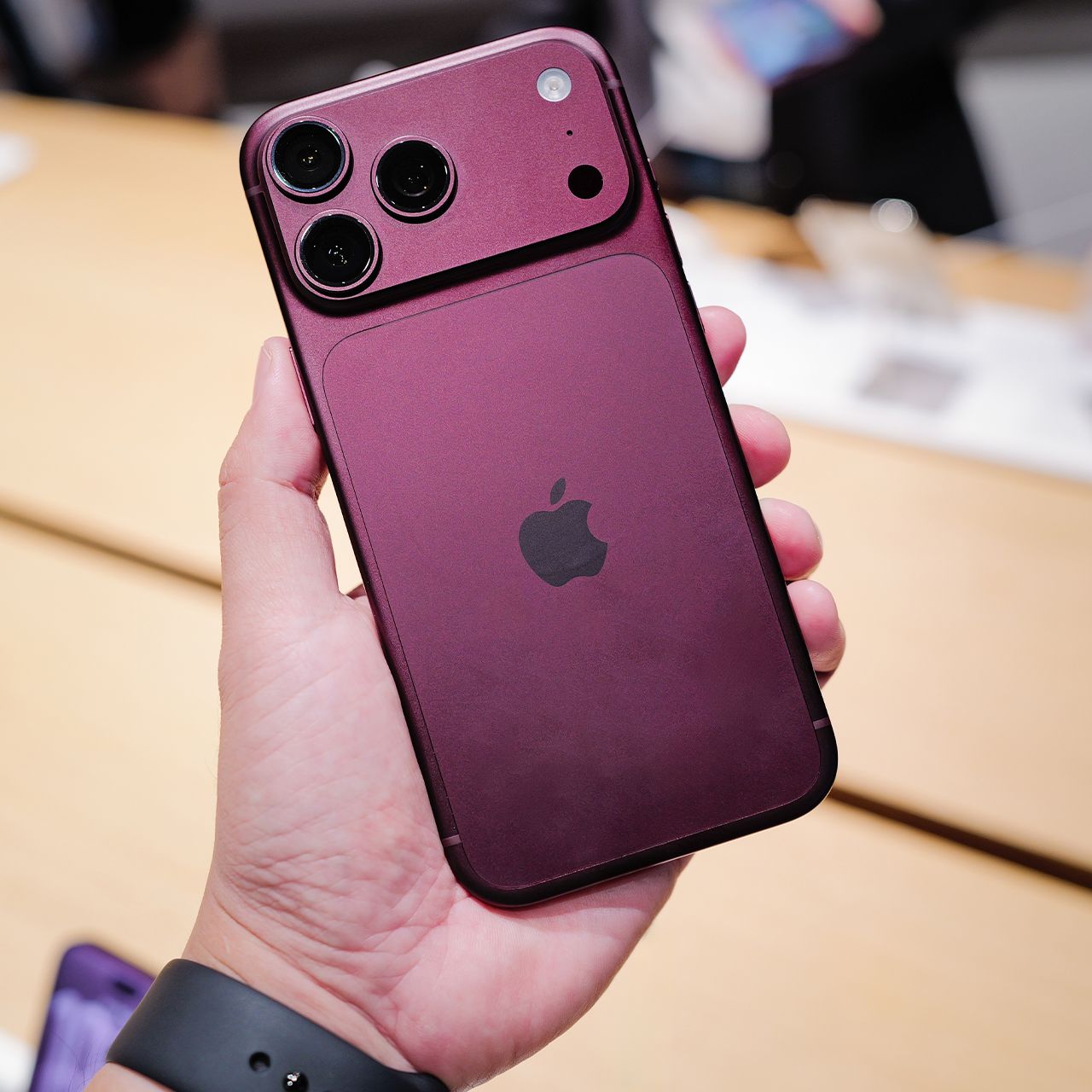
It's easy to download a social media app for a trend, a specific account, or simply to try out a new platform and then forget about it. If you haven't opened certain social media apps in months, deleting them can free up space while also getting rid of the data and cache they've accumulated.
"Social media apps can become storage hogs. Apps like Facebook, Instagram, and TikTok can accumulate a surprising amount of cached data from all the photos and videos you scroll through," Waterston adds. "If you barely use one of them anymore, delete it — there's no reason to let an abandoned app eat into valuable iPhone storage."
3. Unused Messaging Apps
Messaging apps can also take up significant storage, particularly if they save photos, videos, GIFs, and other media from your conversations. If you have messaging apps installed that you no longer use or need, removing them can be a simple way to reclaim some extra space.