




Be honest: how slow is your iPhone right now? Is it crawling instead of walking (when it should actually be running for the price you paid for it?). When your phone begins to slow down, takes more time to load documents and refresh content in apps, and just seems like it’s not functioning well at all, it’s important to take steps to fix the situation. If your phone is very old or the battery needs to be replaced, there may not be many options that will work well. But if you’re like so many others struggling to understand why your reasonably modern phone is acting like it’s 100 years old, you need a few good tips.
Here are seven tips from tech pros on how to troubleshoot your device when it slows to a crawl.

Women Are Swapping Their Boring Water For This Ice Pop Electrolyte Mix!

1. Update iOS
If you aren't regularly updating your iOS software, your phone is going to be slow, plain and simple. Updating your phone not only speeds it up but can fix bugs and optimize your device for better performance.
2. Unused Social Media Apps
It's easy to download a social media app for a trend, a specific account, or simply to try out a new platform and then forget about it. If you haven't opened certain social media apps in months, deleting them can free up space while also getting rid of the data and cache they've accumulated.
"Social media apps can become storage hogs. Apps like Facebook, Instagram, and TikTok can accumulate a surprising amount of cached data from all the photos and videos you scroll through," Waterston adds. "If you barely use one of them anymore, delete it — there's no reason to let an abandoned app eat into valuable iPhone storage."

4. Trusting Random QR Codes
QR codes can make it easy to open a website or access information, but users shouldn't automatically trust every code they encounter. Scammers can use malicious QR codes to send people to fraudulent websites designed to steal personal information or payment details.
"QR codes have become so common that most people scan them without thinking twice," explains Mukam. "The problem is that you cannot easily see where a QR code is taking you before scanning it, and attackers can use malicious QR codes to redirect users to fake login pages, payment websites, or other malicious sites. My advice is simple: pause, verify, act. I advocate for these 3 words a lot."
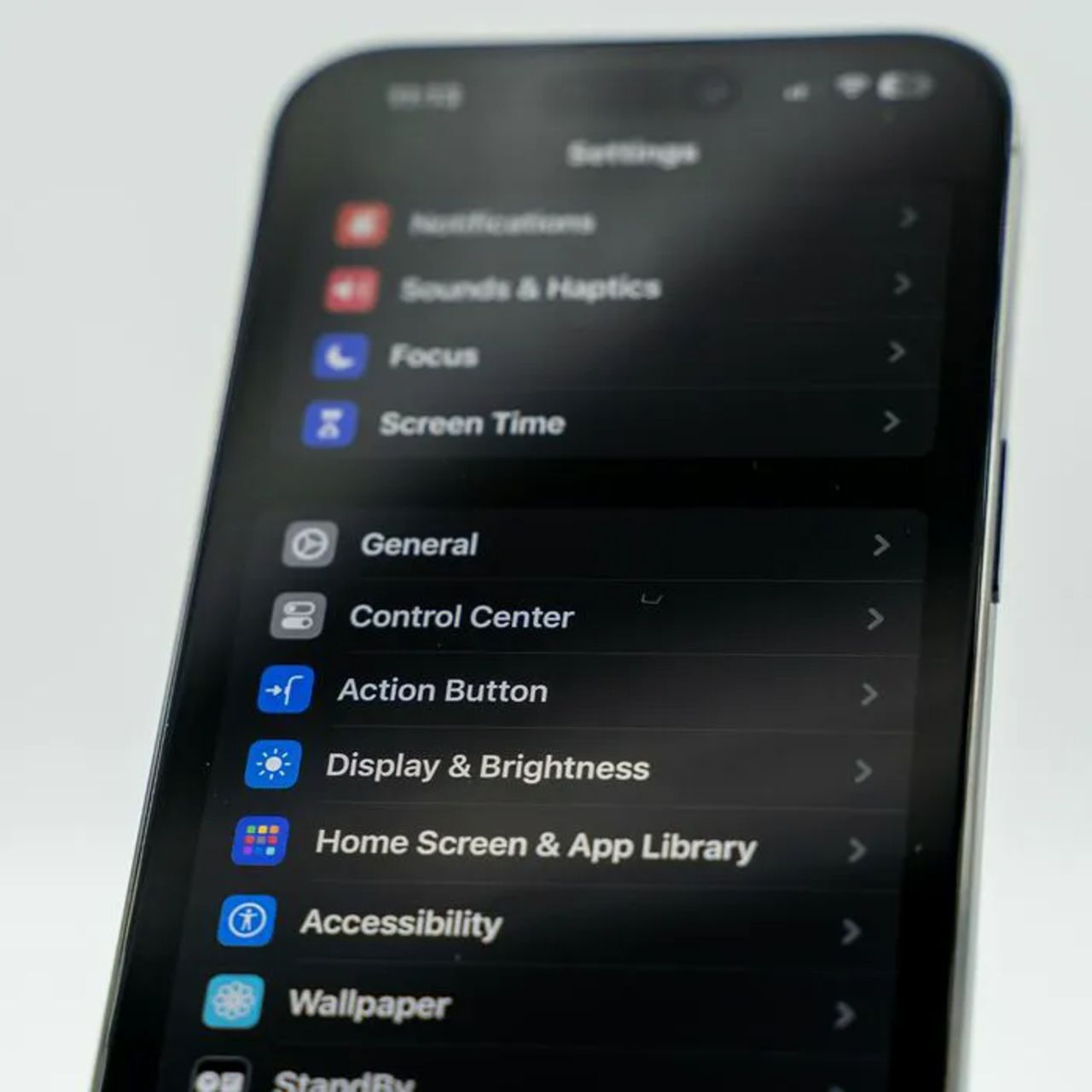
4. Turn Off Background App Refresh
When Background App Refresh is enabled, your apps will consistently update so that you are always able to access fresh content. But this setting does a number on your phone's speed. Turn it off by going to Settings > General > Background App Refresh.

5. Close Apps
Apps that are in the background can consume valuable resources and slow down your phone. Swipe up from the App Switcher and then swipe up on all of the apps you aren't using.
2. Large Games
Big mobile games can be some of the biggest storage offenders on your phone, with certain titles requiring several gigabytes of space and growing even larger after updates. If you have games installed that you haven't played in months, deleting them can be an easy way to reclaim storage.
"Games can take up a huge amount of storage and require a lot of processing power," adds Brown. "If you haven't played a game recently, delete it—you can always download it again later."
7. Delete Unused Streaming Apps/Their Downloads
With streaming apps like Netflix, HBO Max, and more being so popular, lots of people have them downloaded to their phones so they can watch their content from anywhere. For instance, many will use a streaming app's 'download' feature to save a few episodes of a show to their phones before a flight. However, these apps and their downloads can take up a lot of storage space as well as slow down your device.
"Apps like Netflix, Spotify, and YouTube may store downloaded shows, music, and cached files," adds tech expert Calvin Brown. "I'd start by removing old downloads, then delete any streaming apps you're no longer using."