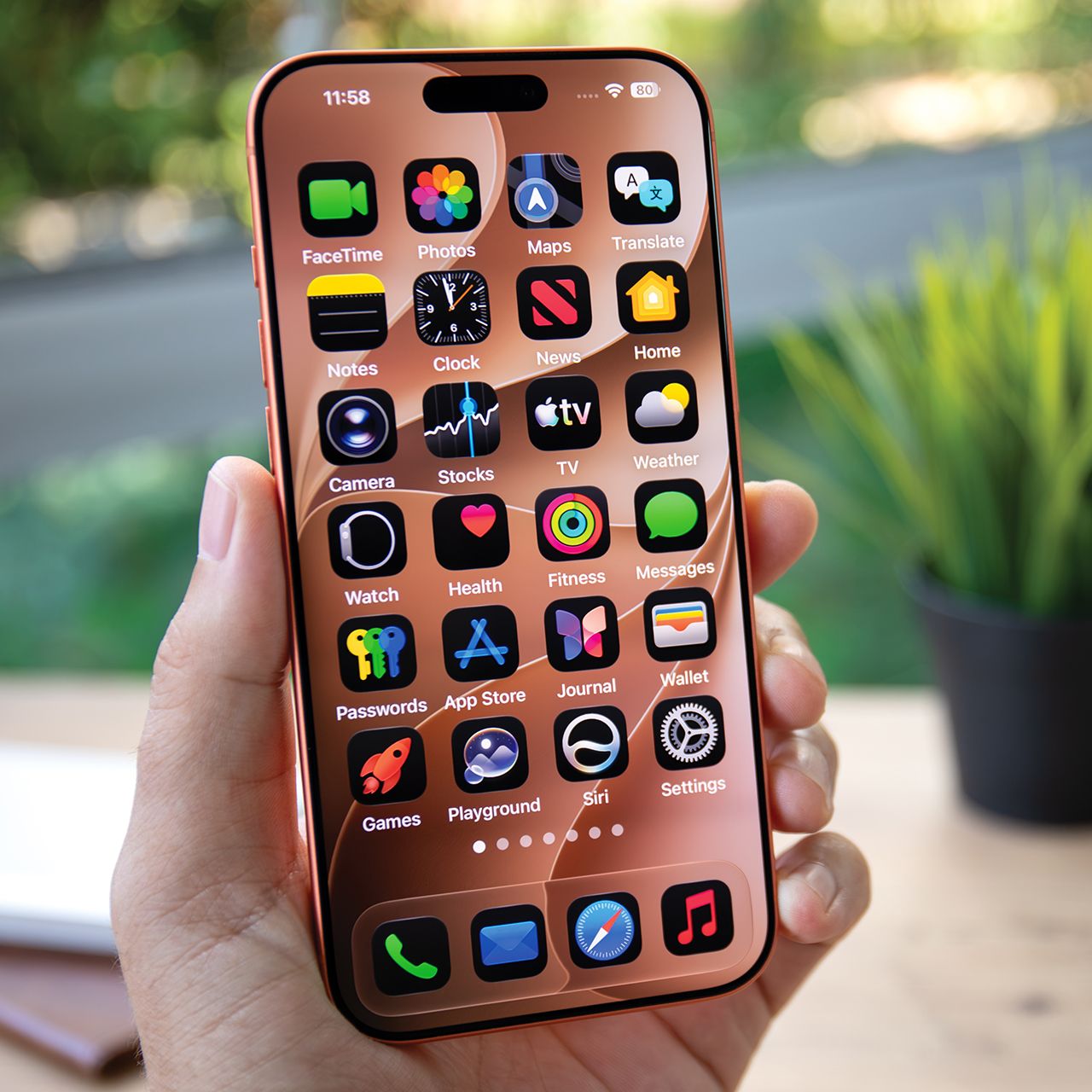


Being an iPhone user is often considered a privilege, but when it begins to lag on you, it can get really annoying, really fast.
When your iPhone begins lagging, it can be due to many reasons. From not having enough storage left to low battery life, all sorts of little things can contribute to an iPhone slowing down. However, something that can also make a slow iPhone worse are certain habits and the way you use it. Read more about three habits tech pros say you should avoid to keep your phone running smoothly below.

Women Are Swapping Their Boring Water For This Ice Pop Electrolyte Mix!
1. Keeping Background App Refresh On
When it comes to settings that you might not notice, tech pros would say you should keep on your radar is Background App Refresh, as it can drain battery life and slow down devices.
"Turn off Background App Refresh located in Settings, then General, then Background App Refresh for apps that you do not use on a constant basis," suggests tech pro Paul DeMott. "This feature allows applications to update the content in the background even when it's closed, which uses processing power and drains the battery all the time. Social media apps, news apps, and games are refreshing every few minutes, whether you need them or not. Disabling this for non-essential apps will free up CPU cycles and RAM that can be utilized by your active apps, making your device much faster."

2. Automatically Downloading Apps
Another iPhone habit that makes a big difference is letting your apps automatically download. It keeps things out of your control and has your iPhone working extra hard in the background.
"Automatic Downloads under the App Store settings is the third setting which slows down older phones," notes tech expert Mark Friend. "iPhones download app updates and other purchases quietly in the background, which competes with whatever you are actively doing. If you disable automatic downloads and prefer to decide when to update, your phone isn't balancing surprise download jobs while you're on your phone browsing or messaging. Over 100 deployments, we've watched our team see the same pattern repeat itself. Clean up those three areas and even an older iPhone feels much more responsive."

2. Fake Apple Texts
This might sound similar to the first scam, but it may also be a bit easier to detect. Again, there are many scammers or hackers who will try to target iPhone users by posing as Apple through text messages, and can do so through some powerful technology. However, there's one important thing to remember about the way Apple operates.
"These aren't generic texts being sent to a mass group anymore," notes tech pro Ron Kerbs. "They're personalized. They know your name, reference your device, and often arrive during moments of stress, like right after you've made a purchase, which is exactly when your guard is down. Unlike other fraudulent texts, these look and feel so real because they appear to come from a trusted company that you use every day. That's how they get you. Once you enter your Apple ID credentials on that fake page, the scammer owns your digital life."
"It's important to remember that Apple will never ask you to verify your account through a text message link," he continues. "If something looks off, go directly to Apple.com by typing the link in yourself. Do not ever tap the links sent to you."