


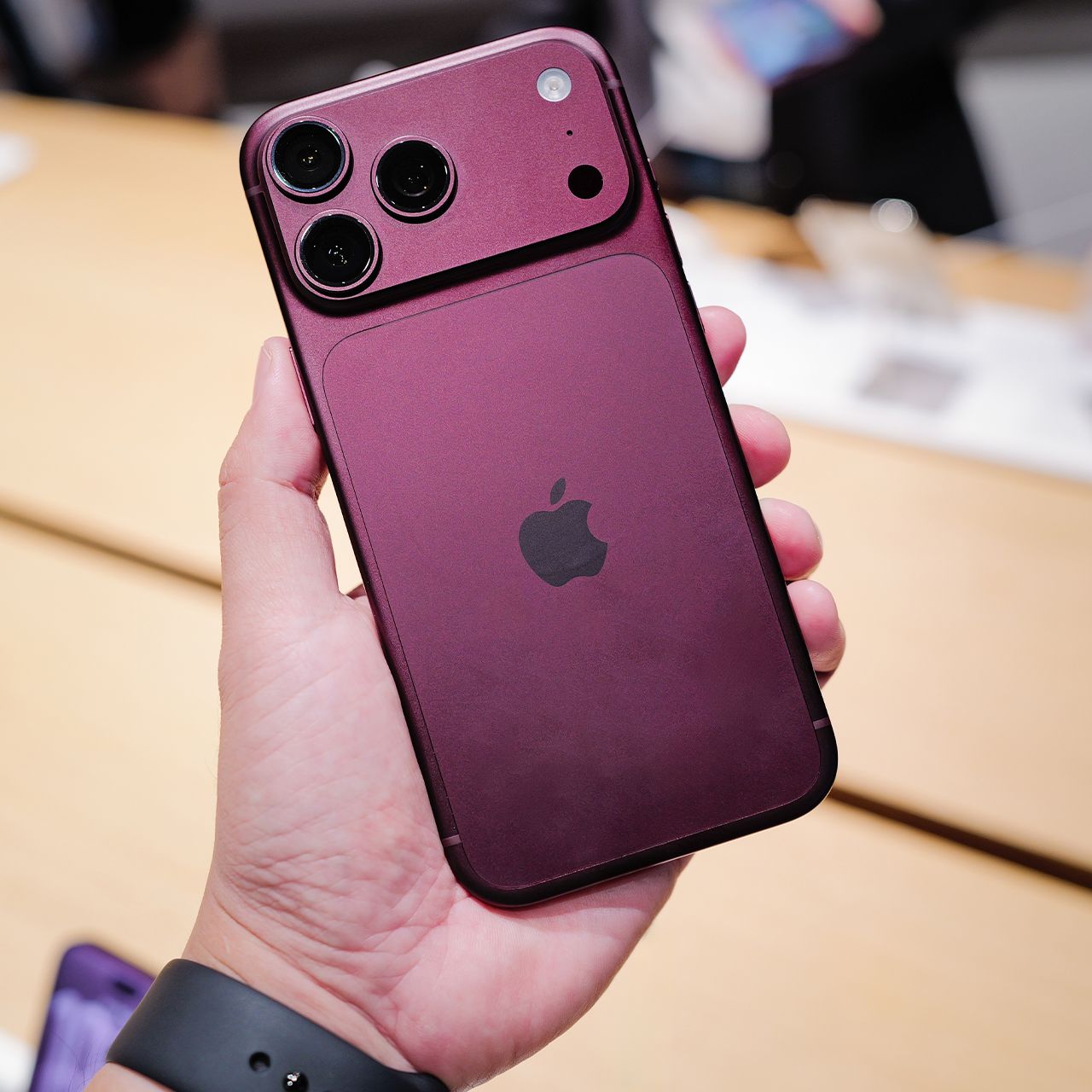
Worried that your smartphone might be accessed by someone with malicious intent? Then there are definitely some signs you should look out for.
While it’s relatively rare for a modern smartphone to become infected with malware, it’s certainly not impossible. That’s why it’s important to pay attention to both subtle and obvious changes in your phone’s behavior, especially if something suddenly seems off. Read more about two signs that could indicate your phone has a virus or malware below.

Women Are Swapping Their Boring Water For This Ice Pop Electrolyte Mix!
6. Disable Transparency Effects and Motion
Visual effects can look cool on your phone, but can slow your device down. Go to Settings > Accessibility > Reduce Motion to enable this, and then head over to Settings > Accessibility > Increase Contrast to reduce transparency and motion effects.

3. Restart Your iPhone
It's the simplest solution, and often the only one you need: before you go on a wild goose chase after ways to boost your phone's speed, turn it off and on again. A host of issues can be resolved by simply restarting your phone.