

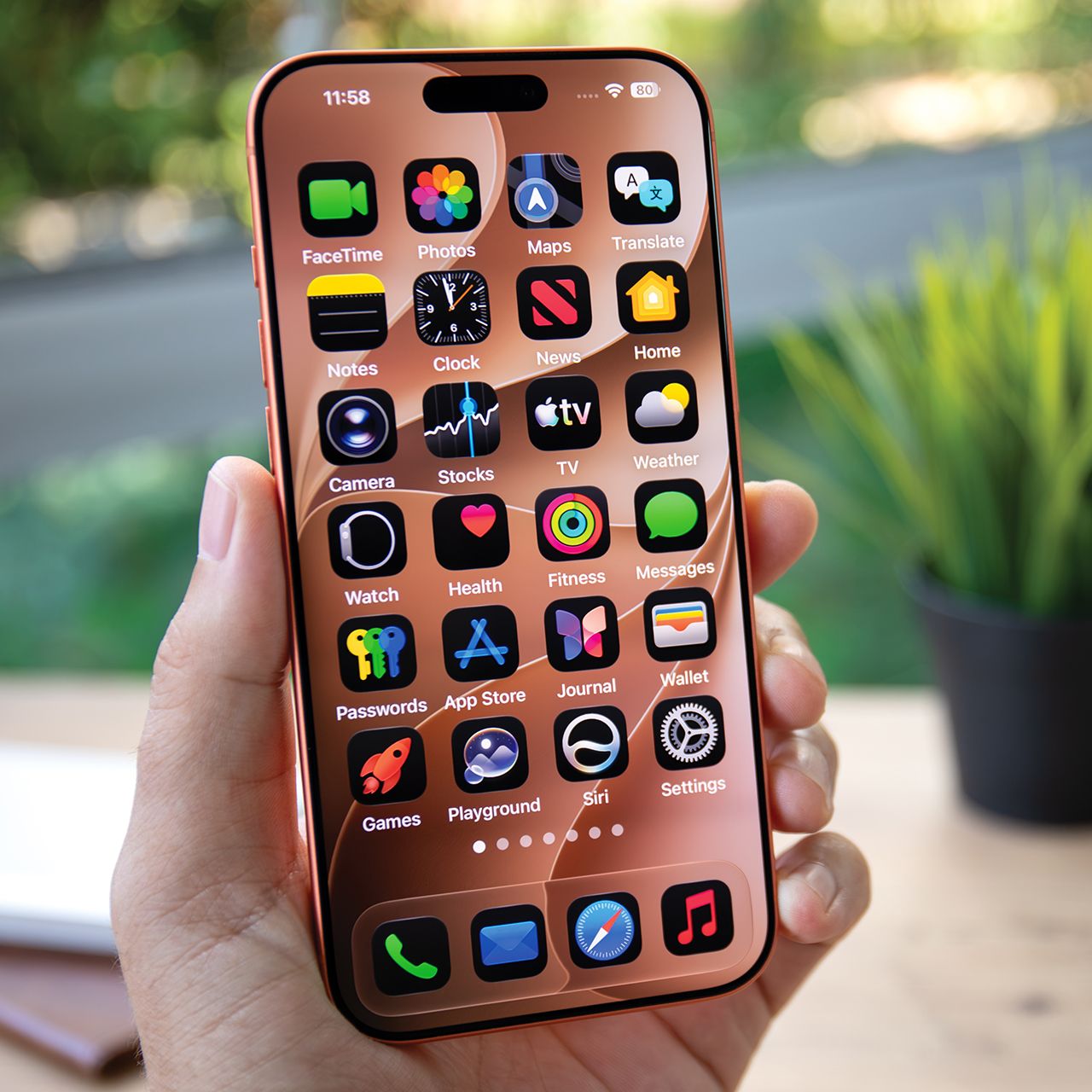
Tech experts over the years have noted that one of the things that can slow an iPhone is low storage levels is filled up storage, and excess apps can make that worse.
Your iPhone comes with several pre-installed apps, but some may take up valuable storage space or use resources you don’t necessarily need. If your phone has been running slower than usual, reviewing which apps you use and removing unnecessary downloads could help free up space and improve performance. Read more about two pre-installed apps that could be slowing down your iPhone below.

Women Are Swapping Their Boring Water For This Ice Pop Electrolyte Mix!
1. GarageBand
GarageBand lets users record music, play virtual instruments, and create songs on their iPhones. However, the app and its downloadable sound libraries can take up significant storage space. If you don't use it, deleting GarageBand could free up room on your device, particularly if you're running low on storage.
"Apps like iMovie or even GarageBand…they all accumulate a lot of data over time," notes tech pro Steven Athwal.
2. Maps
Apple Maps can also take up storage space, especially if you've downloaded offline maps for multiple locations. If you rarely use the app, deleting old map downloads or removing the app entirely could free up space. You can also review location settings to limit unnecessary background activity, although Maps doesn't automatically slow down your iPhone just because it's installed.
"Even if you're not using it, it regularly checks your GPS, Wi-Fi, and mobile networks to pinpoint your exact location," Athwal continued. "GPS is a significant battery drain."