




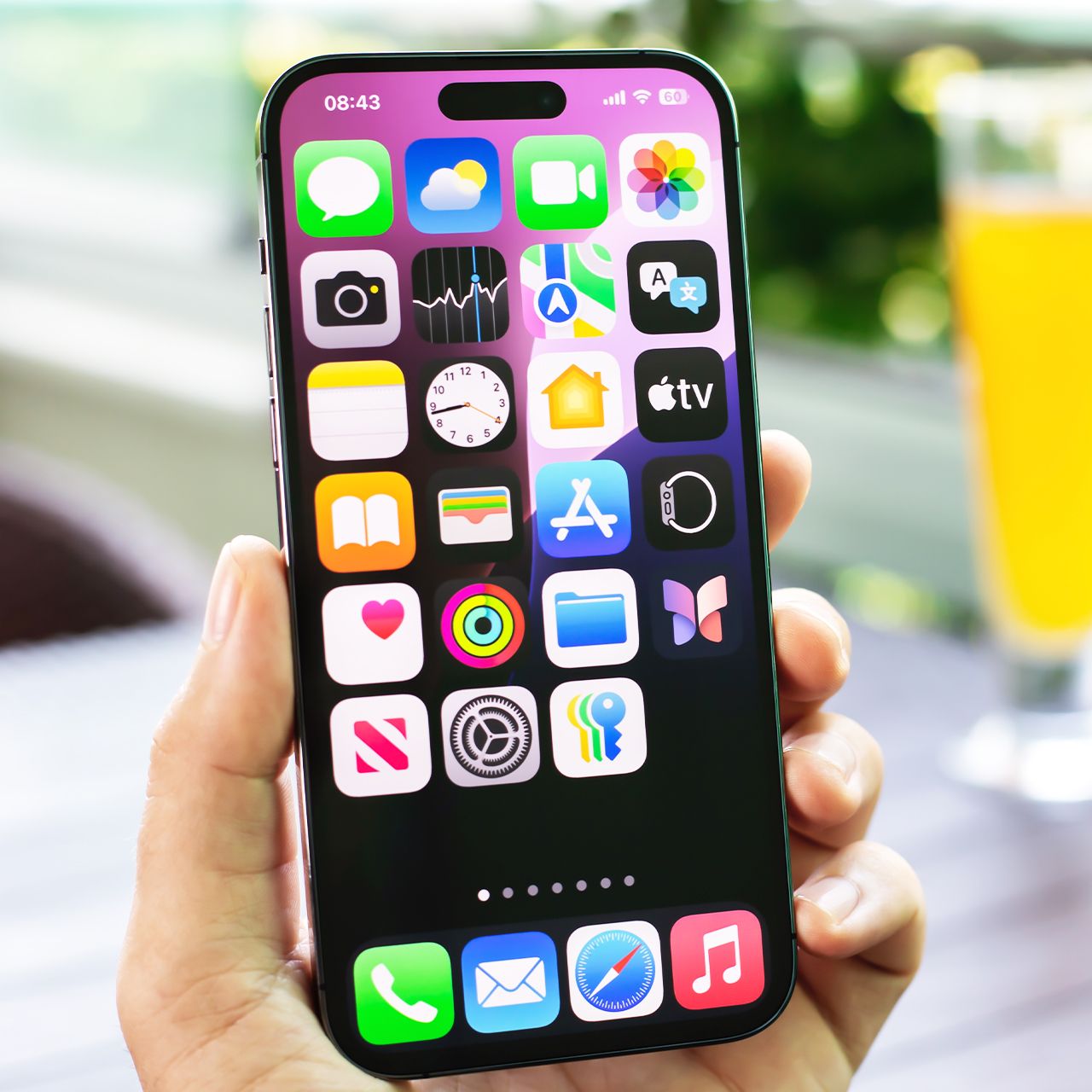
If your smartphone storage is filling up right now, it’s extremely valid to feel frustrated and helpless.
Smartphones can hold a whole lot of exciting things, but when they start to fill up and lose storage space, suddenly you’re left panicking about what to get rid of. Running out of storage on your phone can happen faster than you expect, especially when old apps and their accumulated data are taking up valuable space. If you’re trying to make room for photos, videos, or new apps, getting rid of programs you no longer need can be a quick and easy place to start. Read more about three apps you could delete below.

Women Are Swapping Their Boring Water For This Ice Pop Electrolyte Mix!
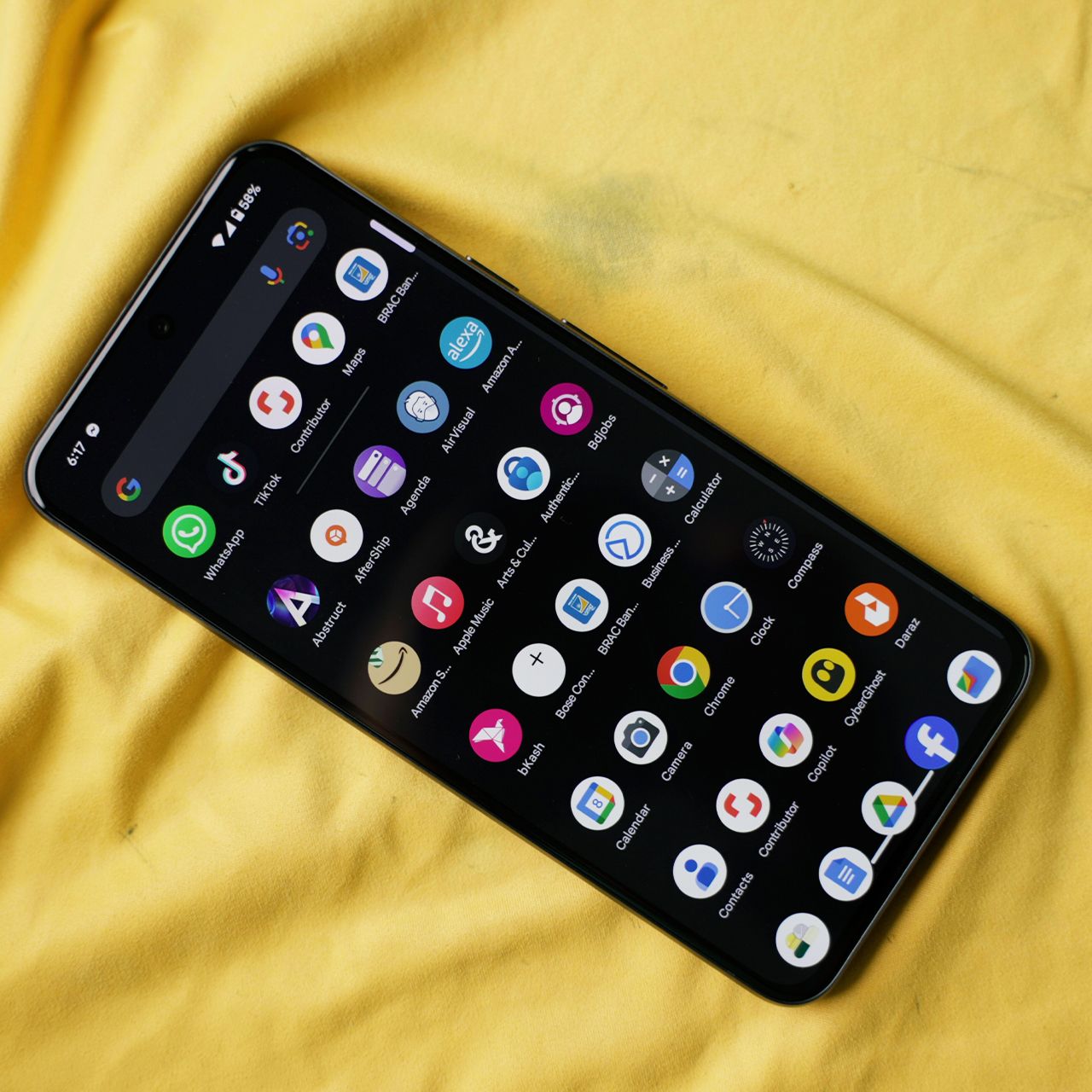
2. Ignoring Software Updates
Putting off software updates can leave your smartphone vulnerable to security flaws that hackers may already know how to exploit. Experts recommend installing updates when they become available, since they often include important security patches in addition to new features.
"People postpone smartphone updates because their phone seems to be working perfectly fine," notes cybersecurity engineer Kevin Mukam. "But updates are not only about new features. They contain security patches for vulnerabilities that attackers may be able to exploit."

2. Unused Social Media Apps
It's easy to download a social media app for a trend, a specific account, or simply to try out a new platform and then forget about it. If you haven't opened certain social media apps in months, deleting them can free up space while also getting rid of the data and cache they've accumulated.
"Social media apps can become storage hogs. Apps like Facebook, Instagram, and TikTok can accumulate a surprising amount of cached data from all the photos and videos you scroll through," Waterston adds. "If you barely use one of them anymore, delete it — there's no reason to let an abandoned app eat into valuable iPhone storage."
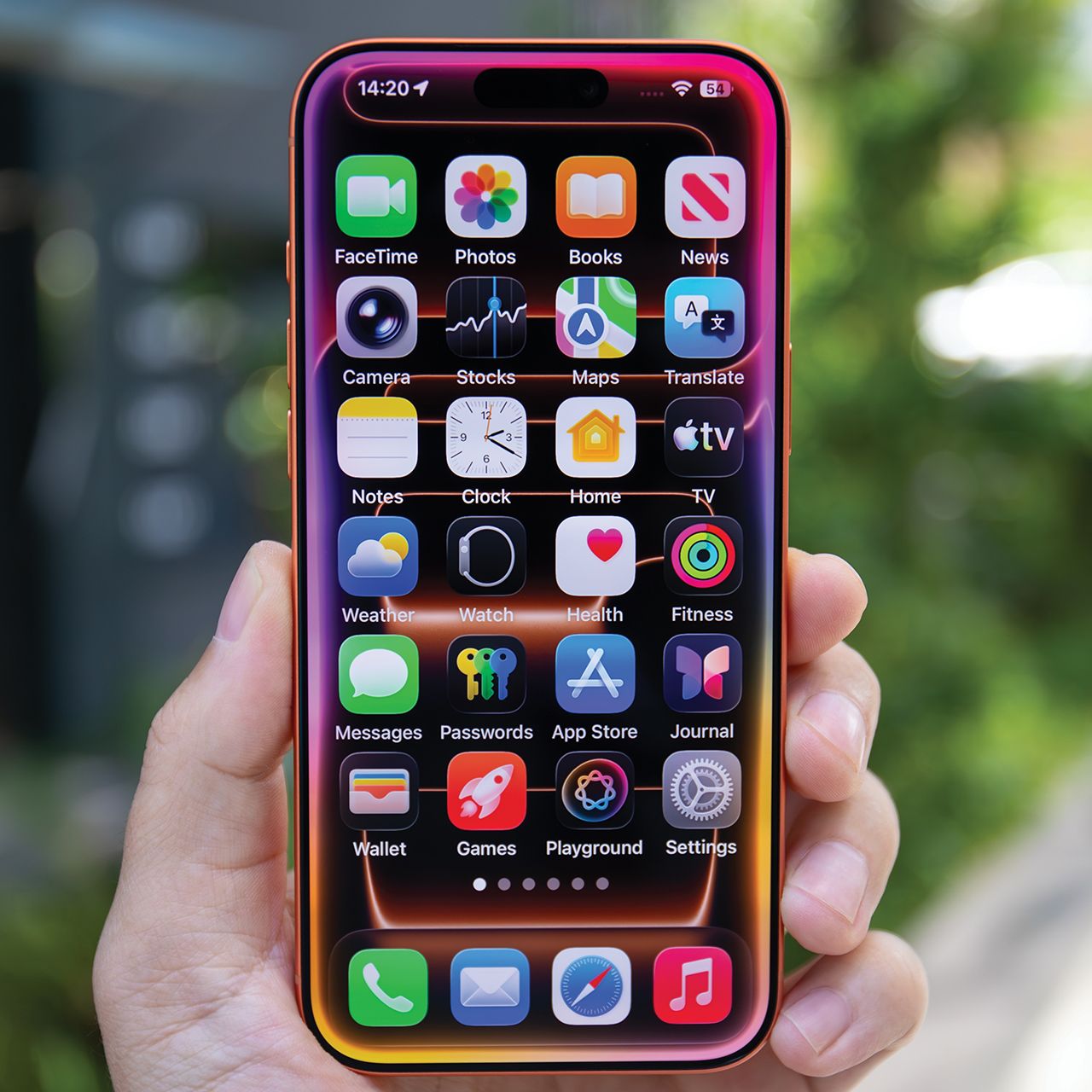
3. Clicking Links From Unknown Users
A link from an unfamiliar number, email address, or social media account could be more dangerous than it looks. Cybercriminals often use convincing messages and fake links to trick people into handing over passwords, financial information, or other sensitive data.
"Some are too quick to click links in text messages from unknown users, especially if they appear to be legitimate requests from financial institutions or other companies," adds Rosenne. "SMS messages about a missed delivery, an unpaid fee, or a locked bank account are among the most common scams right now."