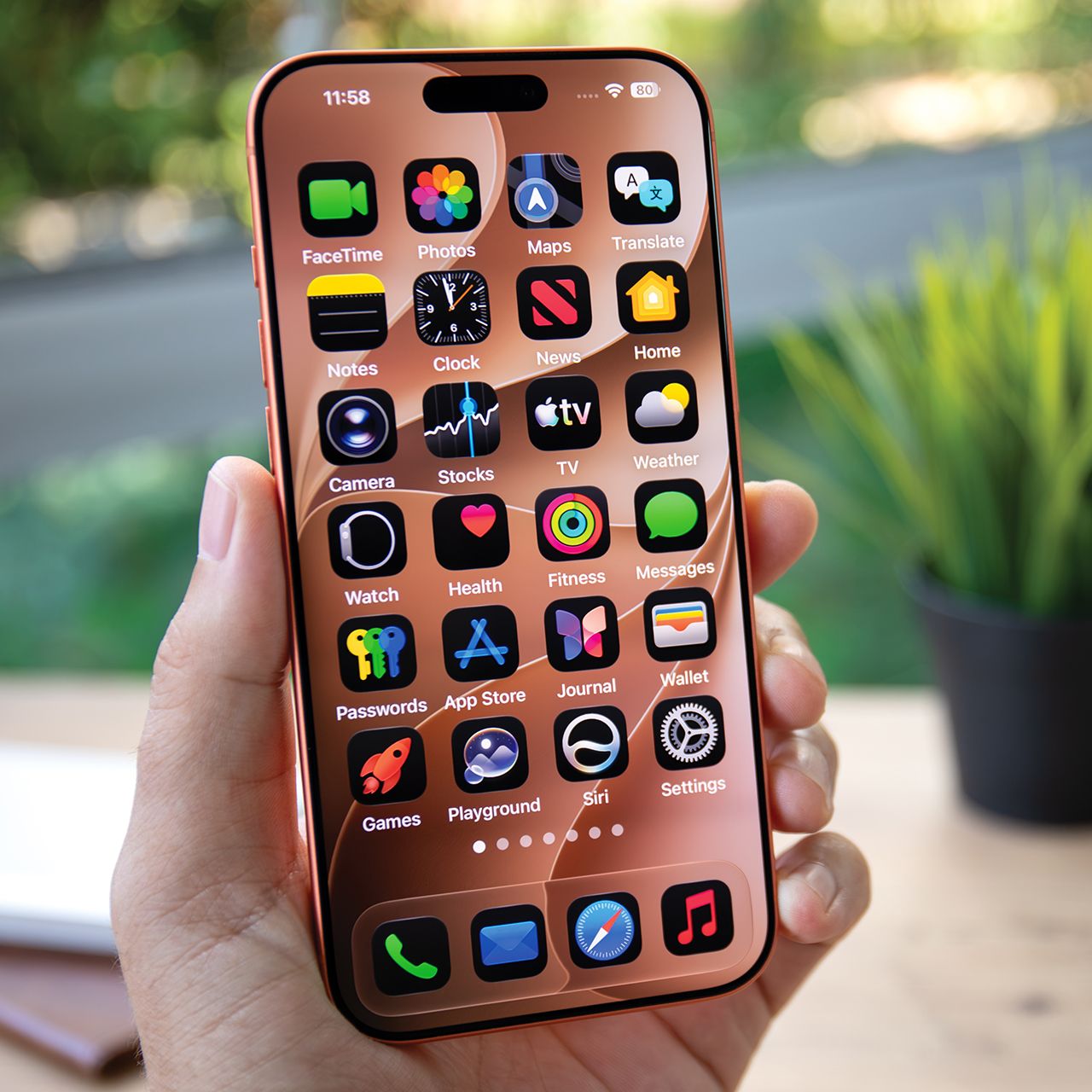


If your iPhone battery seems to be disappearing faster than usual, you might not need a new phone just yet.
There are a lot of things that can contribute to a draining iPhone battery, but there are also some things that aren’t as well known as others. For instance, a few settings could be quietly working in the background and using more battery than you realize. Luckily, there are some simple adjustments you can make to help your iPhone hold a charge for longer. Read more about two settings worth checking out below.

Women Are Swapping Their Boring Water For This Ice Pop Electrolyte Mix!
6. Find My iPhone
The Find My iPhone app is obviously a good one to have if you misplace your phone. But some privacy concerns associated with this app include the fact that it shares your location data, which also affects battery life.

7. Podcasts
Are you using Podcasts to download and save episodes of podcasts that you want to listen to? If so, great — keep it. But if you’ve only used it a few times, it could be continuing to download episodes and taking up storage space — you may not even know it’s happening.